Write a Product Description with AI Chat Agent Plus
Turn confirmed product facts into a clear listing draft and revise it for your shop.
Updated Nov 20, 2026
In this article
A good product description answers the questions a buyer would ask while holding the item. What is it made of? How large is it? What arrives in the package? AI Chat Agent Plus can help turn your answers into a readable draft that you can check against the product.
The publisher describes AI Chat Agent Plus as a conversational assistant for writing and creative tasks. A text conversation gives you a way to organize product notes, try different wording, and revise a description before using it in a listing. AI Chat Agent Plus on the App Store
Alibox promotes this application.
Gather the facts before asking for a draft
Write down the product name, materials, measurements, color, included items, and any care instructions you can confirm. Keep the units next to each measurement. For a handmade item, note variations that a buyer may notice between pieces.
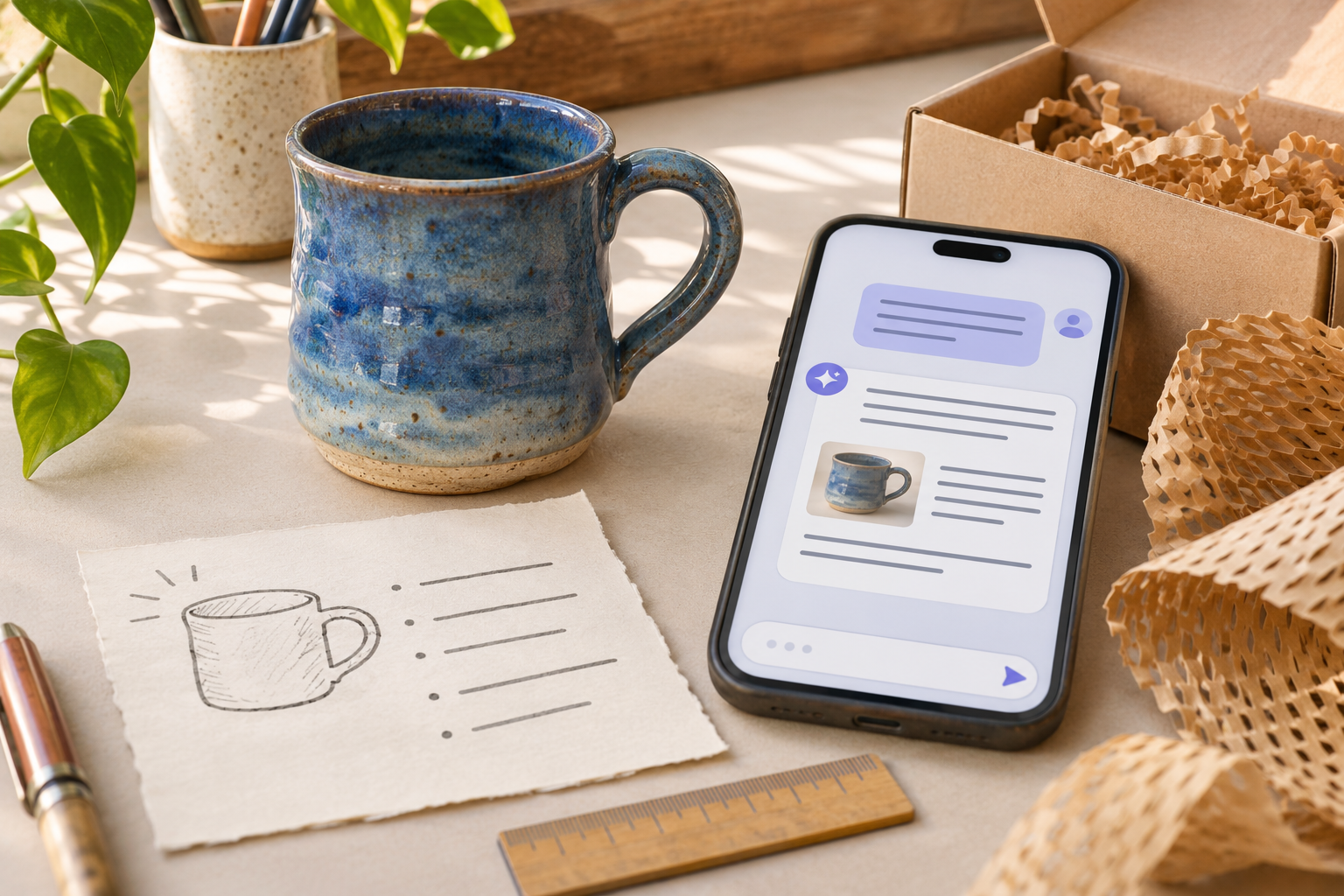
For example, a mug brief might include a blue glazed finish, a measured capacity, the number of mugs included, and the care instructions supplied by the maker. Leave unanswered details as questions to resolve before publishing.
Decide where the description will appear. A small marketplace listing may need a short paragraph and a few facts, while your own product page may have room for more detail.
Draft a product description with AI Chat
Open a conversation and give the assistant your facts, audience, and preferred length. You can start with this prompt.
Write a product description of about 100 words for a handmade ceramic mug. Use only the facts below. Start with a plain sentence describing the item, then add a short paragraph and a list of specifications. Keep the tone friendly and list any missing information as questions.
Add the confirmed facts below the prompt. Asking for the missing information separately gives you a useful checklist to complete before the listing is ready. Guide to clearer AI Chat prompts
Check every descriptive claim
Compare the draft line by line with your notes. Look closely at claims about durability, compatibility, care, origin, and what comes in the package. A phrase such as “dishwasher safe” needs confirmation from your product information.
Check numbers separately. Make sure capacity, dimensions, quantities, and units match the item you are selling. If the assistant added a feature you cannot verify, remove it and ask for another version using the confirmed facts.
For handmade products, describe visible variation clearly. Buyers may appreciate knowing that the glaze pattern differs slightly between pieces.
Make the wording sound like your shop
Read the draft as if you were answering a customer in person. Replace exaggerated adjectives with concrete details. If the description feels too formal, name the changes you want.
Shorten the opening. Keep the blue glaze and handmade detail. Use simpler sentences and retain all measurements exactly as supplied.
Review the revision again, including the specifications. A shorter version still needs the facts that help someone choose the right item.
Prepare a short version for a second placement
Once you have checked the main description, ask for a shorter version based on that approved text. Specify the placement, such as a collection card or a social post, and the space available.
Compare both versions before using them. They should agree on the product name, contents, dimensions, and care details. Save the final wording with your product notes so future edits start from the same information. AI Chat feature overview
Can I draft several listings in one conversation?
Yes. Separate each item's facts clearly and ask for one description at a time if the products are similar. Check that details from one item have stayed with the correct listing.
What if I only have a product photo?
Start by gathering measurements and the maker's specifications. A photo can show visible details, but it may leave material, capacity, care instructions, and package contents uncertain. Add those facts before requesting the final description.