
Nov 28, 2026 · 4 min read
Describe a Creative Project with AI Chat Agent Plus
Turn your project notes into a clear portfolio description that explains your role and creative decisions.
Read story ↗
An AI assistant for questions, writing, and everyday tasks
Chat with an AI assistant, work on writing and ideas, and explore image analysis in an app for iPhone and iPad.
AI Chat Agent Plus is an AI assistant listed on the App Store for iPhone and iPad. Its publisher describes tools for conversational answers, writing support, brainstorming, and AI-powered image analysis.
Use the app to explore questions, develop ideas, draft text, and organize everyday tasks. The App Store description also lists multilingual support and access to multiple AI agents. These are publisher-described features; individual results can vary.
The current App Store metadata lists a minimum iOS version of 16.6 and support for iPhone and iPad. Check the current listing for device compatibility, availability, and any paid features before downloading.
AI-generated answers can be inaccurate or incomplete. Verify important information independently and do not treat generated content as professional advice. Exact underlying model versions, usage limits, offline availability, and subscription entitlements have not been independently verified.
Product information on this page is based on the publisher's App Store listing.
iOS 16.6+

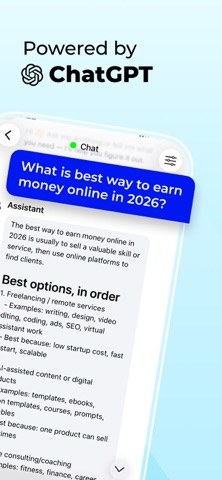
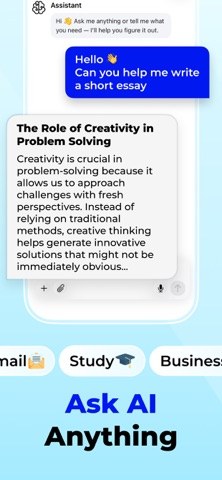
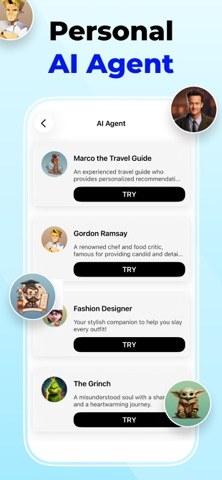
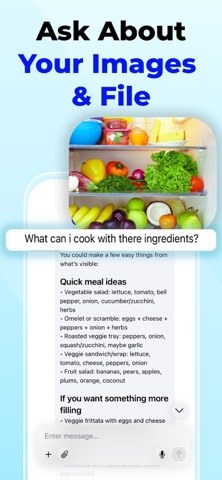

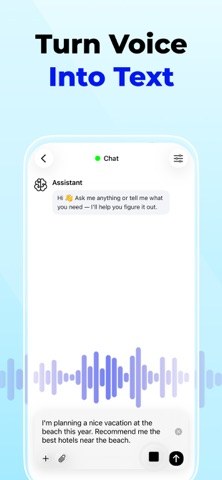
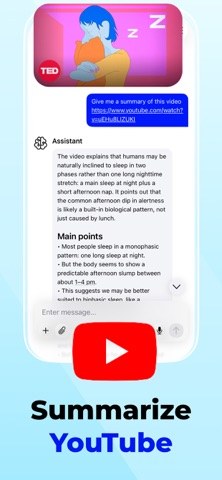
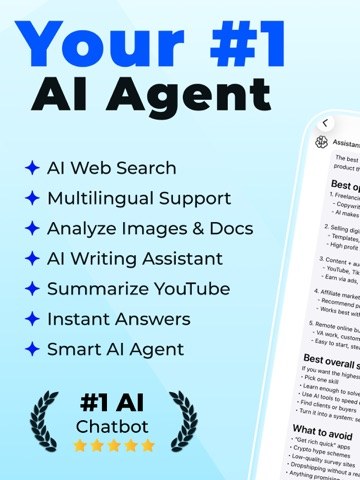
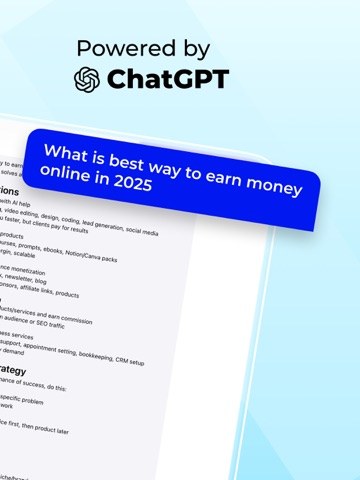
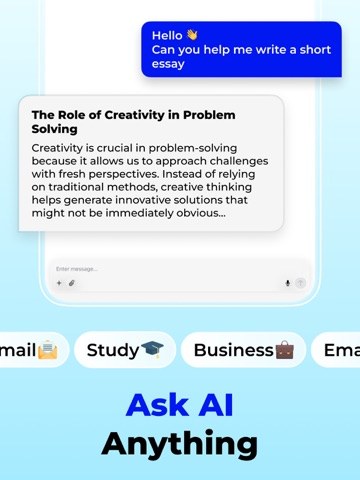
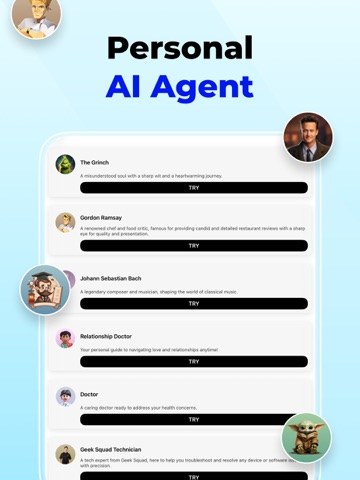
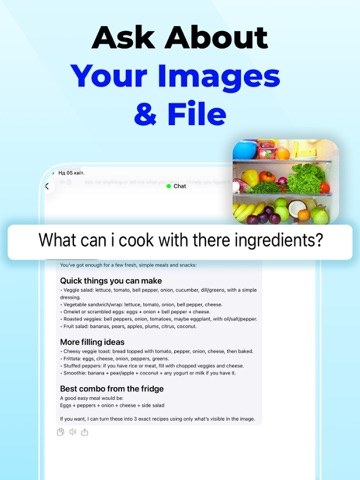
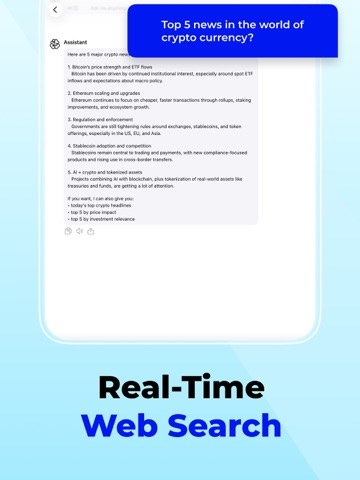
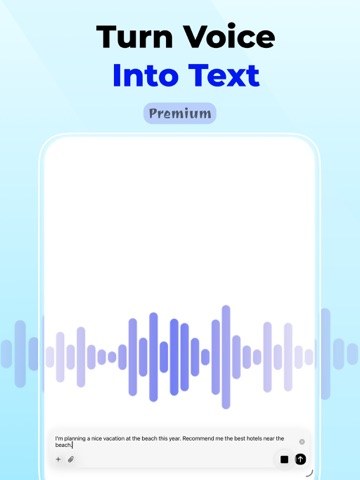
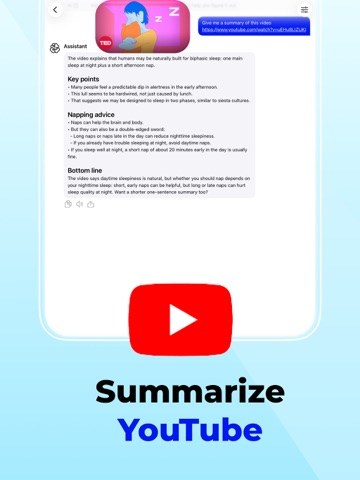
It is a mobile AI assistant whose App Store description lists chat, writing support, brainstorming, image analysis, and multiple AI agents.
The current App Store metadata lists iPhone and iPad support with a minimum iOS version of 16.6. Check the listing for compatibility with your device.
AI-generated information can be wrong or incomplete. Independently verify important answers and consult a qualified professional when appropriate.
Review the current App Store listing and in-app purchase screens. The publisher links to its own Privacy Policy and Terms of Use in the app description.
Turn your project notes into a clear portfolio description that explains your role and creative decisions.
Read story ↗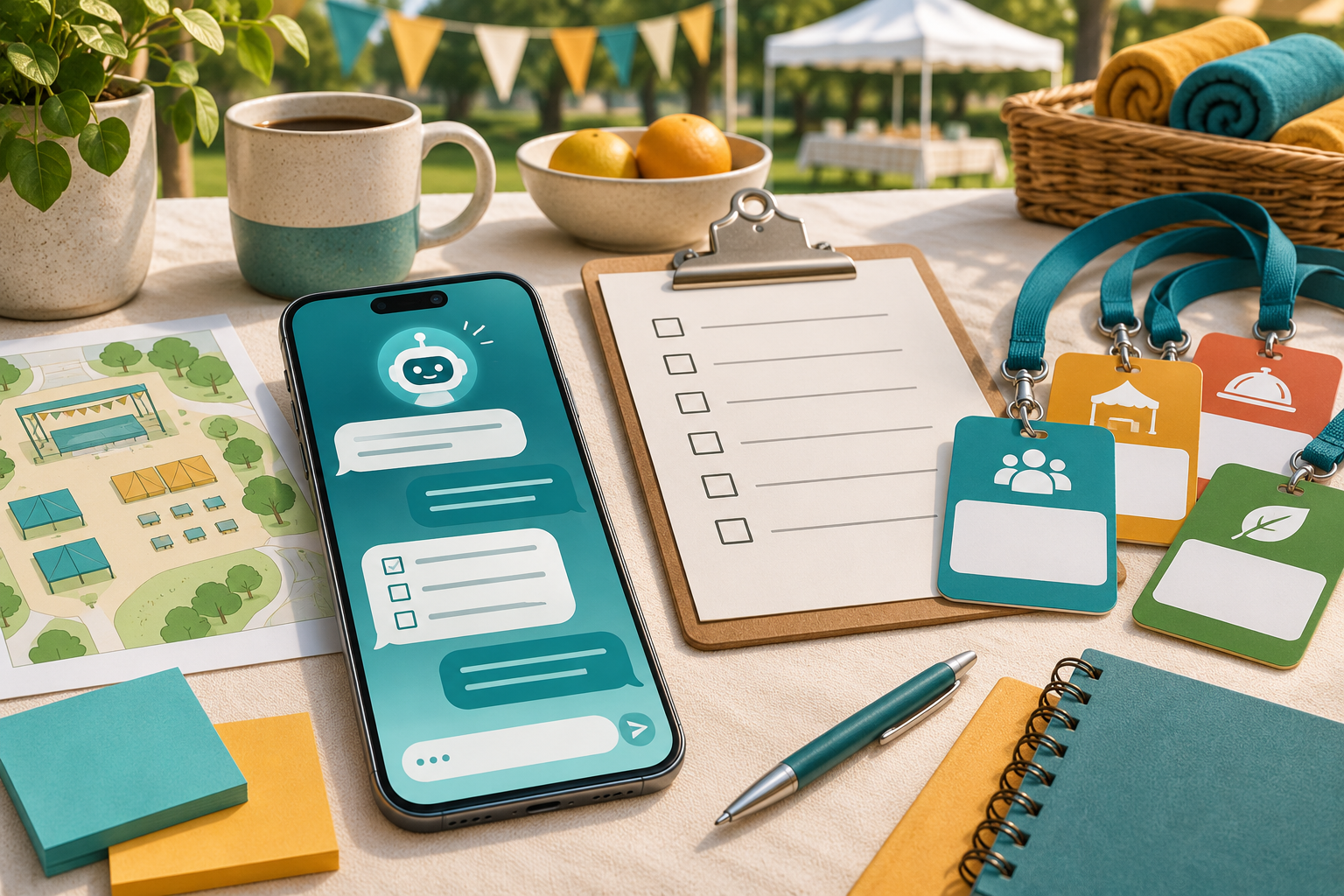
Turn confirmed event notes into clear arrival instructions, role tasks, and a handover briefing.
Read story ↗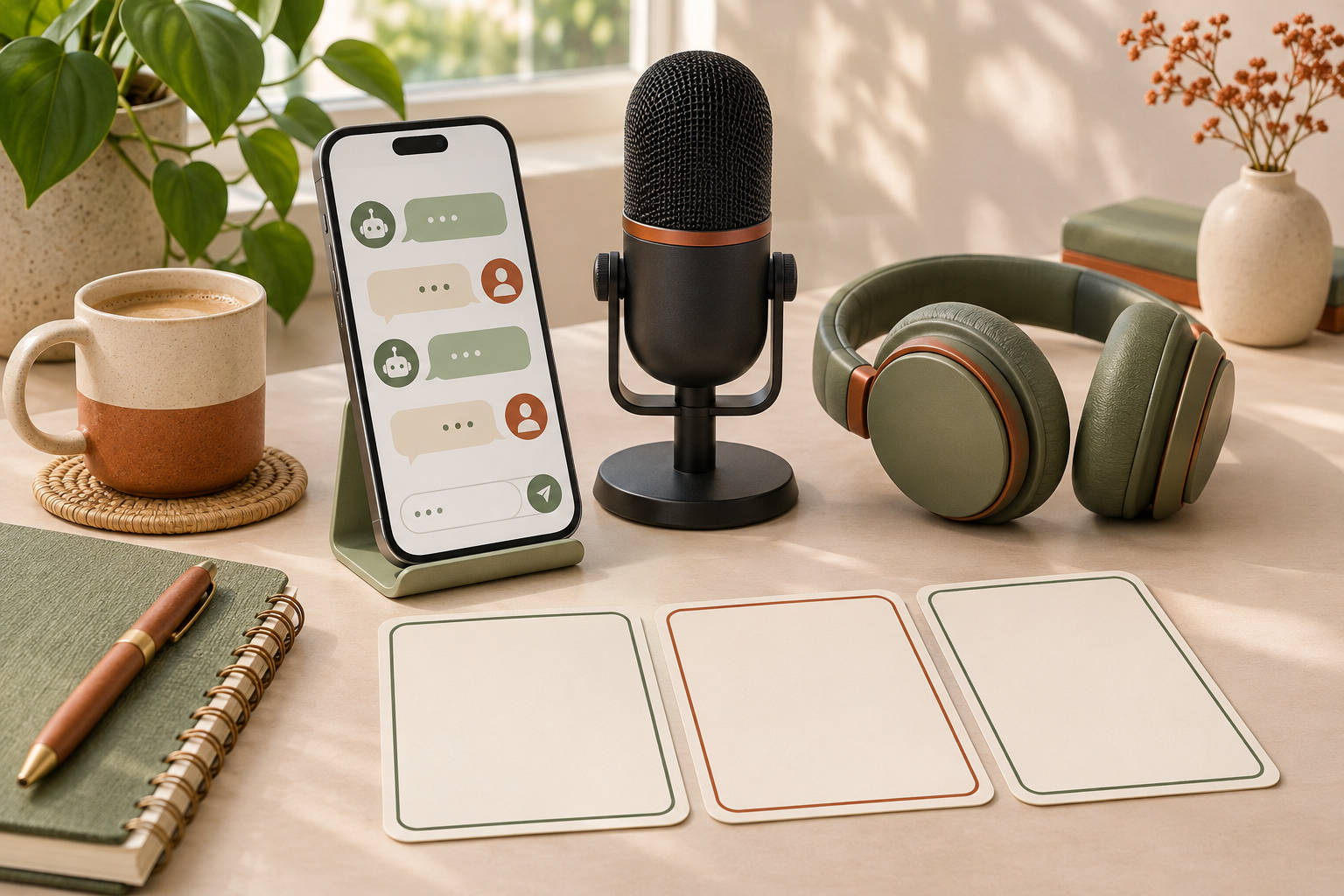
Turn episode notes into a focused podcast outline, develop your examples, and rehearse the running order.
Read story ↗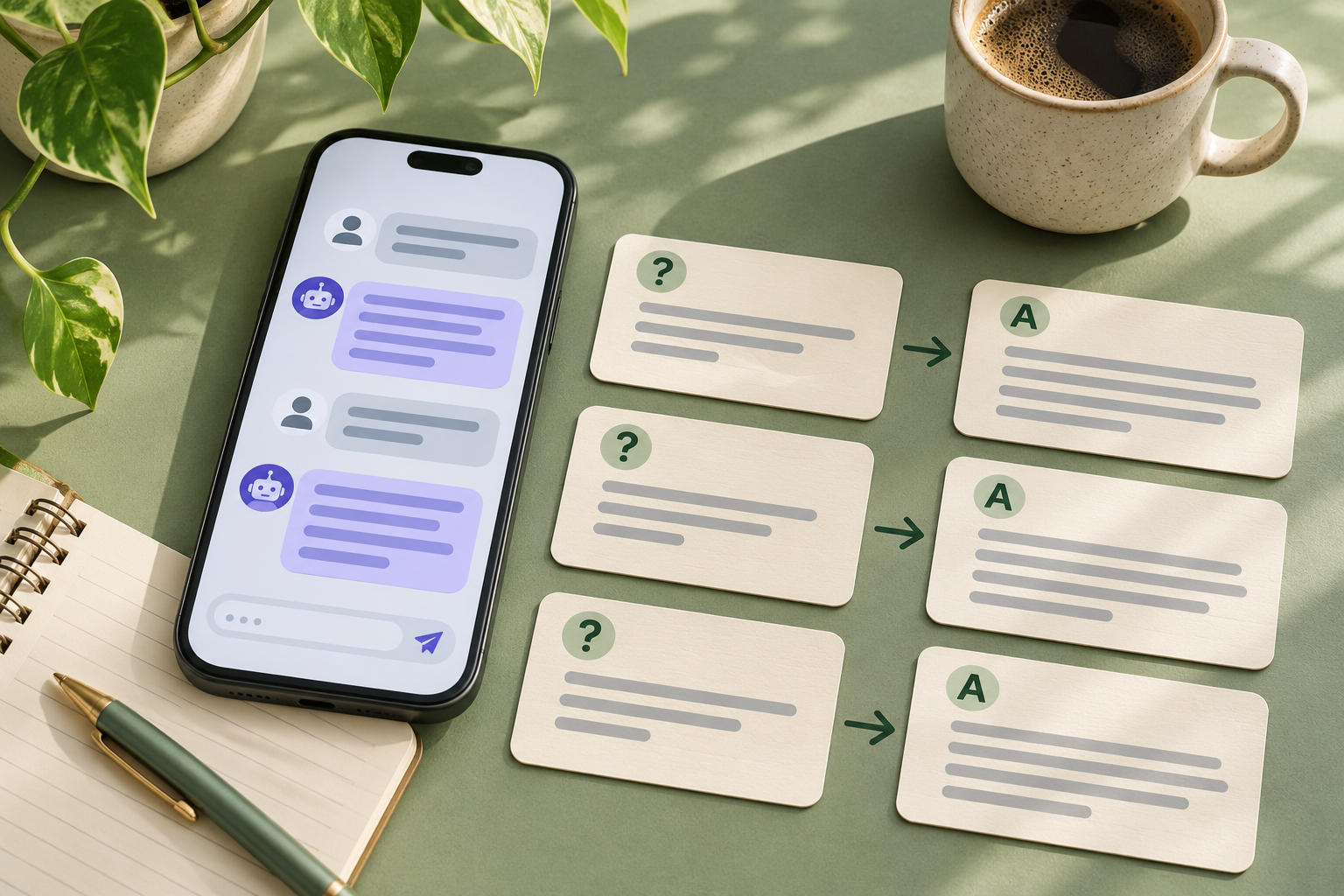
Turn confirmed notes into clear FAQ answers, resolve missing details, and review the draft for newcomers.
Read story ↗
Turn confirmed product facts into a clear listing draft and revise it for your shop.
Read story ↗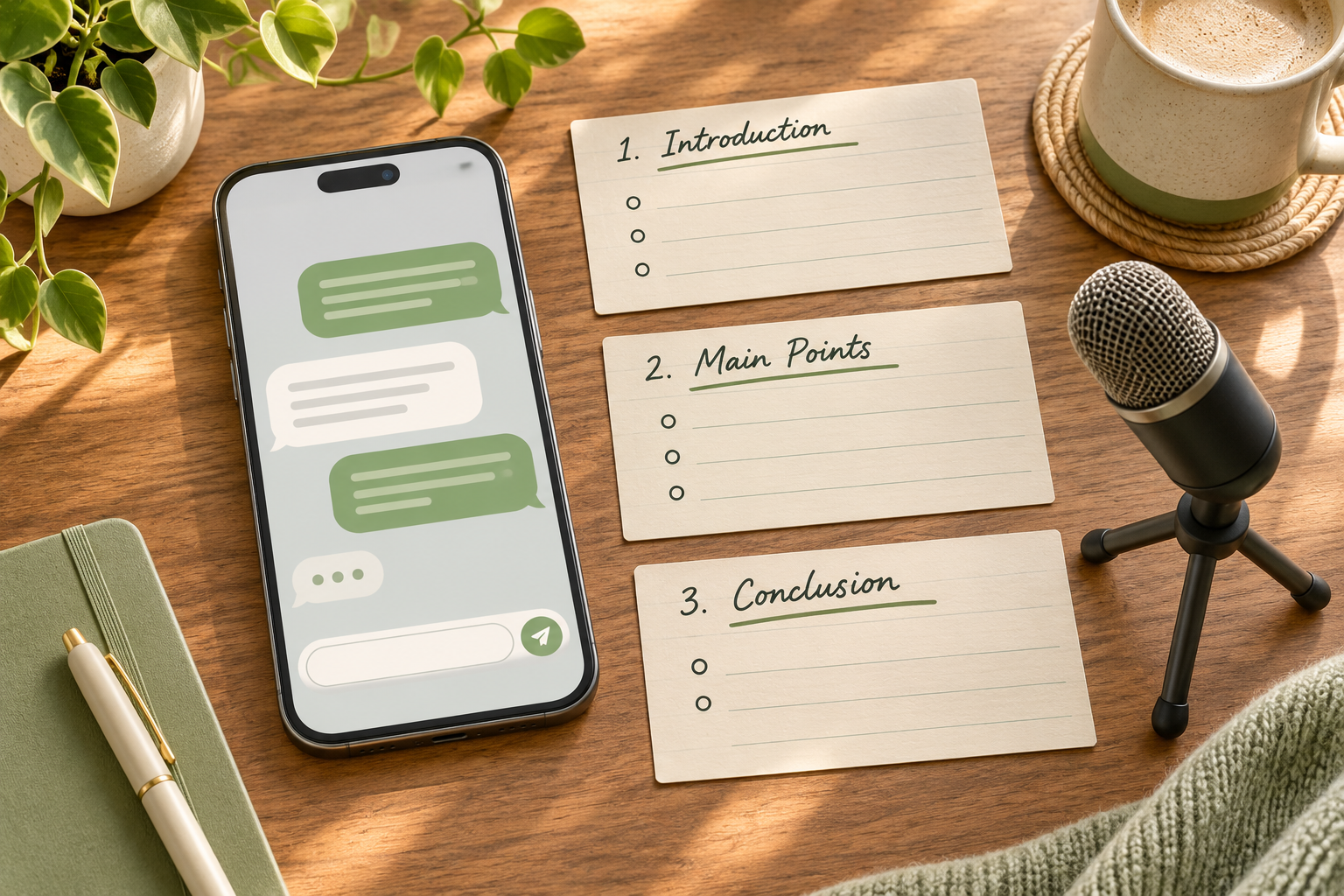
Turn rough notes into a short presentation outline, revise the wording, and rehearse with cue cards.
Read story ↗