Prepare a Volunteer Briefing with AI Chat Agent Plus
Turn confirmed event notes into clear arrival instructions, role tasks, and a handover briefing.
Updated Nov 26, 2026
In this article
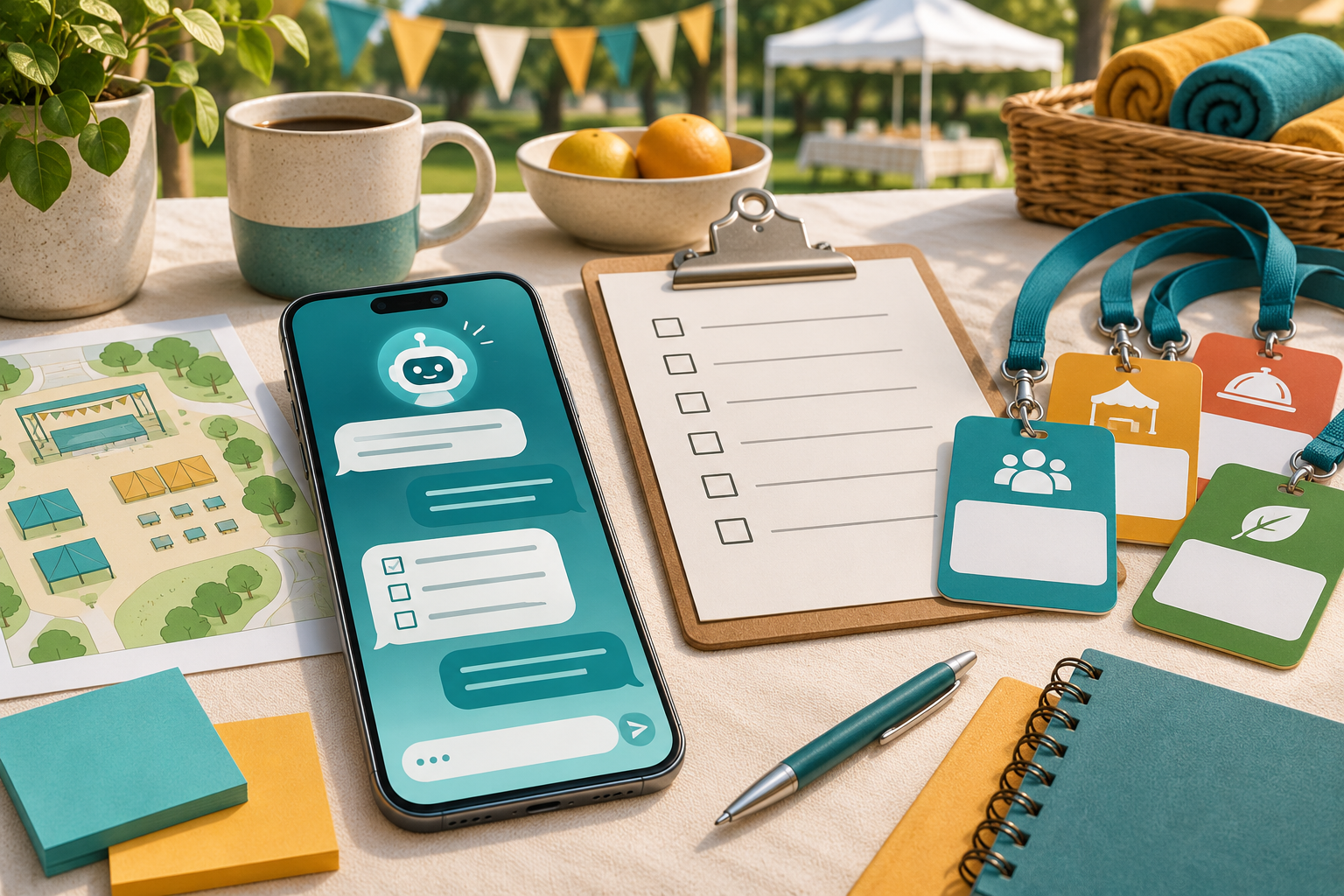
A volunteer arriving for a first shift needs a few practical answers quickly. Where should they go? Who will meet them? What should they do first? When those details are scattered across messages, AI Chat Agent Plus can help you turn confirmed notes into a clear briefing draft.
The publisher describes AI Chat Agent Plus as a conversational assistant for writing and everyday productivity. You can provide the event information, ask for a short structure, and revise the wording before the coordinator checks it. AI Chat Agent Plus on the App Store
Alibox promotes this application.
Gather the details a new volunteer needs
Start with the event date, arrival time, meeting point, role, first task, and coordinator contact method. Add what the volunteer should bring and where they should go at the end of the shift.
Use confirmed information. Keep unanswered questions on a separate list so they remain visible during review. If different roles have different instructions, prepare a set of notes for each role.
Use role names in the drafting notes and add approved personal contact details to the final document through your usual process.
Draft a volunteer briefing with AI Chat
Tell the assistant who will read the briefing and when they will use it. For a community book sale, a first prompt could be:
Turn my confirmed notes into a one-page briefing for a first-time book sale volunteer. Organize it by arrival, first task, during the shift, and handover. Use short instructions. List missing information separately as questions for the coordinator.
Paste the notes underneath. Review the headings and sequence before working on the wording. A new volunteer should be able to follow the order from arriving to finishing the shift. Guide to clearer AI Chat prompts
Make the first task concrete
Read the arrival section as someone who has never visited the venue. Replace vague directions with a confirmed meeting point and a clear next action.
For the book sale, the first task might be to meet the table lead and collect the labels for a particular section. State who explains the task and where the materials are available.
If the draft assumes a procedure you have not supplied, ask the coordinator to confirm it. Keep event procedures aligned with the organizer's actual instructions.
Add a clear handover
A short handover section helps the next volunteer understand what has already been done. Include the information your organizer wants passed on, such as unfinished sorting or where to return shared materials.
Ask the assistant to shorten a crowded section while preserving the confirmed actions. For example, request one action per sentence and keep the role names consistent throughout.
Read the revised section against the original notes so an important step has not disappeared during editing.
Check the briefing with the coordinator
Verify times, location names, responsibilities, and contact methods. Ask the person responsible for each role to check the instructions before sharing them.
Try a follow-up prompt to find unclear language:
Review this briefing as a new volunteer. List instructions that leave the reader unsure where to go, who to ask, or what to do next. Keep suggestions separate from the briefing text.
Use that list to guide your review. Resolve any remaining questions with the coordinator and save the checked version with the event date.
Prepare a short reminder message
Once the briefing is approved, ask for a concise arrival reminder based on that text. Keep the meeting point, time, and link to the full instructions. Compare the reminder with the approved version before sending it through your normal channel. Writing clearer messages with AI Chat
Can I use one briefing for several roles?
Use a shared arrival section when it applies to everyone, then clearly identify the instructions for each role. Check that volunteers can find their own tasks without reading unrelated procedures.
Can I reuse the briefing at the next event?
Update and verify all event-specific details before sharing it again. Recheck responsibilities and handover steps as well as dates and times. AI Chat feature overview