Nov 28, 2026 · 4 min read
Review Duplicate Entries in Auth Code
Identify similar account entries, test the correct login, and review recovery before cleaning up.
Read story ↗
One-time codes for authenticator-based sign-ins
Generate TOTP and HOTP codes, import authenticator accounts, and organize two-factor sign-ins on iPhone and iPad.
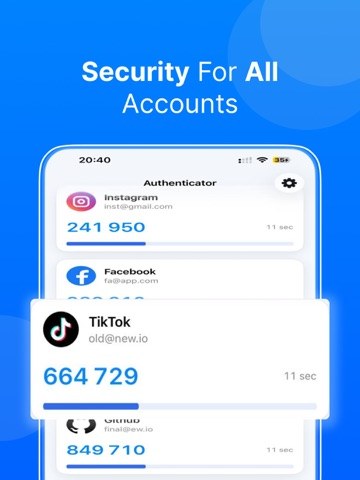
Auth Code: 2FA Authenticator generates one-time codes for services supporting standard TOTP or HOTP authentication. Code generation works without an internet connection, according to the publisher.
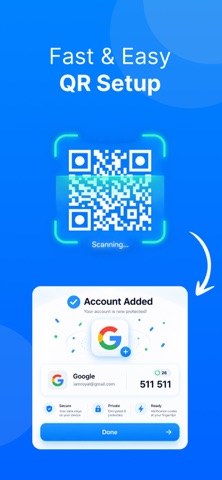
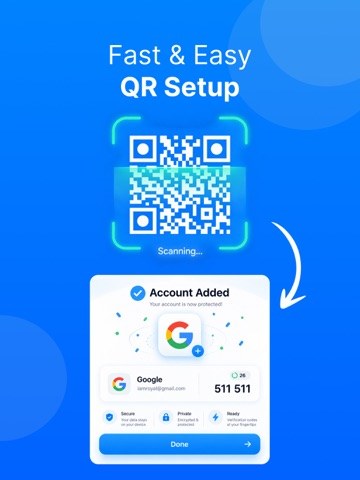
Scan a setup QR code, import a QR image from Photos, or enter a setup key manually. The listing also describes importing Google Authenticator export QR codes, including exports spanning multiple QR codes. Search and favorites help organize saved accounts.
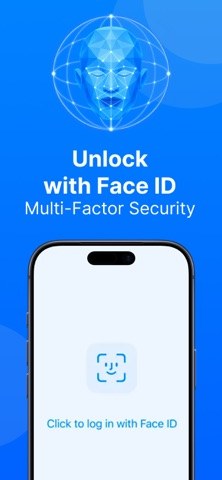
The publisher lists Face ID or Touch ID on supported devices, automatic locking, and an option to hide codes. A Home Screen widget and light and dark appearance options are also available.
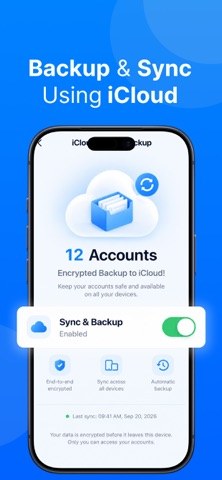
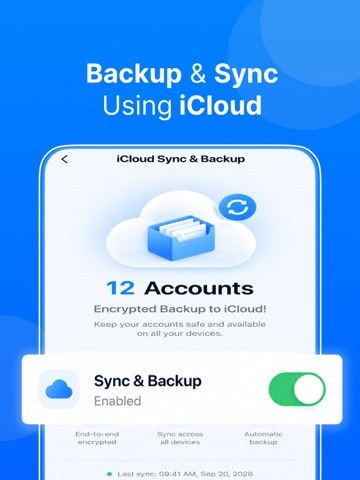
The listing describes password-encrypted backup export and optional iCloud sync with accounts encrypted before storage in a private iCloud database. These are publisher statements, not an independent security audit. Keep backup files, passwords, and service recovery codes safe.
Premium is listed as including unlimited accounts, encrypted iCloud sync, and password-protected backup export. Restoring an existing encrypted backup is described as available without Premium. Check current purchase screens for terms and access.
Apple metadata lists iPhone and iPad support with minimum iOS 16.6. Enable authenticator-based 2FA in the service first, add its setup information, and confirm a generated code to complete enrollment. Compatibility depends on the service supporting the relevant authentication standard.
Product information is based on the publisher's App Store description and Apple metadata.
iOS 16.6+


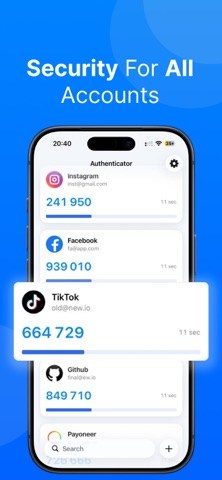


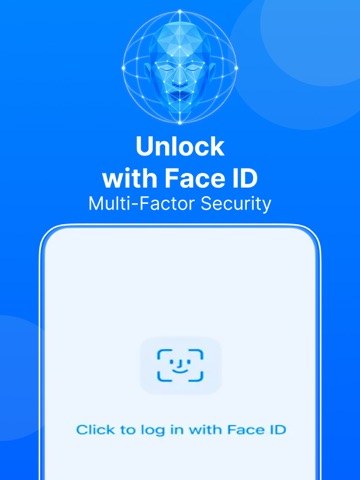
The publisher states that verification codes can be generated without an internet connection. Other features, such as sync, can require connectivity.
The listing describes support for Google Authenticator export QR codes, including exports with multiple QR codes.
Auth Code is described as supporting services that use standard TOTP or HOTP authentication. Check the service’s authenticator setup options.
The listing names unlimited accounts, encrypted iCloud sync, and password-protected backup export. Restoring an existing encrypted backup is described as available without Premium. Check current in-app terms.
Apple metadata lists iPhone and iPad support with minimum iOS 16.6. Biometric features require compatible hardware.
Identify similar account entries, test the correct login, and review recovery before cleaning up.
Read story ↗
Understand setup keys, current verification codes, and service recovery codes during authenticator enrollment.
Read story ↗
Match your Auth Code entry to the updated account, test sign-in, and review recovery details.
Read story ↗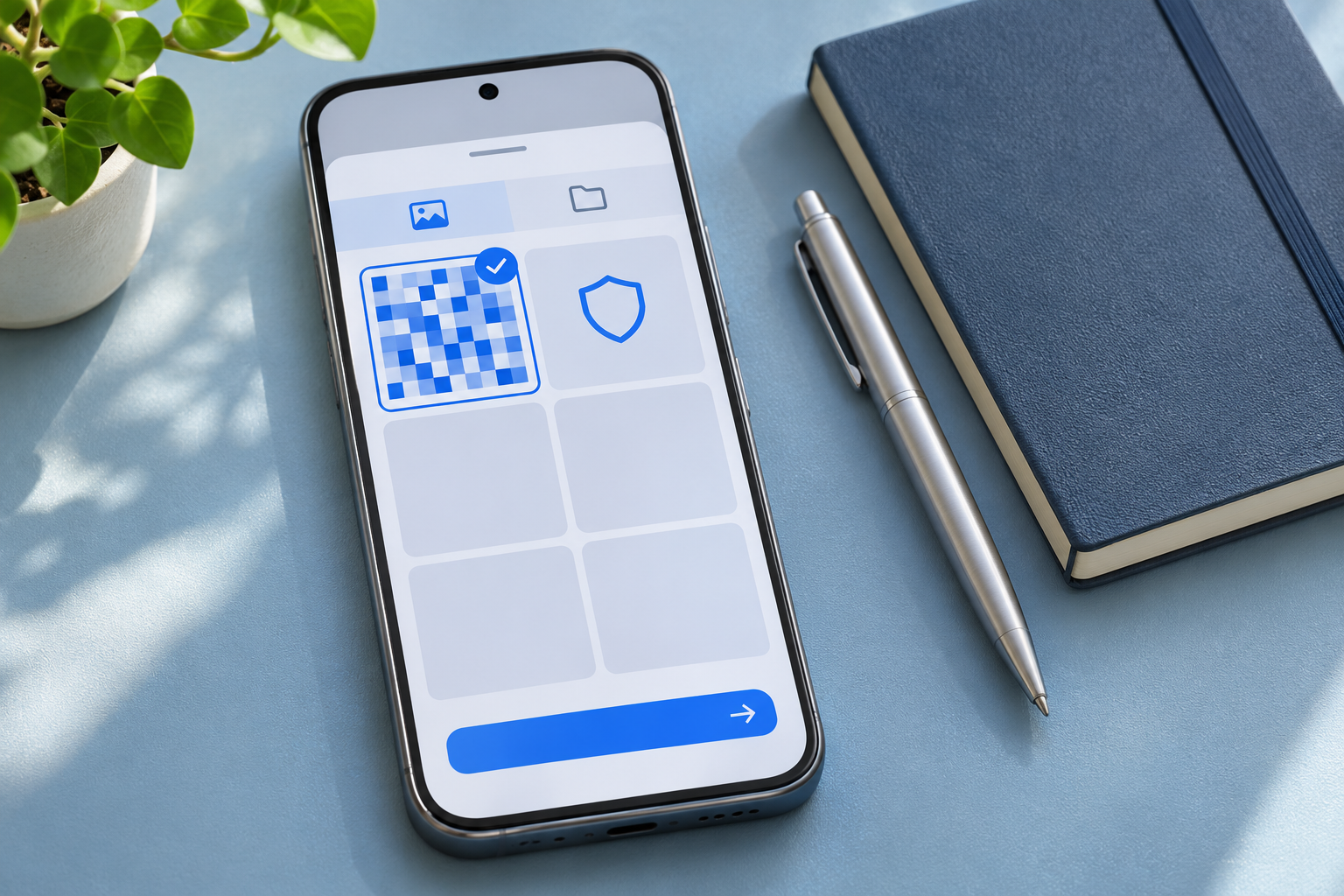
Add an authenticator account from a saved QR image, verify its details, and complete enrollment with your service.
Read story ↗
Confirm enrollment with your service, match the correct account entry, and test an authenticator sign-in.
Read story ↗
Prepare your authenticator before a trip, test offline code access, and check your account recovery options.
Read story ↗