Nov 28, 2026 · 4 min read
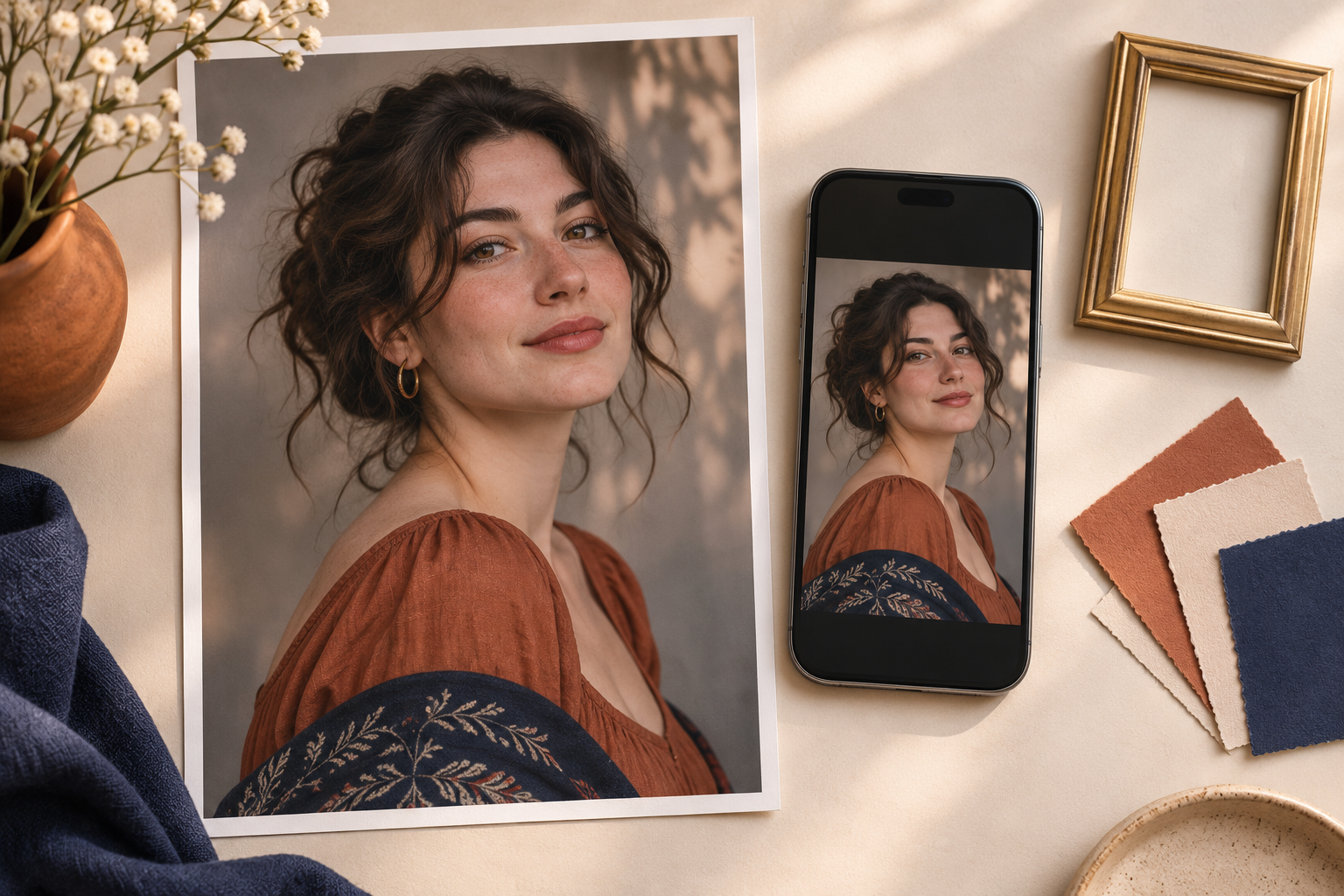
Prepare a PhotoPic Face Swap for a Small Print
Review the saved portrait, check the frame crop, and prepare a test print before ordering copies.
Read story ↗
Face swaps, photo restoration, and creative AI edits
Create face swaps, restore older photos, and edit objects and backgrounds with AI photo tools for iPhone and iPad.
PhotoPic: AI Face Swap Editor brings together face swapping, photo restoration, and image editing tools. The publisher lists face swaps between photos or within the same image, alongside tools for changing backgrounds and editing objects.
The App Store description includes AI Colorize for black-and-white photos, AI Descratch for scratches and imperfections, and AI Upscale for increasing image resolution. Results vary with the source image and should be reviewed before saving or sharing.
Use the listed background removal, replacement, and blur tools to change a photo's setting or emphasis. Object removal and replacement offer further editing options, while AI Outpainting extends an image beyond its original frame.
Apple product metadata lists iPhone and iPad support with a minimum iOS version of 16.0. Review the current App Store listing and in-app purchase screens for compatibility and feature access.
Use photos you have permission to edit, and obtain consent when working with another person's likeness. Identify edited images where their context could otherwise mislead viewers.
Product information is based on the publisher's App Store description and Apple product metadata.
iOS 16.0+
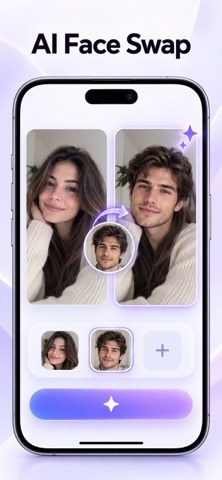
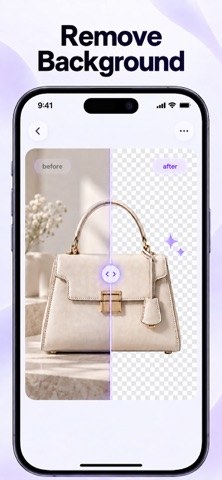

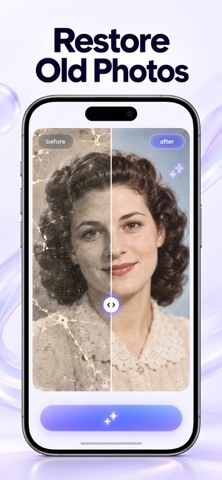

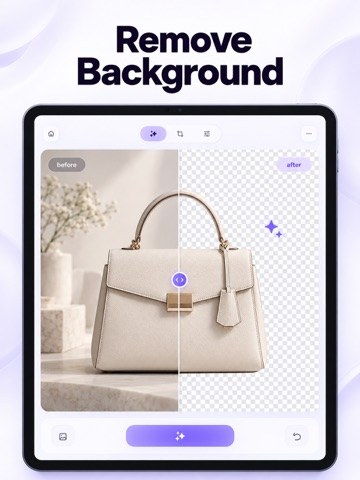
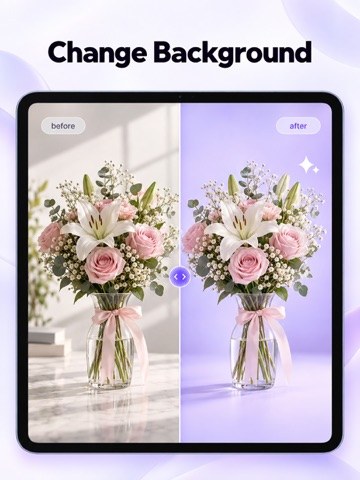
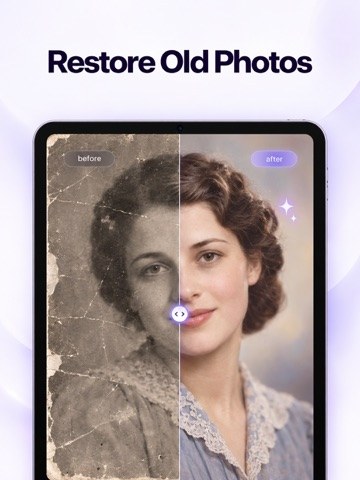
The publisher lists face swapping, colorization, scratch removal, upscaling, object editing, background tools, and outpainting.
The listing describes AI Colorize and AI Descratch for colorization and removing scratches. Results depend on the original image.
Apple metadata lists iPhone and iPad with a minimum iOS version of 16.0. Check the current listing for your device.
Check the app and its current purchase screens for feature access, prices, and subscription terms.
Review the saved portrait, check the frame crop, and prepare a test print before ordering copies.
Read story ↗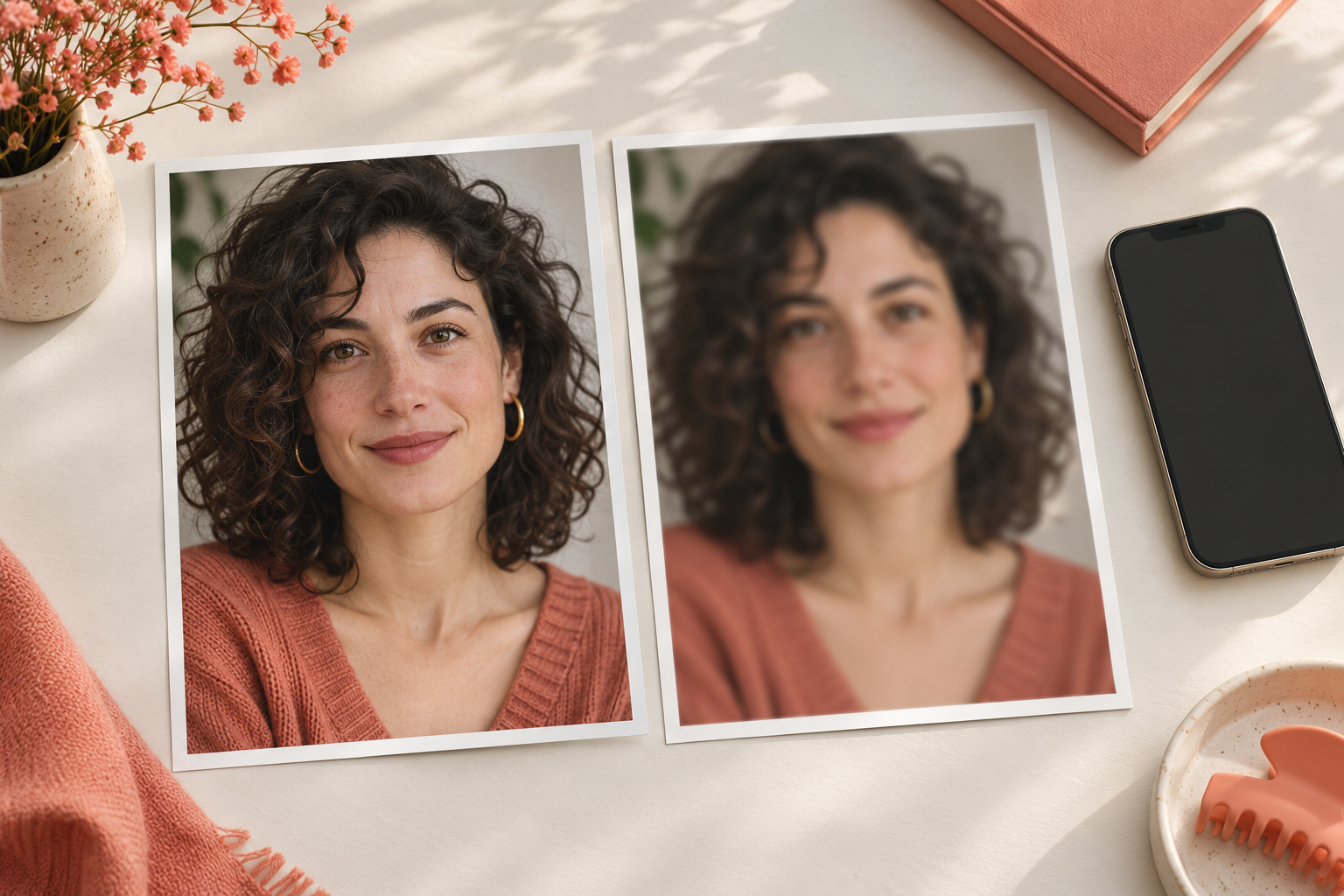
Compare original portraits, spot blur, and review facial detail before choosing a face swap source.
Read story ↗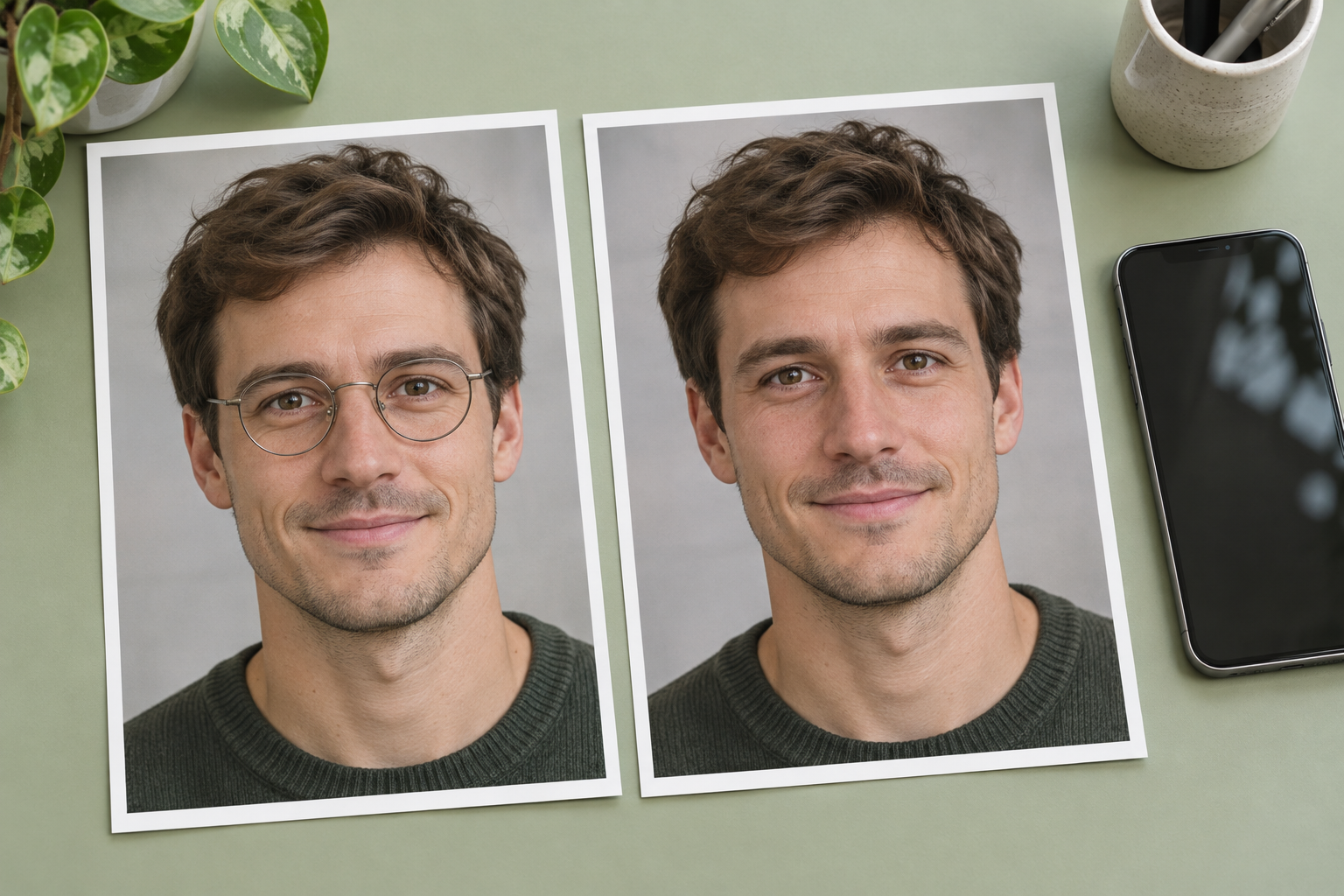
Choose clear portraits, inspect lens reflections, and compare frame details in your creative face swap.
Read story ↗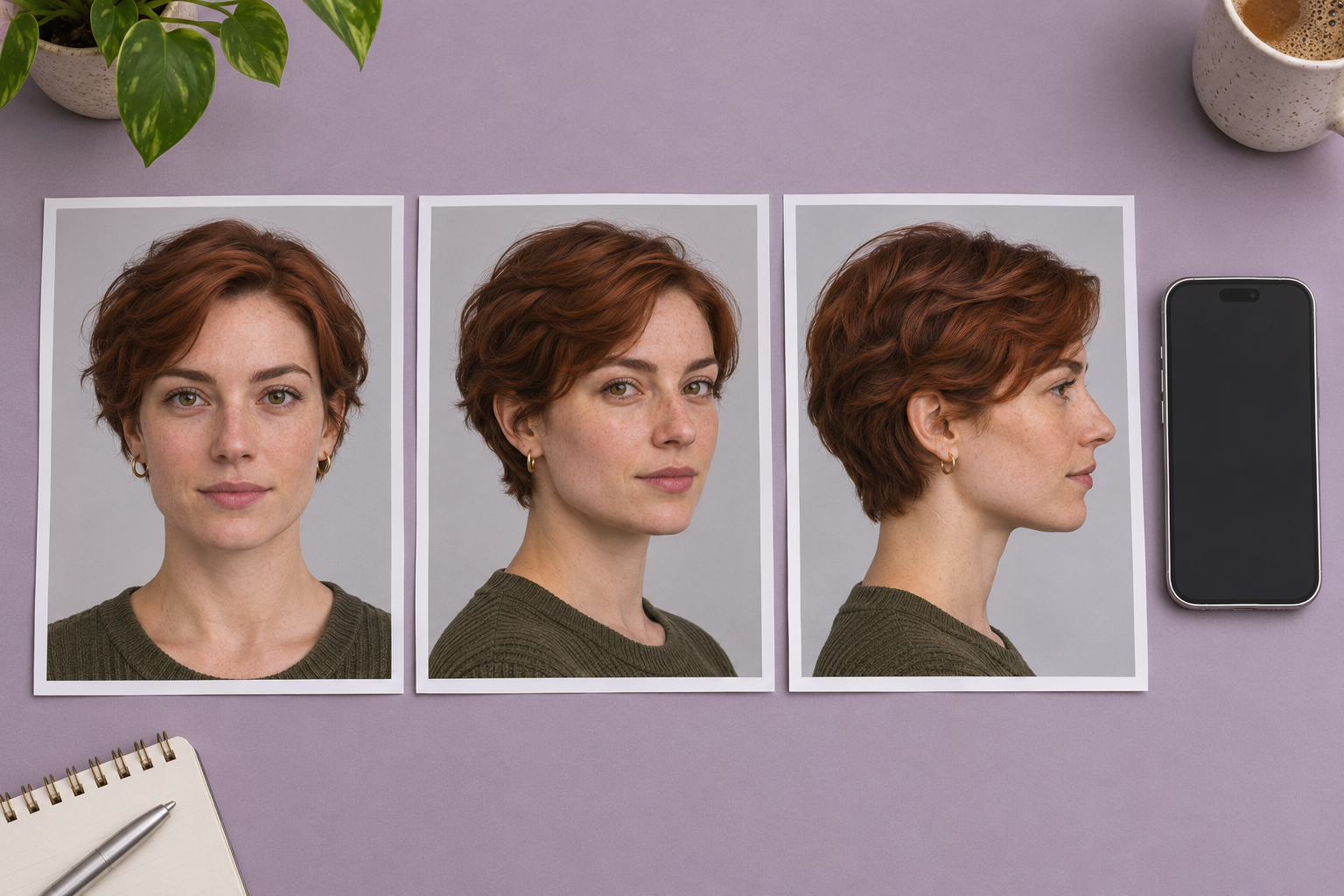
Compare head turns and chin tilt, test source portraits, and review your creative face swap.
Read story ↗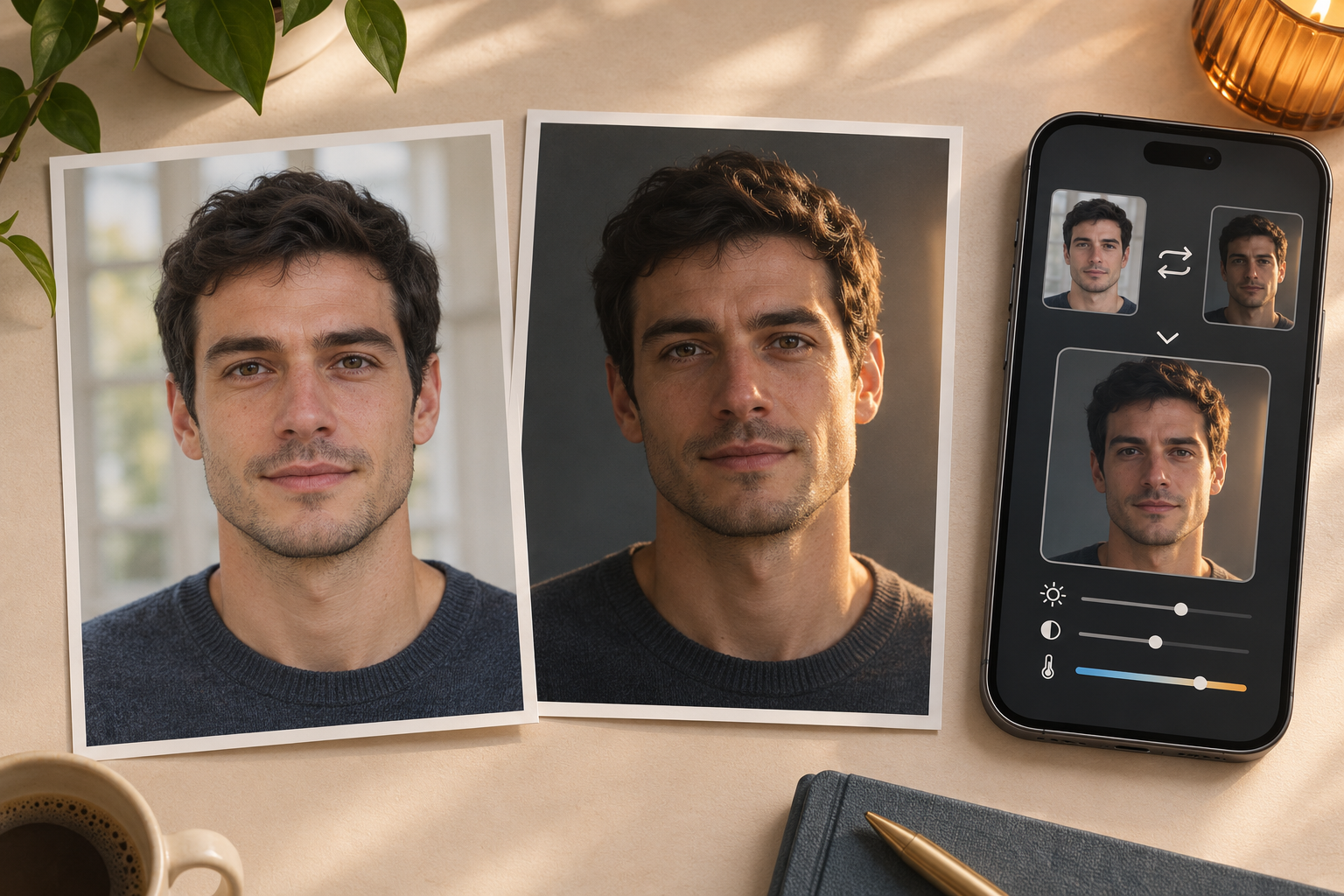
Compare light direction, facial detail, and color casts before choosing your PhotoPic source portraits.
Read story ↗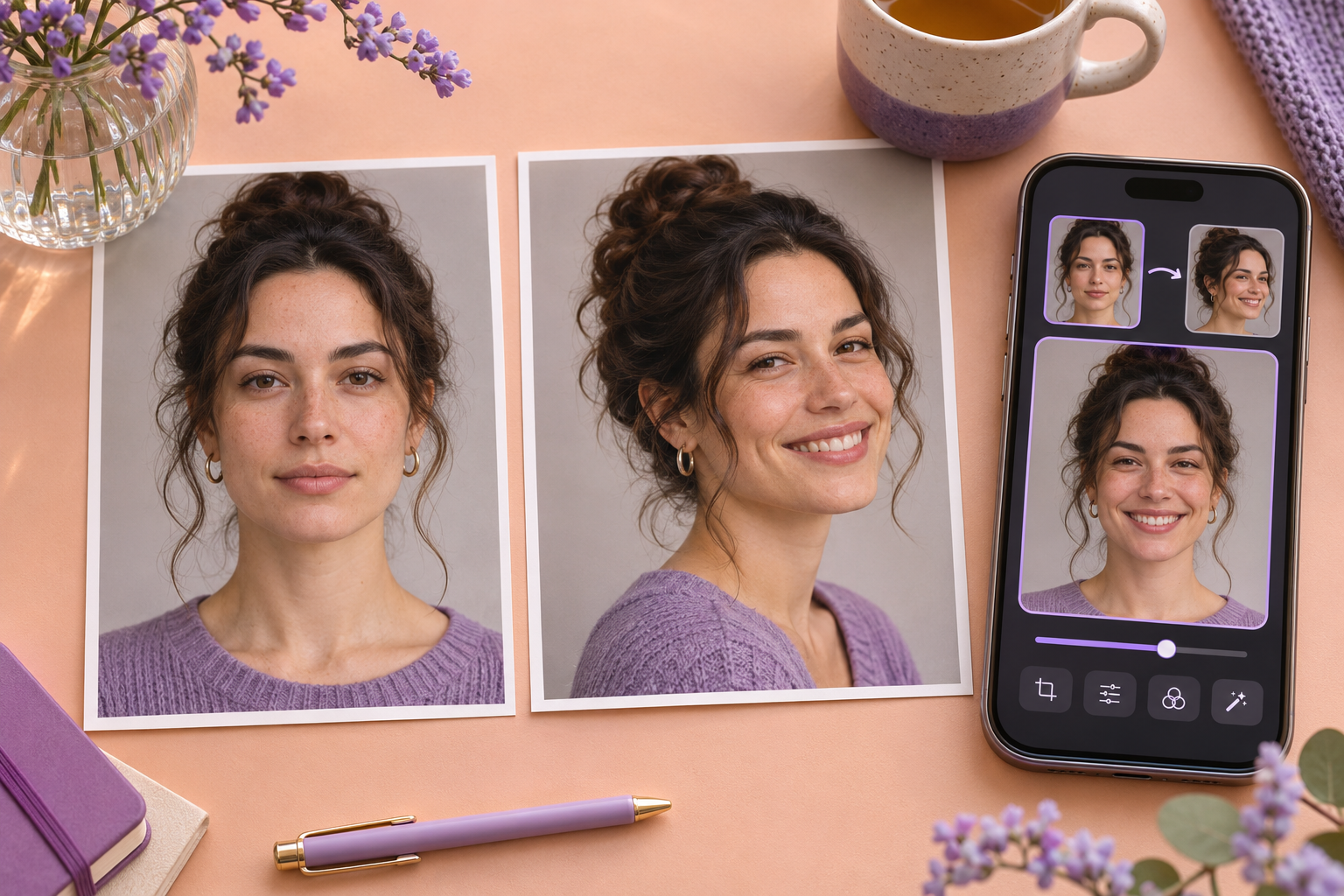
Choose portrait expressions, compare the eyes and mouth, and review your PhotoPic face swap before sharing.
Read story ↗