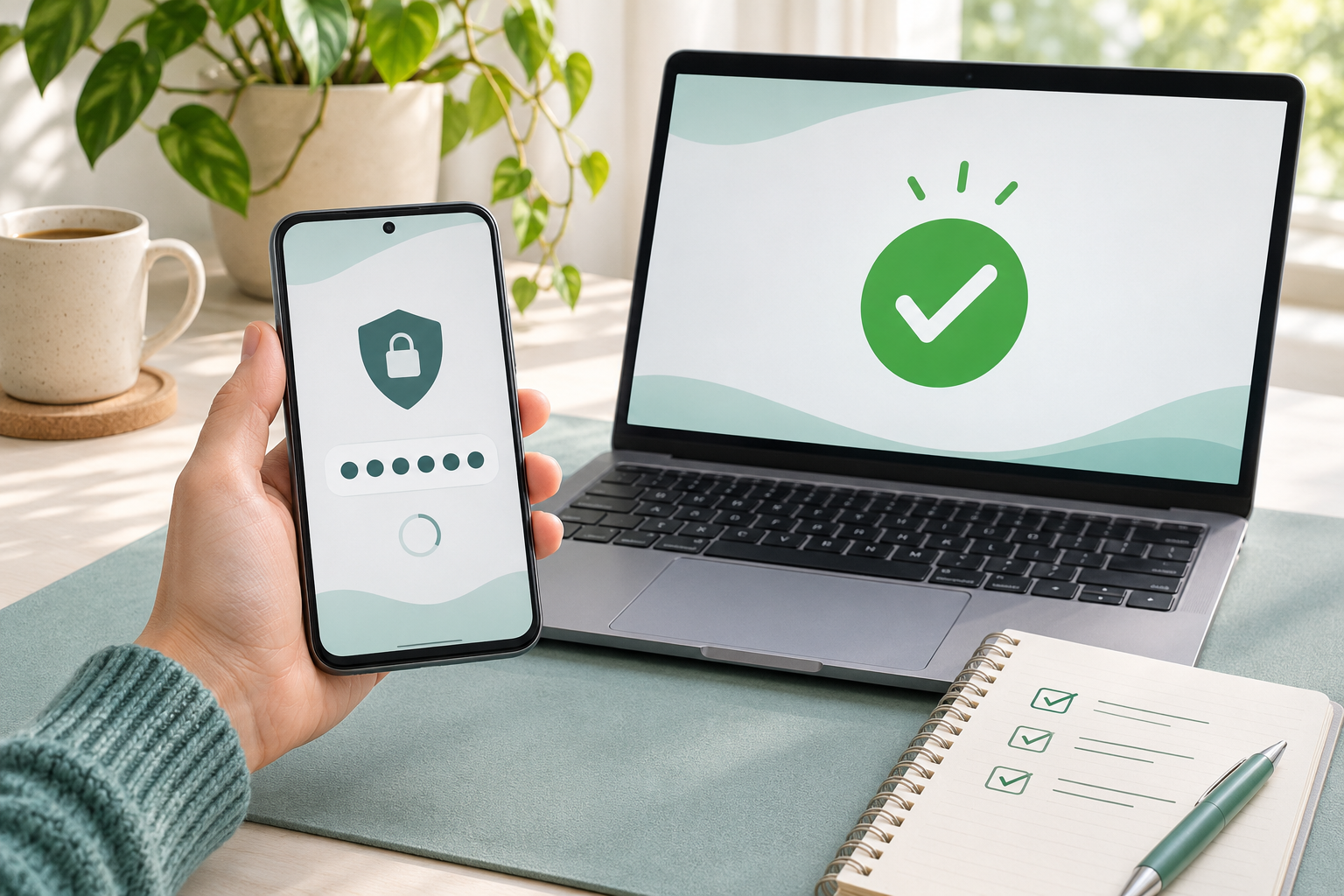
How to Keep 2FA Codes Private on iPhone with Auth Code
Check code visibility, app locking, and the Home Screen widget before sharing or recording your iPhone screen.
Updated Nov 11, 2026
In this article
- Choose what should be visible when you open the app
- Test when the app locks
- Check the widget on its own
- Plan for screen sharing and recording
- Frequently asked questions
- Does biometric locking change how a website verifies my code?
- Does hiding a code also hide the account label?
- What if I need a code during a live screen share?
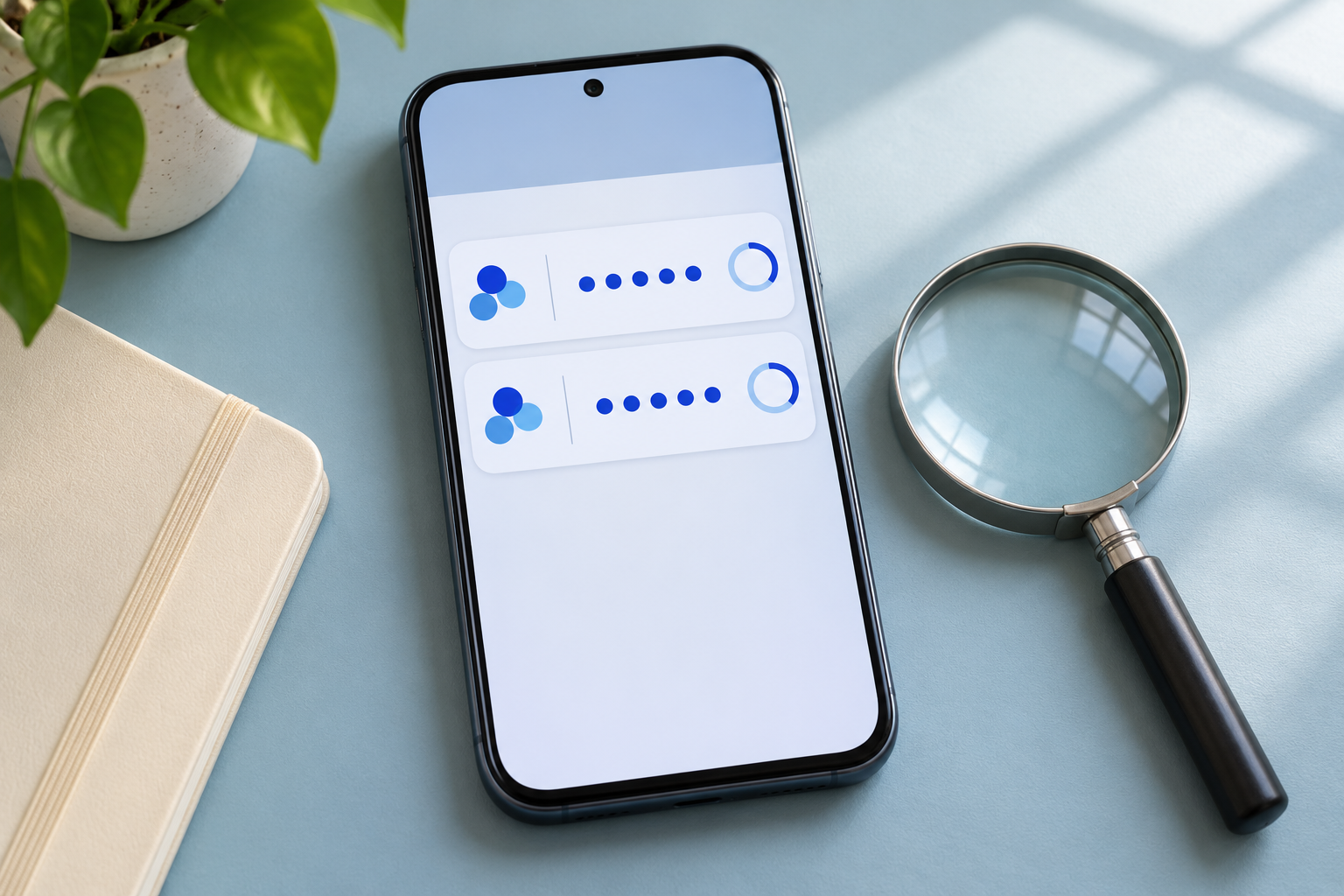
You open your authenticator to sign into a service, and several account entries are visible at once. At home, that may be convenient. During a screen share, a recording, or a conversation where someone can see your phone, the same view can expose more than you intended.
Auth Code: 2FA Authenticator lists app locking, an option to hide codes, and a Home Screen widget. Each feature affects a different part of the sign-in experience. Here is how to decide what you want visible and check that your setup behaves as expected.
App to try · Auth Code: 2FA Authenticator on the App Store. Alibox promotes this application.
Choose what should be visible when you open the app
Start with an ordinary sign-in. Think about which information you need to see first: the account label, the code, or just enough of the list to select an entry. If you routinely sign in while people are nearby, keeping codes hidden until you need one can make that sequence more discreet.
The publisher lists a hide-codes option. Check how it behaves in your installed version. Use a low-risk account for the check, and look at what is visible before and after you reveal a code. Check account labels as well. Even when the digits are hidden, a label may identify an email address or the service you use.
Clear account labels make it easier to choose the correct entry without displaying unrelated details. Organize 2FA Accounts with Auth Code
Test when the app locks
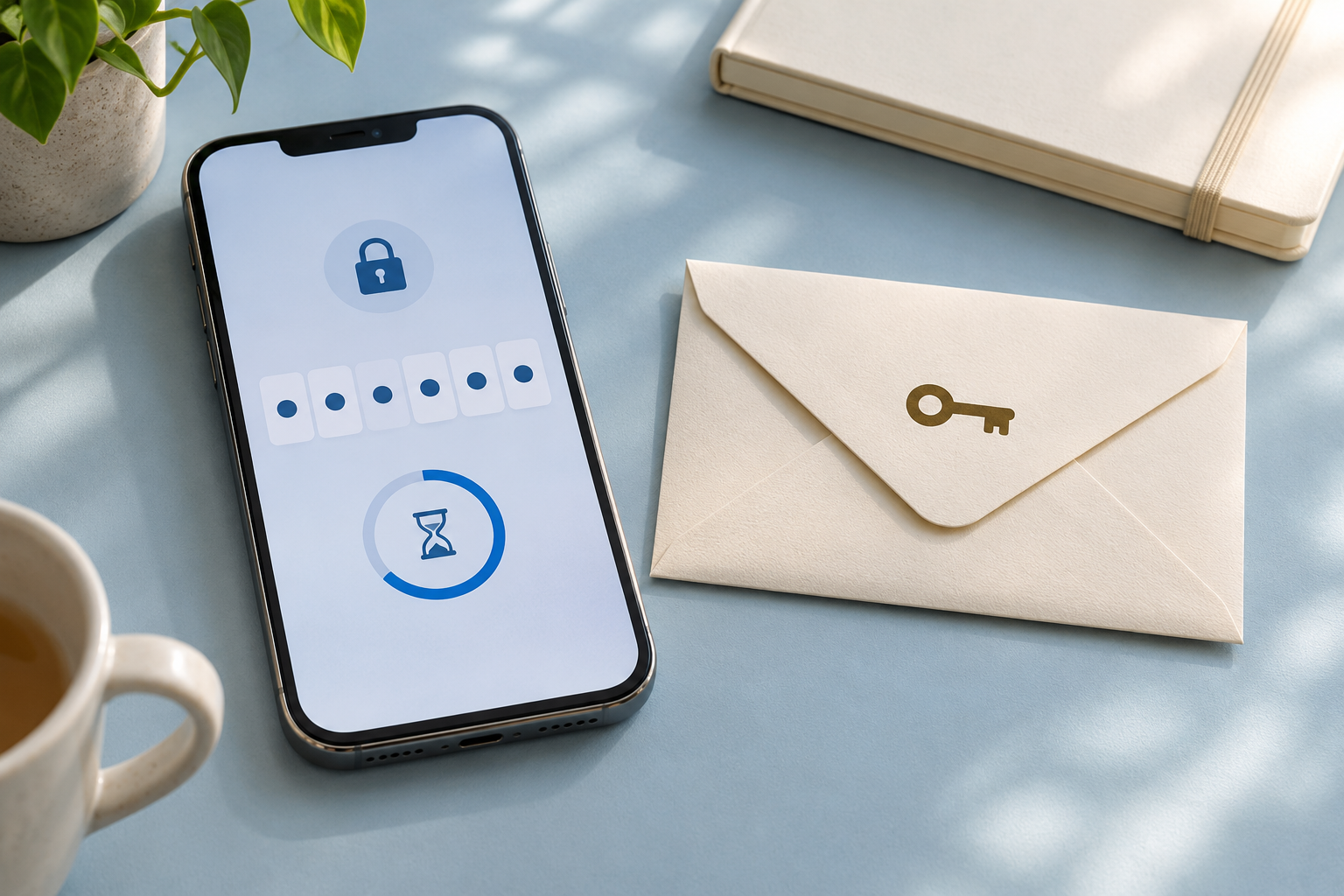
Auth Code lists Face ID or Touch ID on supported devices and an automatic locking option. Set up the available controls, then test how the app opens in the situations you encounter regularly.
Open the app, switch to another app, and return. Repeat after locking and unlocking the iPhone. If you chose an automatic lock interval, check what happens after that interval has elapsed. The useful observation is what the app actually shows when you return and whether it asks you to unlock it at the point you expect.
Keep a working sign-in and your service's recovery information available while changing your setup. If you are also moving to a new phone, verify access there before retiring the old device. Auth Code backup planning guide
Check the widget on its own
The publisher describes a Home Screen widget for viewing authentication codes. If you use it, inspect the actual preview and the resulting Home Screen. Review which entries or values are visible and whether that suits how you use the phone.
Test the widget separately from the app's code visibility and lock settings. When your Home Screen often appears during demos or presentations, decide whether the convenience of a widget is worth the information it displays. You can open the authenticator directly for those sign-ins if you prefer to keep the Home Screen clear. Auth Code application overview
Plan for screen sharing and recording
Before demonstrating an app or recording a walkthrough, decide whether sign-in needs to appear in the footage. For a tutorial that begins after login, complete verification first. For a live demonstration, pause sharing before opening the authenticator and resume once the code and account list are out of view.
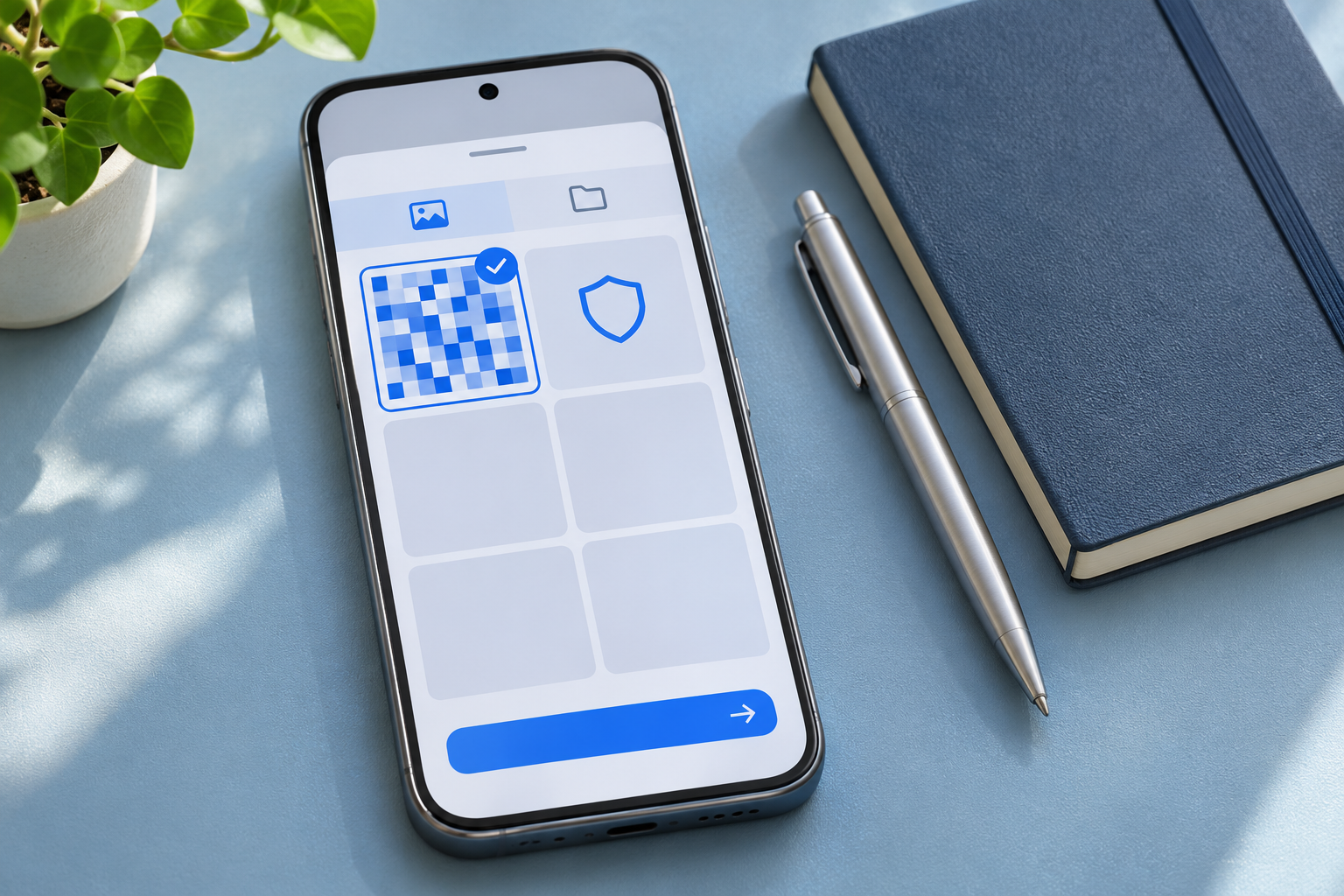
If you need to explain how 2FA works, use example labels and dummy values in your slides or demonstration. Keep active codes, setup keys, recovery codes, and readable enrollment QR images out of the material. Review the exported recording from start to finish, especially around app switches and the Home Screen.
Frequently asked questions
Does biometric locking change how a website verifies my code?
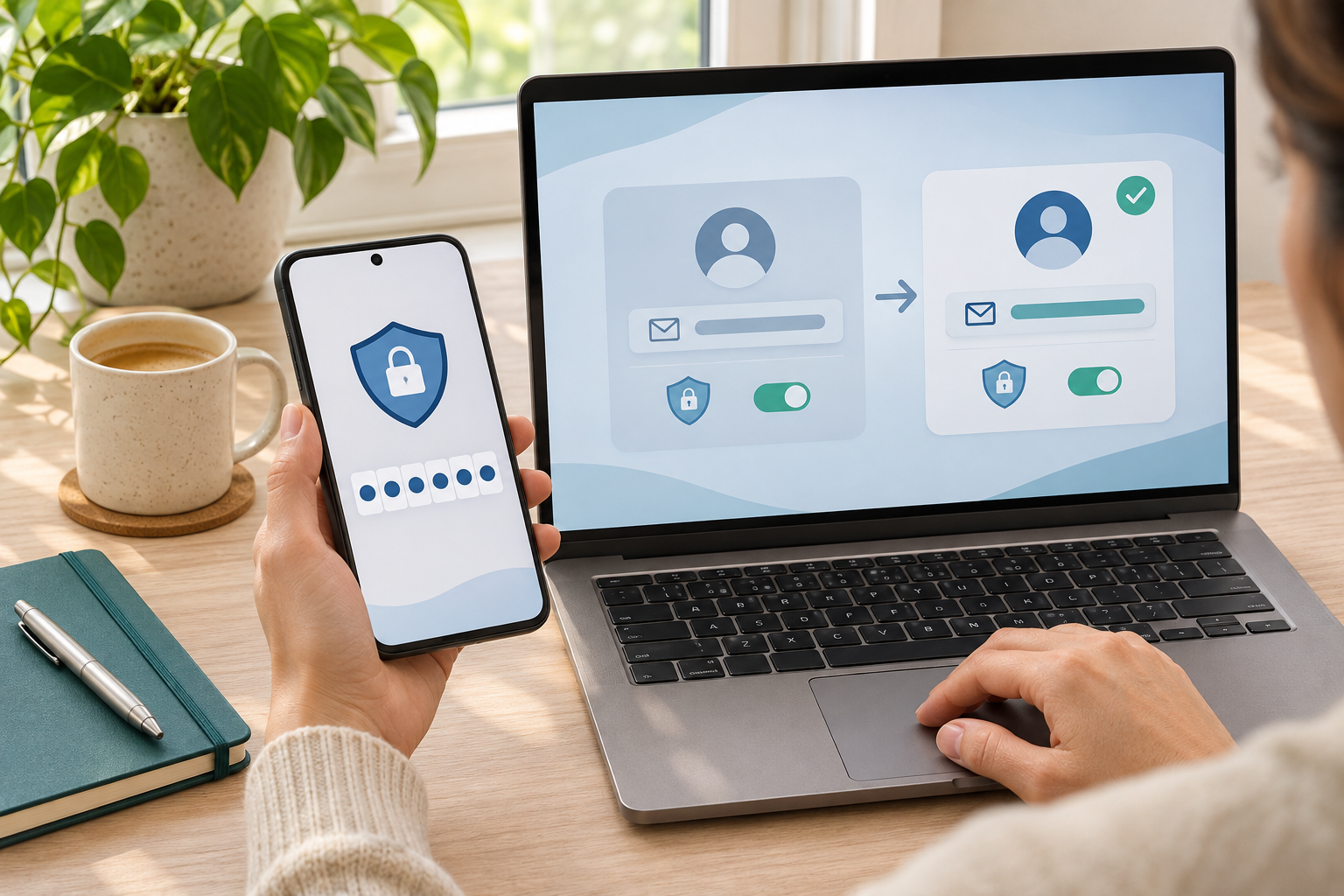
Biometric locking controls access to the authenticator app. The website still verifies the code using its enrolled method. Set Up 2FA on iPhone with Auth Code
Does hiding a code also hide the account label?
Check the actual list in your installed version. A hidden code and a visible account label can still reveal which service or identity is associated with the entry.
What if I need a code during a live screen share?
Pause sharing before switching to the authenticator. Resume after completing verification and confirming that the shared view shows only the intended content.