Record Clear Design Feedback on iPhone
Show the correct design version, explain specific observations, and share a focused screen recording.
Updated Nov 26, 2026
In this article
“Make this part clearer” can mean several things when you send feedback on a design. A short screen recording gives the designer more context. You can show the whole layout, zoom into the detail you mean, and explain what you noticed while it is visible.
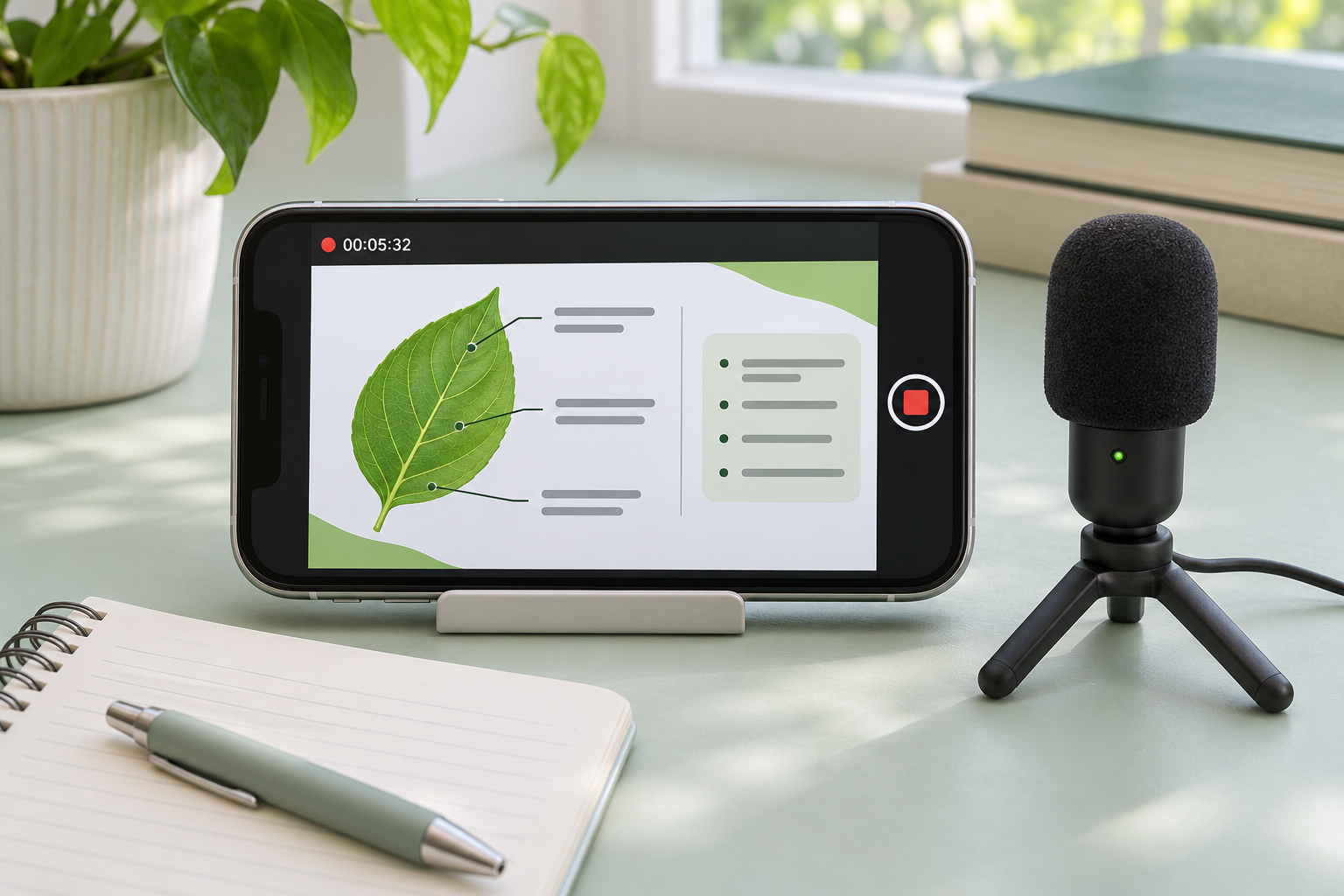
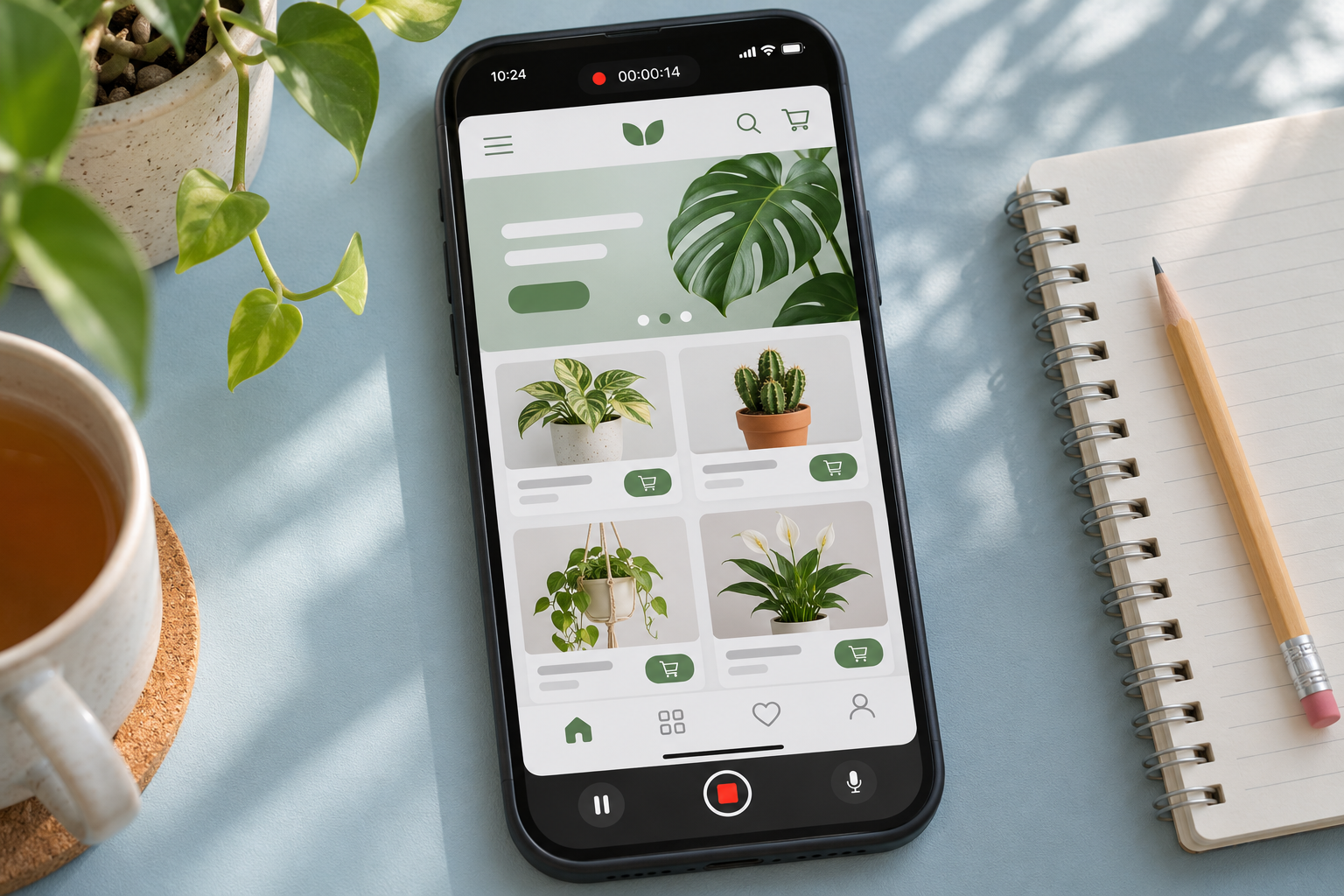
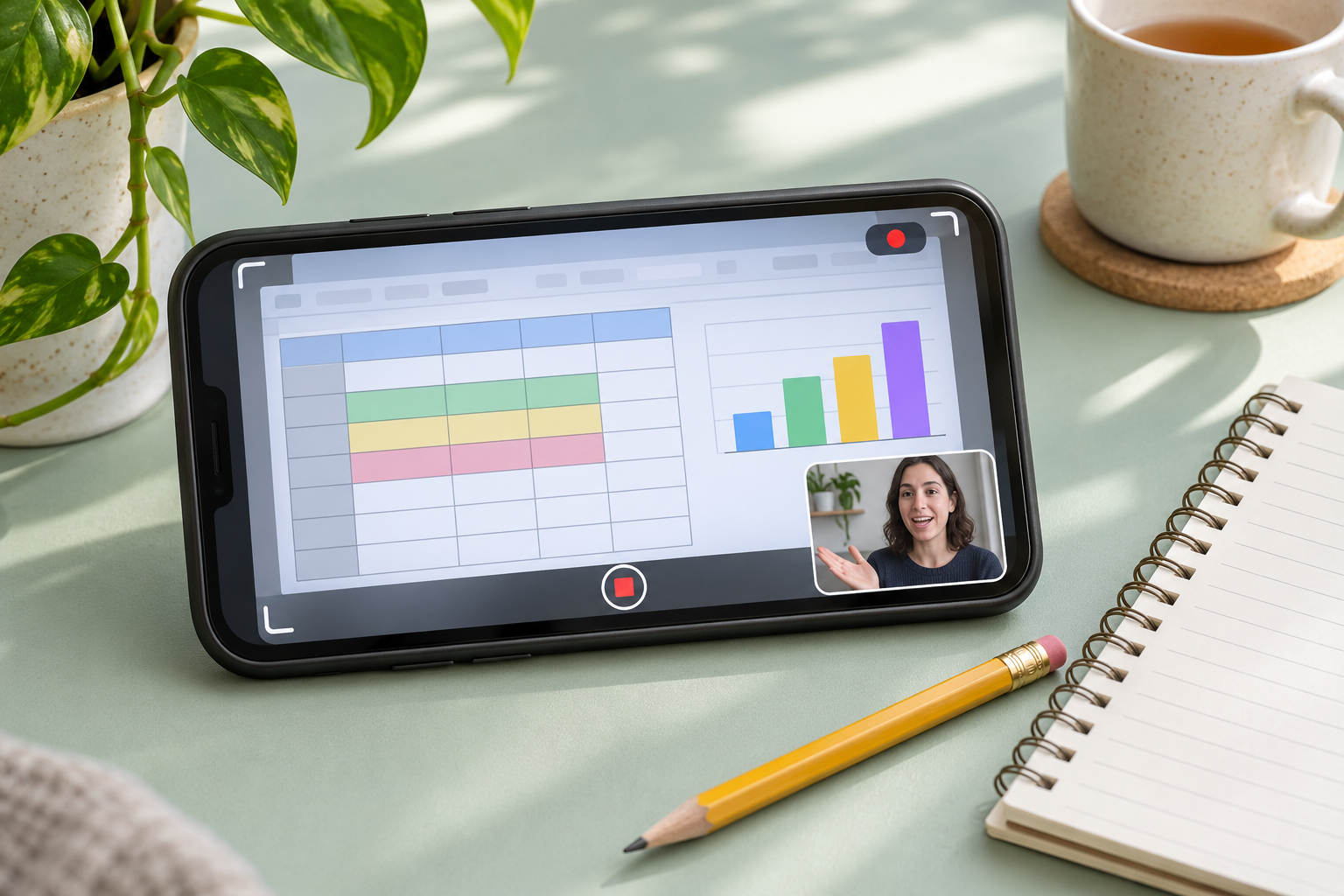
Screen Recorder: Record App supports screen capture with microphone commentary, trimming, and export to Photos, according to its publisher. You can use it to prepare a focused review of a poster, presentation slide, or other design displayed on your iPhone. Screen Recorder on the App Store
Alibox promotes this application.
Prepare the version you want reviewed
Open the correct design file and confirm its version or date. If several drafts look similar, note the filename in the message that will accompany the video.
Choose two or three points for the recording. For a workshop poster, these might be the event title, the date, and the registration information. Decide what you want to say about each before starting.
Keep the file ready in a viewer that lets you move between the full layout and a closer view. Close other documents so you can stay with the selected draft.
Record design feedback on iPhone
Make a short test with Screen Recorder and microphone commentary. Show the design, say a sentence, and replay the test. Check that the image and your voice are clear.
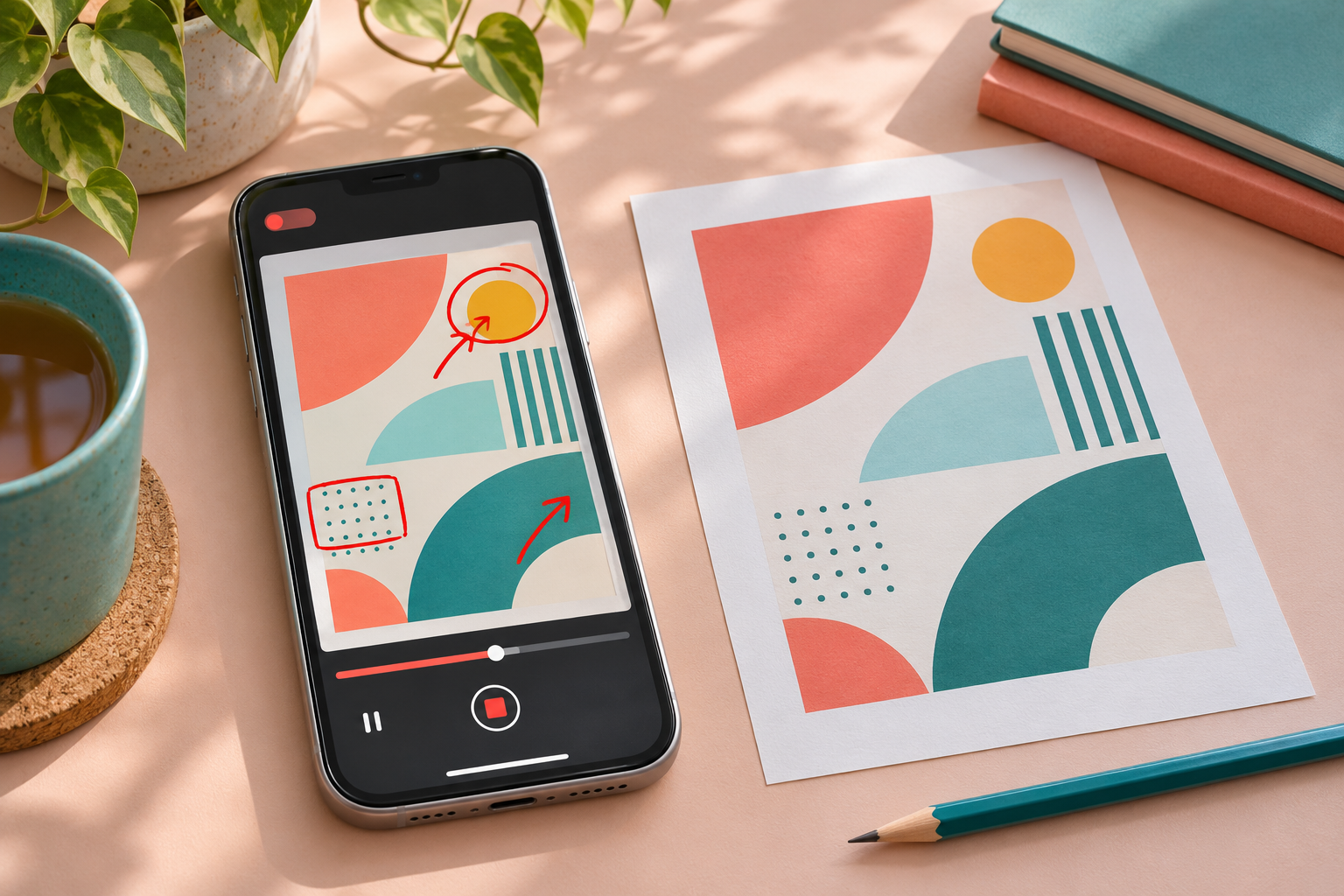
Begin the main recording with the full design visible. Name the draft you are reviewing and explain the purpose of the feedback. Then move to the first detail and pause before speaking about it.
Keep the relevant area on screen while explaining your observation. Return to the full layout when you need to show how the detail relates to the rest of the design. Microphone commentary guide
Explain the observation and its effect
Give the designer something concrete to assess. You might say that the date is difficult to distinguish from the surrounding text at normal phone size, then show that view.
Explain what the viewer needs to do or understand. For the workshop poster, someone should be able to find the date and registration information quickly. Connecting your observation to that purpose gives the designer room to choose a suitable revision.
When suggesting a change, describe it as a proposal. The designer may have another way to solve the same issue. Keep confirmed event details separate from preferences about spacing, color, or layout.
Make the review easy to follow
Address one area at a time. Avoid switching repeatedly between the top and bottom of the page while discussing the same point. A deliberate sequence gives the recipient a clearer record of the review.
If you zoom in, finish with the detail visible long enough to understand it. A screen recording may not make every touch obvious, so name the element you mean instead of relying only on a tap.
End by showing the full design and briefly restating the changes or questions you want the designer to consider.
Trim and check the exported clip
Open the saved recording in the editor and trim the time spent starting or stopping capture. Keep the opening context and the final view. Trimming a screen recording
Export to Photos and watch the saved copy. Check that the smallest detail you discuss is visible and that the narration matches the screen. The publisher lists a watermark for free exports and additional quality choices through Premium. Review the options shown in your app.
Send the video with the design filename and a short written list of the main points. This gives the recipient a way to locate the correct draft and track the requested review.
Should I record a long review in one take?
Start with a small set of related points. Use separate clips for different documents or substantially different parts of a project.
What if the design text is too small?
Show the full layout for context, then zoom into the section you need to discuss. Review the exported copy at normal phone size before sharing. Screen Recorder feature overview