Nov 28, 2026 · 4 min read
Record a Short Slide Lesson on iPhone
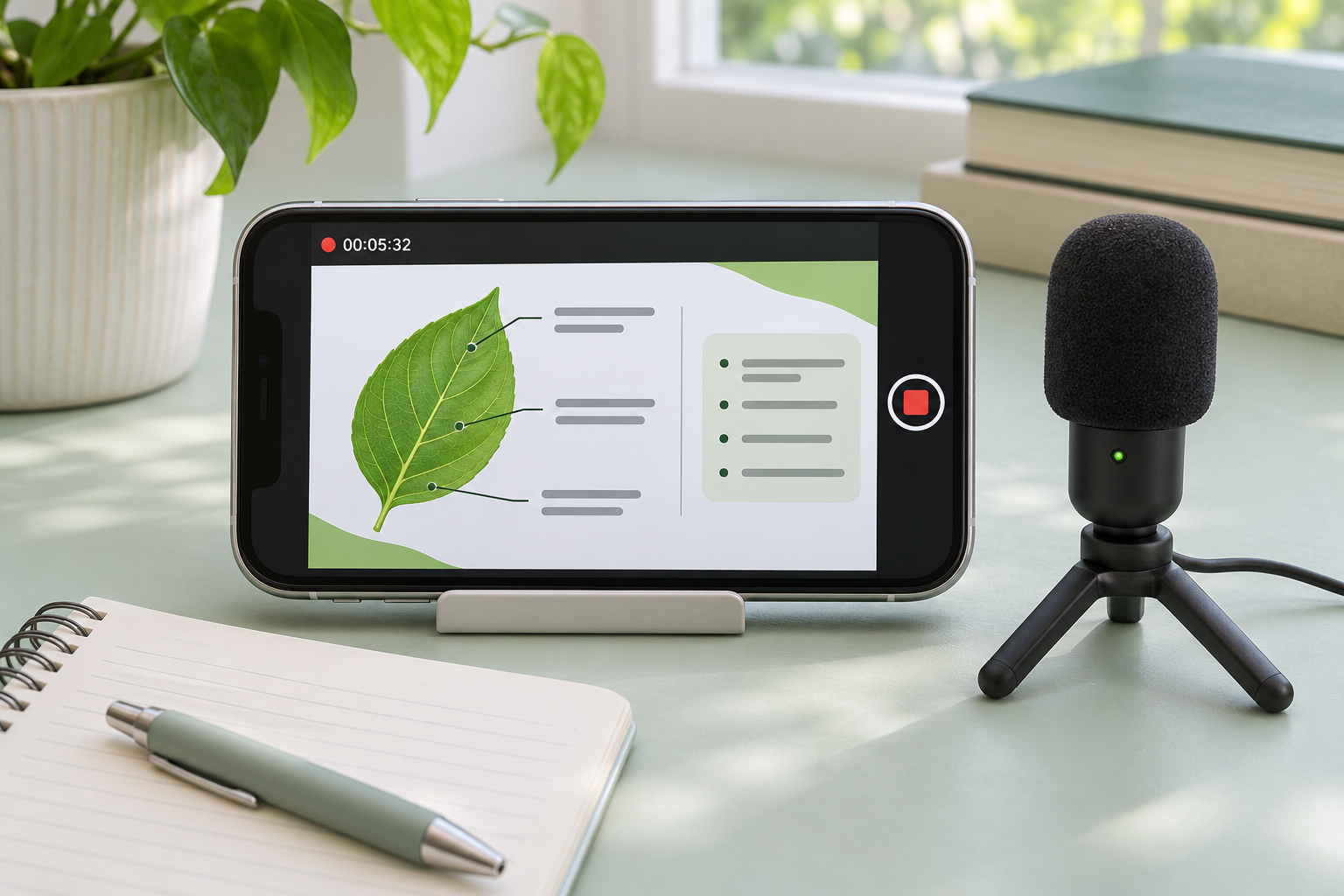
Prepare a focused slide deck, narrate the examples, and export a short lesson for learners.
Read story ↗
Screen recording, Face Cam, and video editing
Record screen tutorials, add Face Cam reactions, edit clips, and export videos with recording tools for iPhone and iPad.
Screen Recorder: Record App combines screen capture with microphone commentary for tutorials, gameplay, and demonstrations. Saved recordings can be opened in its editor.
The publisher lists Face Cam overlays for selected videos and dual front-and-rear camera recording. Camera feature availability should be checked on your device.
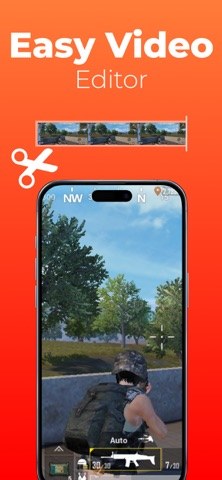
Trim clips, adjust playback speed, and export to Photos. The listing describes watermarked free exports and additional quality options through Premium. Check current purchase screens for access and terms.
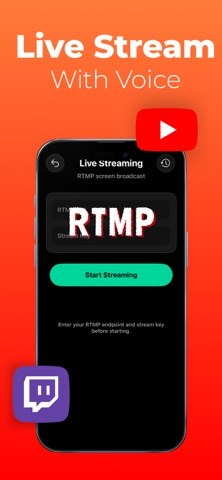
The app also lists voice recording, audio playback adjustments, and RTMP streaming setup. These features provide additional ways to prepare commentary and share content.
Requires iOS or iPadOS 18.0 or later on a compatible device. Review recording permissions and capture a short test before a longer session. Record content you have permission to capture.
Product information is based on the publisher's App Store listing and Apple metadata.
iOS 18.0+
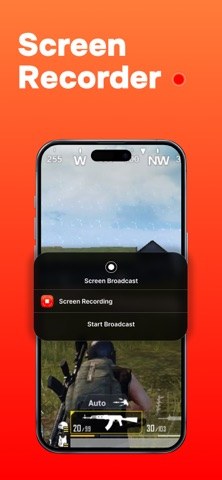


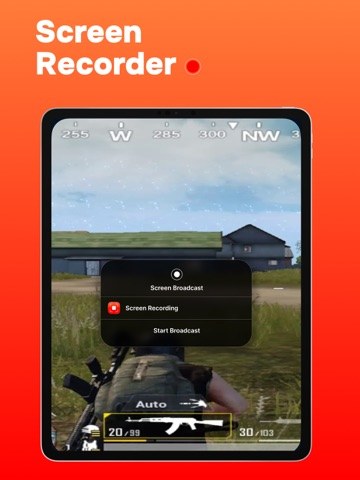

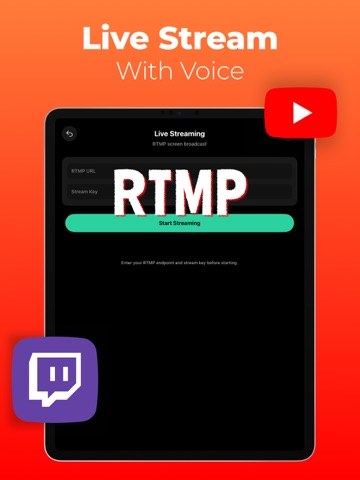
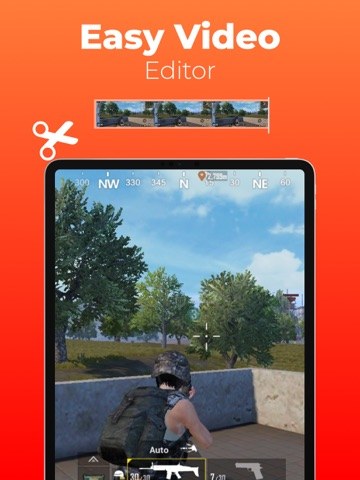

The publisher lists microphone support for screen recordings and commentary.
The listing includes a built-in editor with trimming and playback speed adjustments.
The publisher describes watermarked free exports and additional quality options through Premium. Check current in-app terms.
The listing requires iOS or iPadOS 18.0 or later on a compatible device. Feature availability may depend on your hardware.
Prepare a focused slide deck, narrate the examples, and export a short lesson for learners.
Read story ↗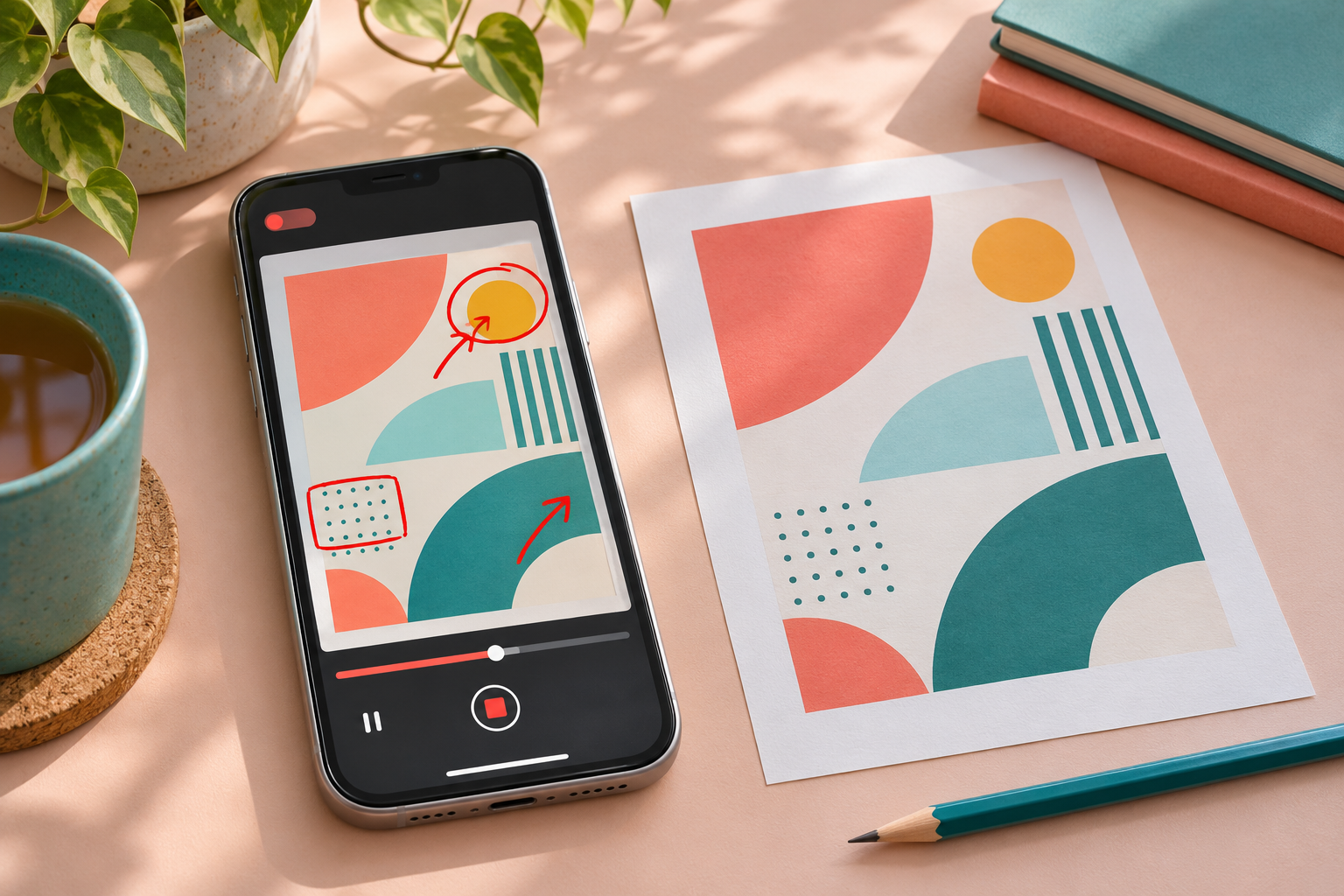
Show the correct design version, explain specific observations, and share a focused screen recording.
Read story ↗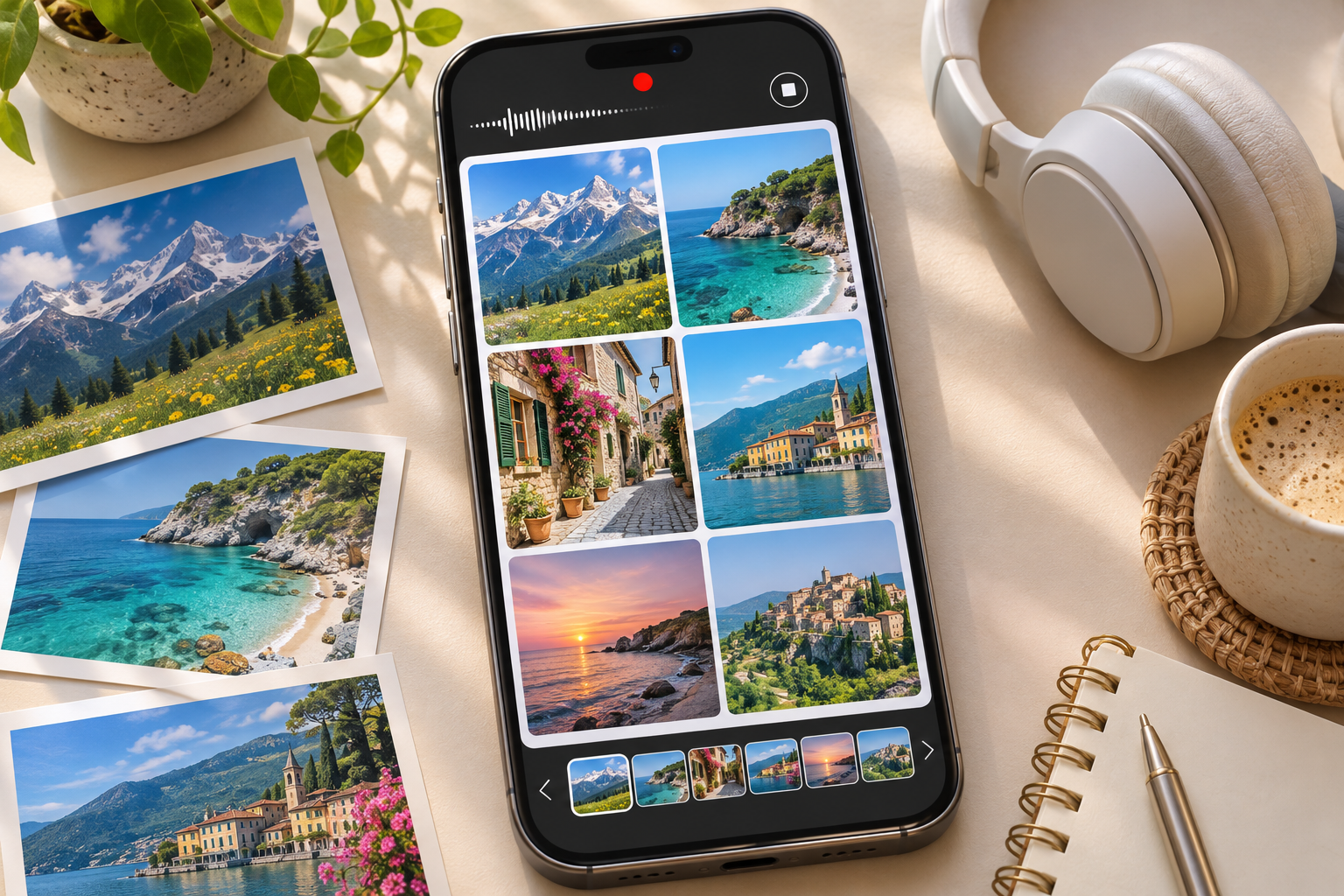
Choose a small photo story, add microphone commentary, and prepare a screen recording to share.
Read story ↗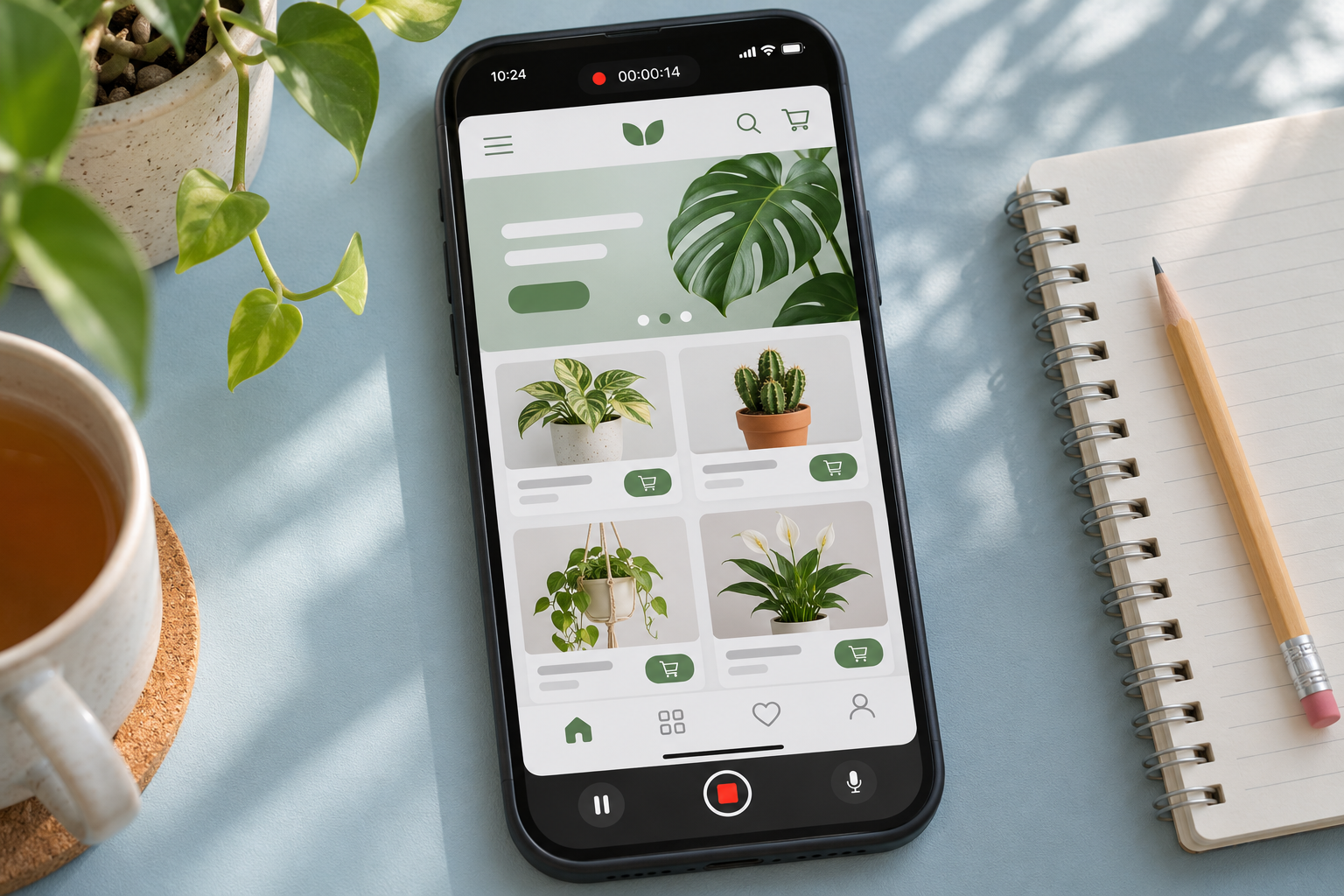
Show one website task, explain visible navigation, and prepare a focused screen recording for feedback.
Read story ↗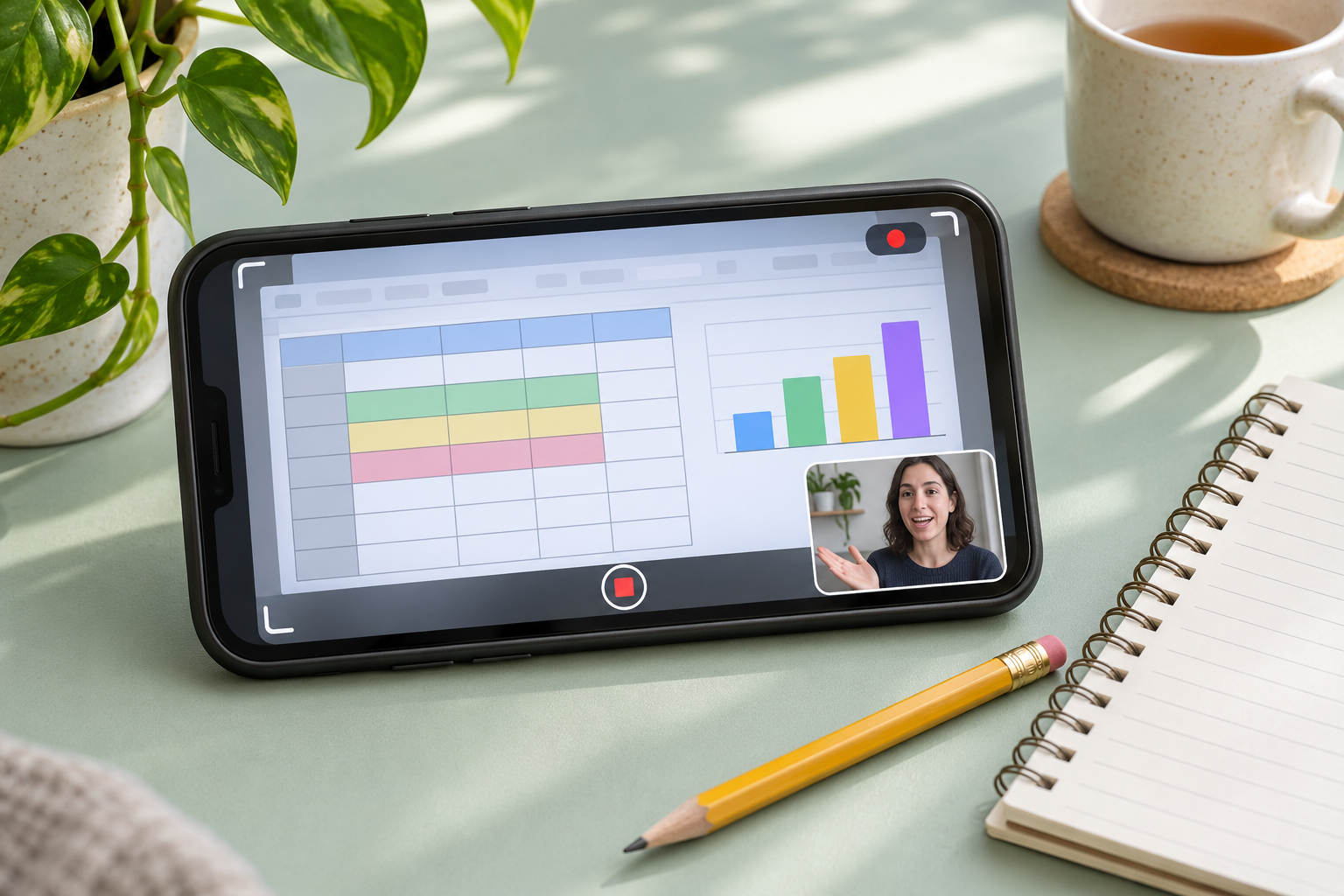
Show spreadsheet inputs, explain one calculation, and share a clear screen recording from your iPhone.
Read story ↗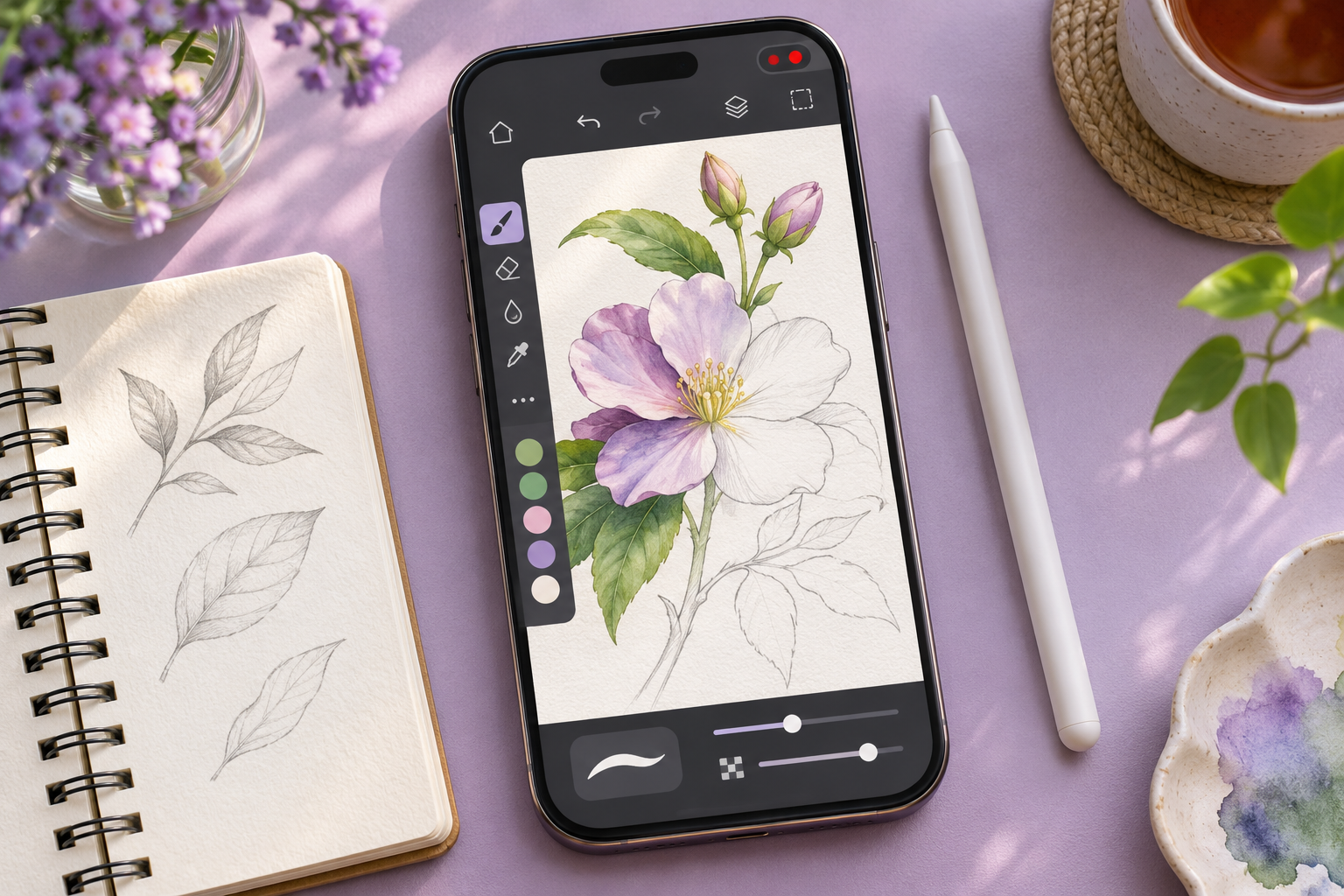
Capture a drawing technique, trim the recording, and review your exported creative process video.
Read story ↗