
Nov 28, 2026 · 4 min read
Translate a Walking Tour Brochure on iPhone
Read tour descriptions from a photo and check meeting points, duration, and inclusions with the organizer.
Read story ↗
Translate photos, camera text, and spoken messages
Read text in photos, scan documents, and translate spoken messages with an OCR and voice translation app for iPhone and iPad.
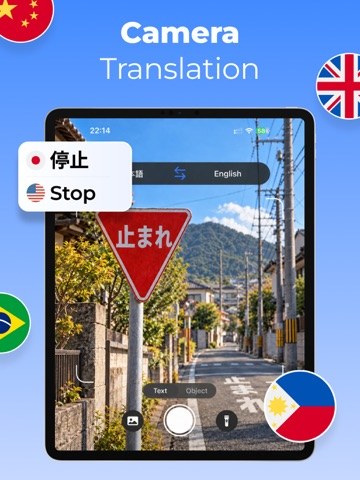
Translate Photo Camera & Voice helps you understand text in pictures, camera images, and scanned documents. Take a photo or import an image, then use optical character recognition (OCR) to extract and translate its text.
The publisher describes support for everyday printed material, including menus, signs, receipts, and documents. This makes the app relevant to travel, study, and working with information in another language.
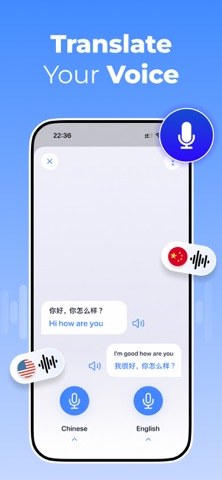
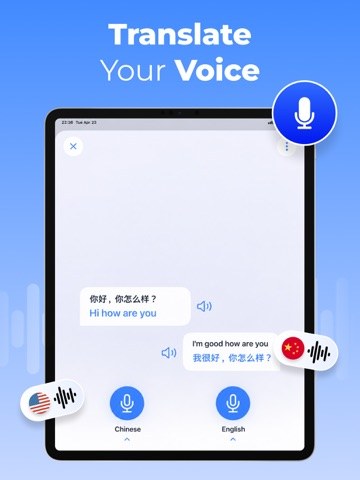
Use the microphone to capture a spoken message and get a text translation. The App Store description lists speech recognition, automatic source-language detection, and multilingual translation alongside the photo and document tools.
Keep photo and voice translation in one place when reading a menu, checking a sign, reviewing printed information, or understanding a short spoken message. Choose the available source and target languages that fit your task.
The current App Store metadata lists iPhone and iPad support with a minimum iOS version of 17. Review the current listing and in-app purchase screens for device compatibility, access conditions, and paid features.
Translation and OCR results depend on the source material. Clear photos and understandable speech make results easier to review. For important documents or instructions, compare the translation with the original and seek qualified assistance where needed.
Product information is based on the publisher's App Store description and Apple product metadata.
iOS 17+
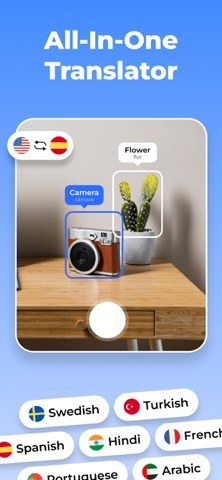
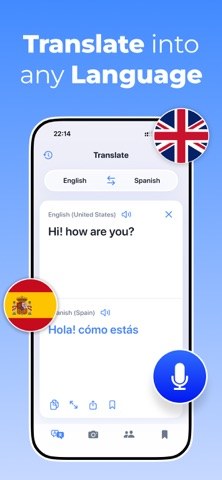
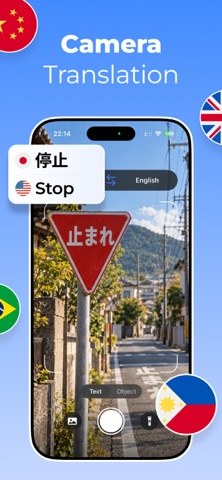
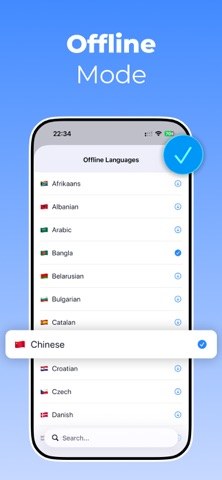
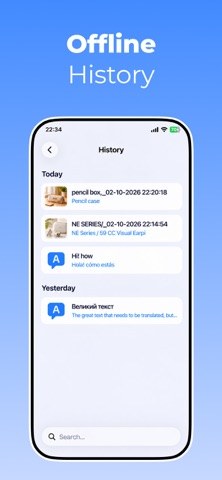
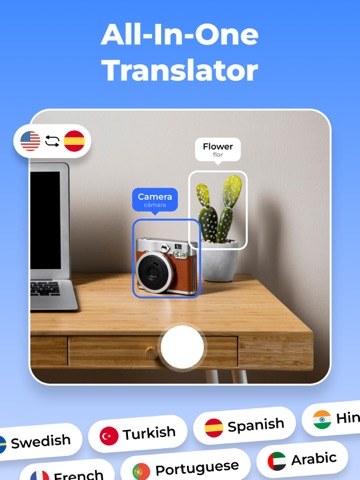
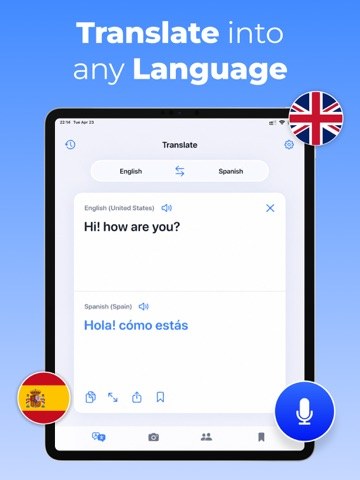
Yes. The App Store description lists OCR-based text extraction and translation from camera photos and imported images.
The publisher lists voice-to-text recognition and translation for spoken messages.
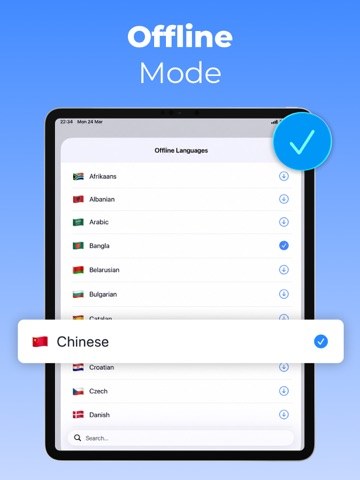
Automatic source-language detection is listed in the publisher’s App Store description. Available language pairs and features should be checked in the app.
Apple product metadata lists iPhone and iPad support and a minimum iOS version of 17. Check the current App Store listing for your device.
Review machine-generated translations against the original. For official, medical, legal, or other consequential documents, confirm the result with a qualified person.
Read tour descriptions from a photo and check meeting points, duration, and inclusions with the organizer.
Read story ↗
Read hotel booklet sections from a photo, check service hours, and prepare clear questions for reception.
Read story ↗
Read the story behind a souvenir, preserve maker names, and prepare a useful gift note.
Read story ↗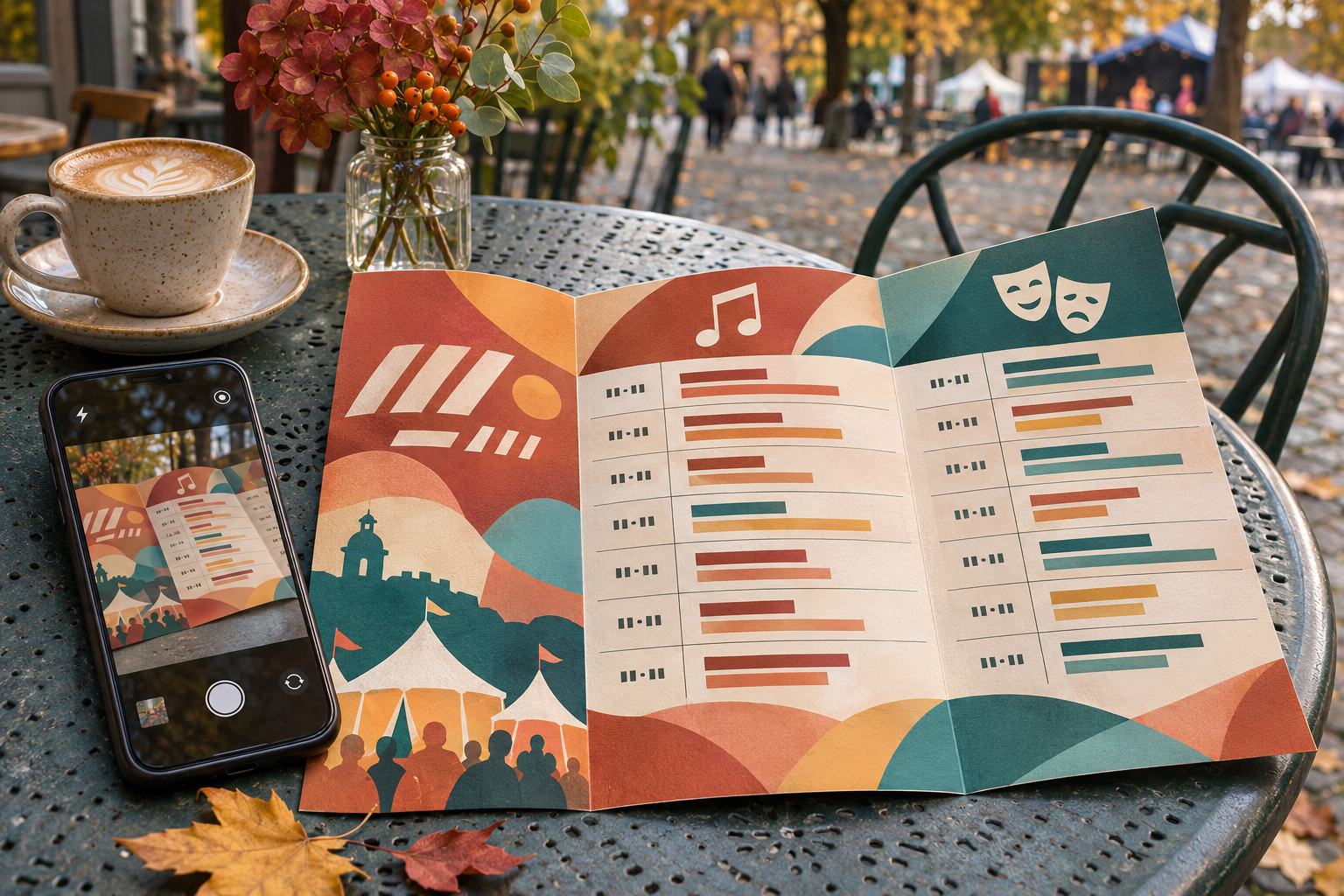
Read event descriptions from a photo and keep dates, times, and venues connected to the right performance.
Read story ↗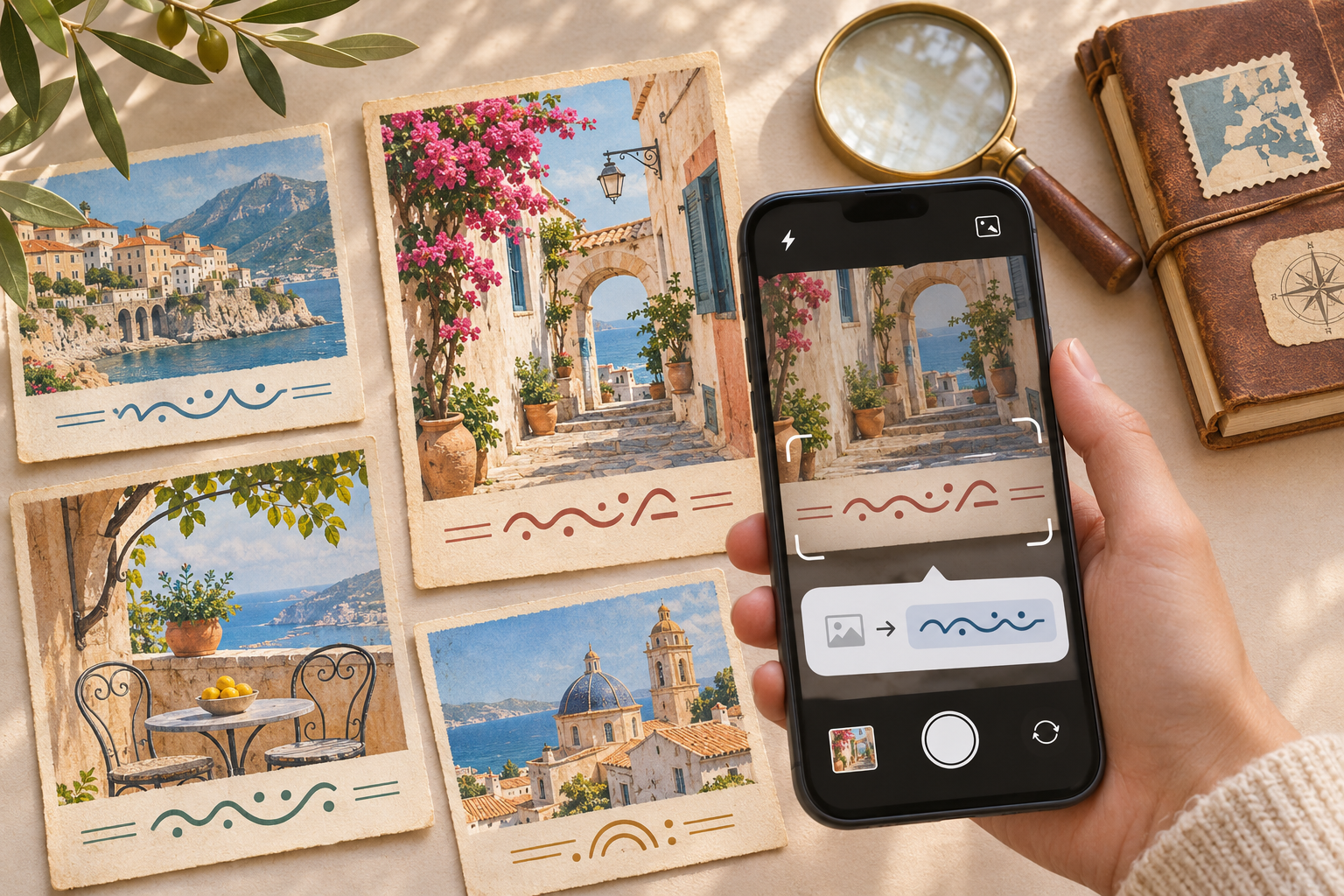
Read printed postcard captions from a photo and preserve original place names in your travel album.
Read story ↗
Use Translate Photo Camera & Voice to read setup instructions, check turn order, and try a sample turn.
Read story ↗