How to Translate a Festival Program on iPhone
Read event descriptions from a photo and keep dates, times, and venues connected to the right performance.
Updated Nov 23, 2026
In this article
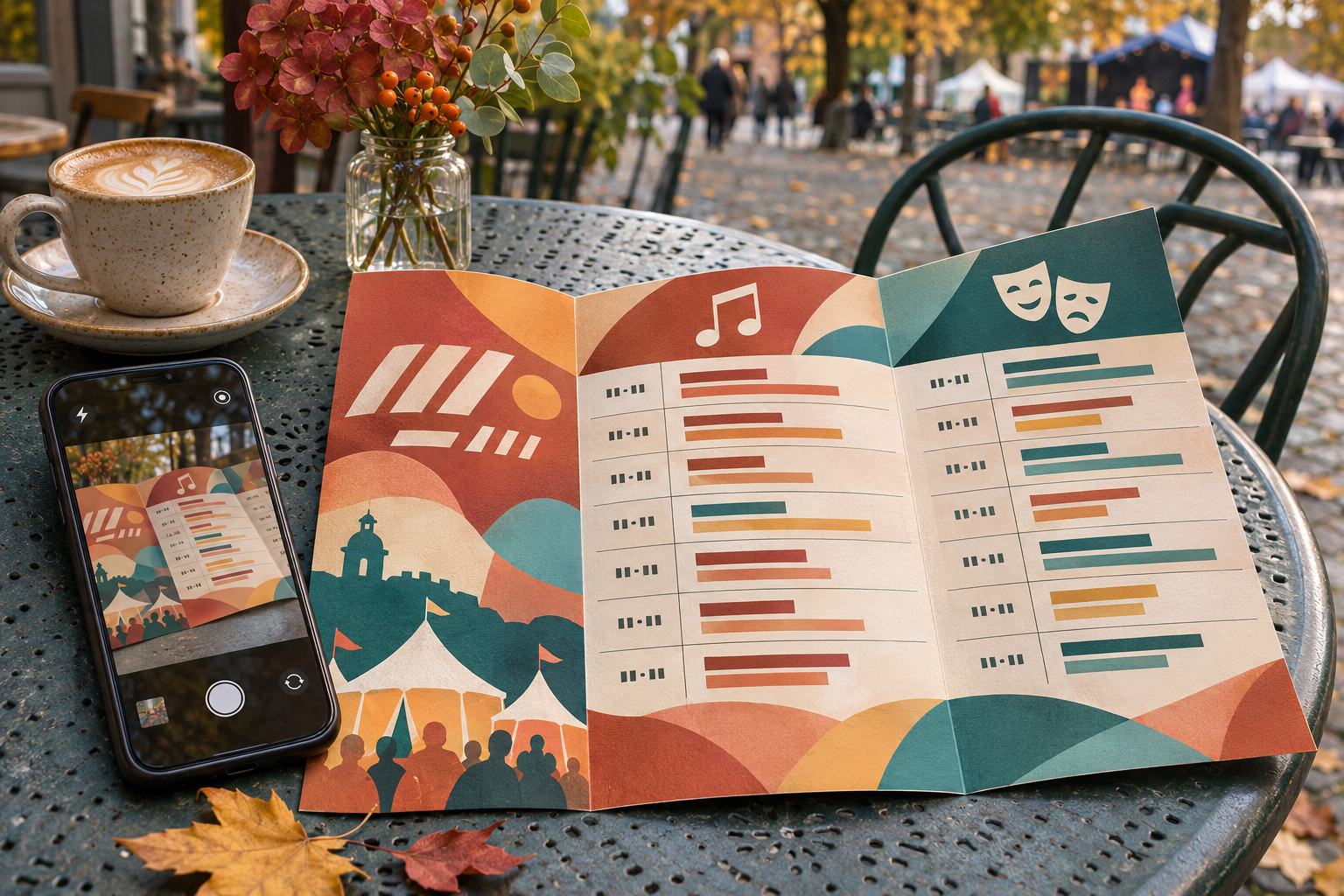
A festival program can put an entire weekend into a folded leaflet. When the descriptions are in another language, it can be difficult to tell which events interest you or whether two performances overlap. Translating the program in small sections helps you keep each description connected to its time and venue.
Translate Photo Camera & Voice supports text recognition and translation from photos and uploaded images. You can photograph a printed program and review its translated text alongside the original. Translate Photo Camera & Voice on the App Store
Alibox promotes this application.
Find the right day before translating
Start with the date heading and check whether the leaflet covers several days. Locate the venue or stage names and any legend that explains symbols. Keep those details visible when photographing the section you want to read.
A program may mix performances, workshops, and exhibitions in the same column. Read the headings first so you understand how the information is arranged. This makes it easier to select a useful section for translation.
Translate a festival program on iPhone
Lay the leaflet flat and photograph one complete event entry at a time. Include the title, description, time, and venue. Use even light and check that folds or reflections have not hidden a line.
Open the photo in Translate Photo Camera & Voice and choose the language you want to read. Compare the result with the original entry, paying attention to where the description ends and the next event begins.
For a dense timetable, photograph one column with its heading visible. A full-page image may make the print too small to inspect comfortably. If the recognized text seems out of order, try a closer image of a smaller section. Photo translation tips for printed material
Keep times attached to their event
Check every time directly against the printed program. Look for separate start and finish times, repeat performances, and notes that apply to a whole day. Keep the original stage name in your notes so you can match it with signs at the venue.
For example, an entry might describe a short concert followed by a discussion in the same room. Read the full entry before deciding how much time to allow. If two events appear to overlap, confirm their timings with the organizer's current information.
Read the small notes before choosing
An event description can include details about registration, ticket collection, language, or the intended audience. Translate the complete note with enough surrounding text to understand what it refers to.
Check symbols against the program legend. A small icon may apply to access arrangements or an entry requirement, and its meaning depends on the organizer's explanation. Ask event staff about anything that remains unclear.
If the program points to an updated schedule, check that source before making your final choices. A printed leaflet reflects the information available when it was produced.
Make a short personal shortlist
Write down the original event title, time, venue, and a brief translated description for each option you like. Keep the source photo with your notes so you can return to the full wording later.
Arrange the shortlist by time and leave room to move between venues. Once at the festival, use the original names when asking staff for directions. For another way to read cultural information during a trip, try photographing a complete display label. Museum label translation guide
Can I use a program image sent by a friend?
The publisher lists uploaded image translation. Choose a clear copy that includes the date and headings, and ask for another image if an entry is cut off.
Why did the translation mix two events together?
Columns and tightly packed layouts can make reading order difficult to recognize. Photograph one complete entry, including its heading and time, then compare the recognized text with the original before using the translation. Translate app feature overview