Translate Hotel Guest Information on iPhone
Read hotel booklet sections from a photo, check service hours, and prepare clear questions for reception.
Updated Nov 26, 2026
In this article
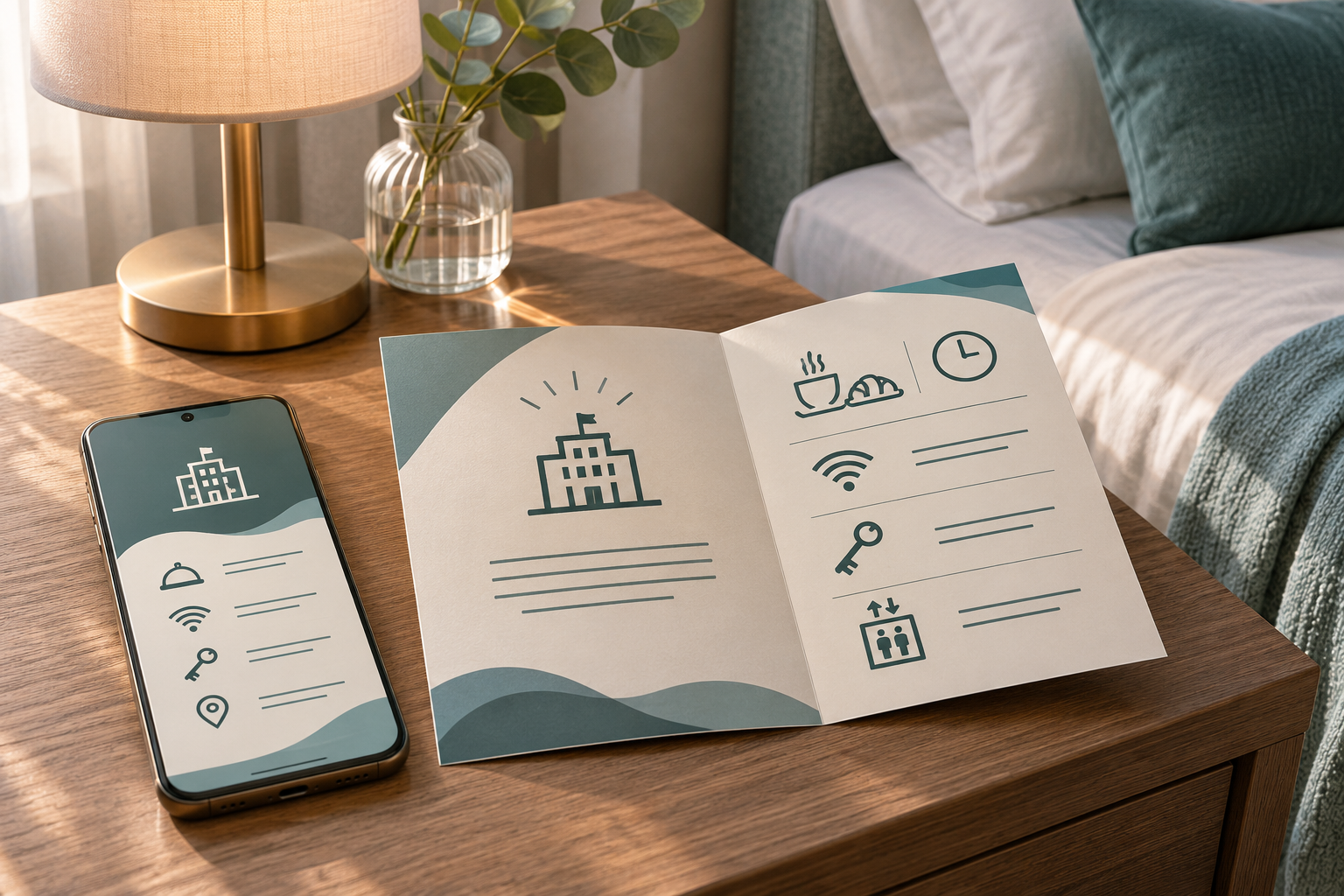
A hotel welcome booklet can answer practical questions you forgot to ask at reception. Breakfast hours, housekeeping arrangements, and checkout instructions may all be there, but unfamiliar wording can make a quick reference take longer than expected. A clear photo translation helps you find the relevant section and prepare any follow-up question.
Translate Photo Camera & Voice supports text recognition and translation from photos and uploaded images. You can use it to read a photographed section of guest information and compare the result with the original page. Translate Photo Camera & Voice on the App Store
Alibox promotes this application.
Find the section that answers your question
Start with the booklet headings. Identify whether you are reading meal times, room services, shared facilities, or departure information. A notice near the entrance may contain more recent arrangements than a booklet in the room.
Choose one question to resolve first. If you want to know when breakfast ends, capture the heading and the full line about serving hours. Include any note below it that mentions weekends or a different location.
Translate hotel guest information on iPhone
Place the page flat in even light. Hold the phone parallel to it and check that the small print is in focus. For laminated notices, change your angle relative to the light if glare covers the text.
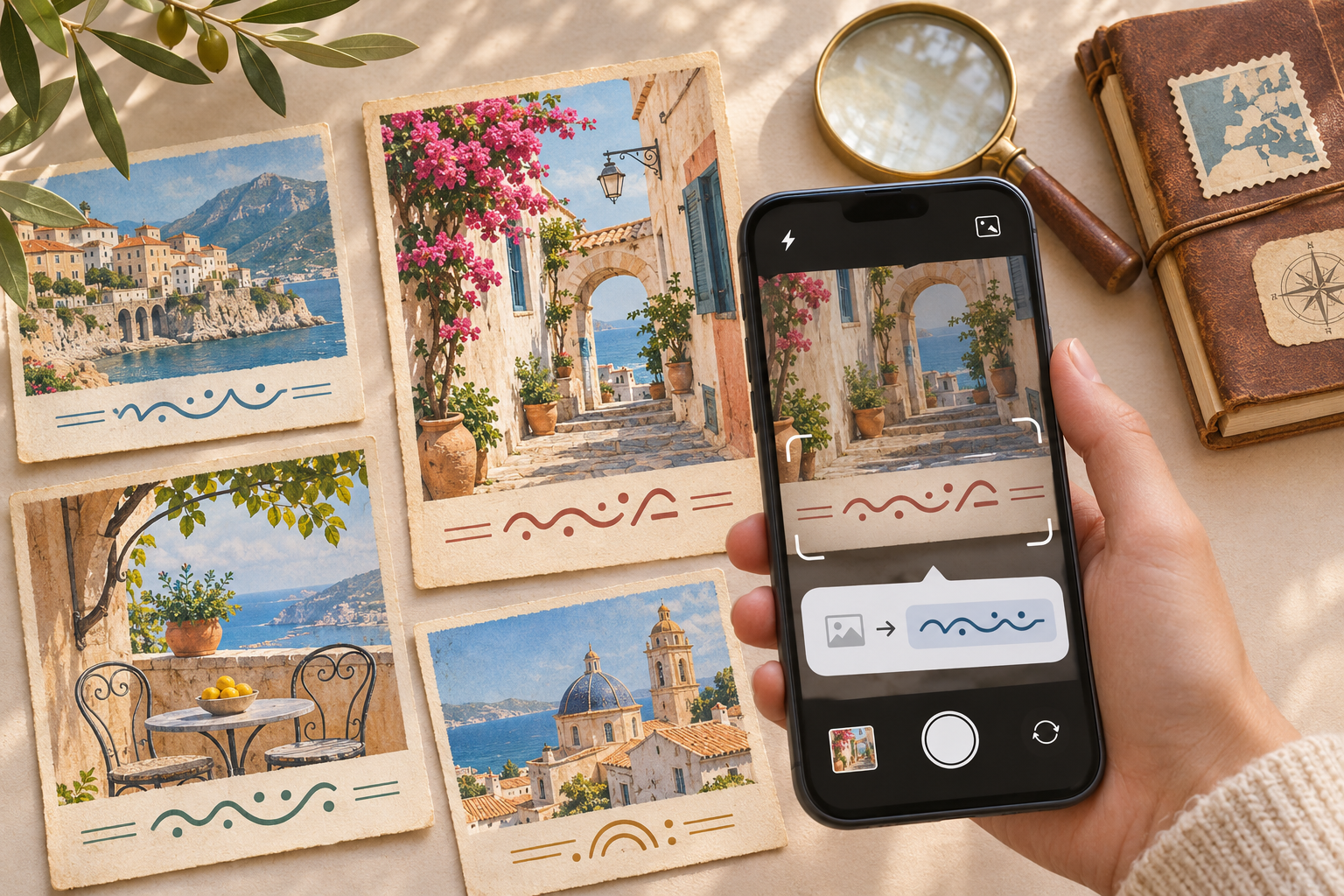
Open the image in Translate Photo Camera & Voice and choose the language you want to read. Review the translated section alongside the original. Keep complete sentences together so conditions and exceptions stay connected.
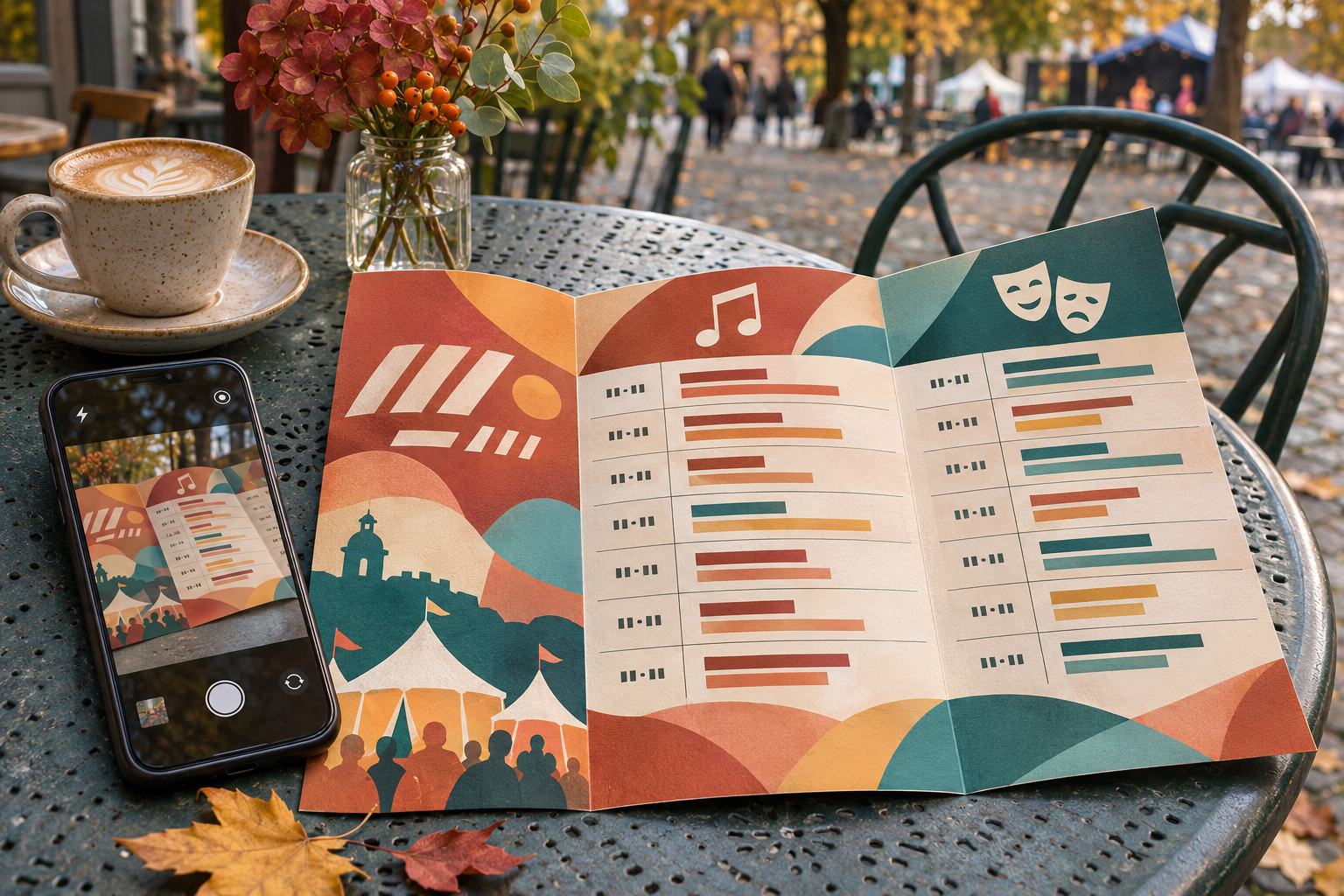
If the page has several columns, photograph one section with its heading visible. A closer image may make the reading order easier to check. Photo translation guide for printed instructions
Check hours and conditions against the original
Look at each time directly on the page. Confirm which service it belongs to and whether different days have different hours. Keep the original heading in your notes if you plan to show the page to reception.
For example, breakfast information might list a weekday schedule followed by a separate weekend line. Translate both before deciding when to go downstairs. Check whether the location is named in the same section.
If the wording leaves room for doubt, ask staff to confirm the current arrangement. This is especially helpful for checkout times, extra charges, and services that require a request.
Turn an unclear line into a short question
Use the translated text to identify exactly what you need clarified. Instead of asking about the whole booklet, ask whether a particular service is included or whether you need to reserve a time.
When using voice translation, speak one question at a time and let the other person answer before continuing. Show the relevant printed line if it helps establish the context. Short voice translation guide
Keep any confirmed answer with the section it explains. That makes it easier to share the information with your travel companion later.
Keep a small stay note
Write down the few details you will use during your stay, such as confirmed breakfast hours and the departure arrangement. Save a photo of the relevant printed section so you can revisit its full wording.
Avoid including room access codes, guest names, or other private details when a general page section is all you need to translate. Keep shared notes focused on the information your travel companion needs.
Can I translate a welcome page sent as an image?
The publisher lists uploaded image translation. Use a clear copy that includes the heading and any conditions below the main text. Check current arrangements with the hotel if the image came from an older message.
Why does the translation omit part of a notice?
Inspect the original photo for cropped edges, folds, glare, or very small text. Capture the full section again and compare the recognized wording before relying on the result. Translate app feature overview