Translate a Walking Tour Brochure on iPhone
Read tour descriptions from a photo and check meeting points, duration, and inclusions with the organizer.
Updated Nov 28, 2026

In this article
A walking tour leaflet may show appealing streets and landmarks while leaving you unsure about the practical details. Translating the description can help you understand the route, meeting point, and what the organizer says is included before you choose an outing.
Translate Photo Camera & Voice supports recognizing and translating text from photos and uploaded images. You can photograph a brochure section and review the translated wording beside the original. Translate Photo Camera & Voice on the App Store
Alibox promotes this application.
Identify the tour and its current details
Start with the tour title and organizer name. Check whether the leaflet lists several routes or different versions of the same walk. Keep the heading attached to the description you photograph.
Look for a date or season on the brochure. A printed schedule may need confirmation from the organizer, especially when departure times vary. Save the original tour name so you can identify it when asking questions.
Translate a walking tour brochure on iPhone
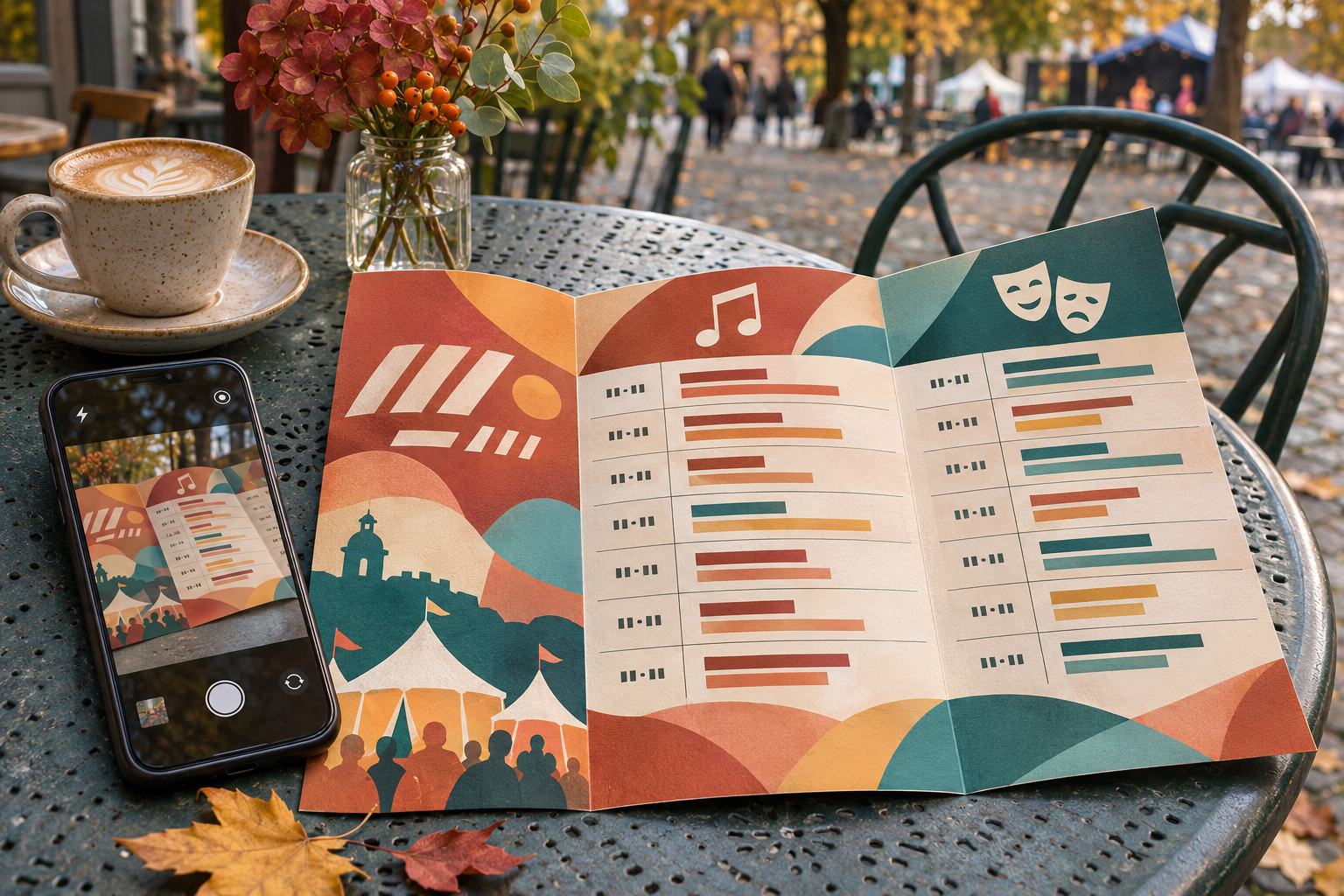
Place the leaflet flat in even light and capture one complete section. Include the title, description, and any practical note immediately below it. Check that folds and reflections have not hidden the small print.
Open the photo in Translate Photo Camera & Voice and select the language you want to read. Compare the result with the original. If the layout has columns, try a separate image of each column with its heading visible.
Retake any section where the recognized words look out of order. A closer image can help you check the full sentence and its conditions. Photo translation guide for printed instructions
Keep meeting points and landmarks in the original language
Write down the meeting point as printed, then add a translated explanation. The original wording can help when matching a street sign, showing the leaflet to staff, or checking the location on a map.
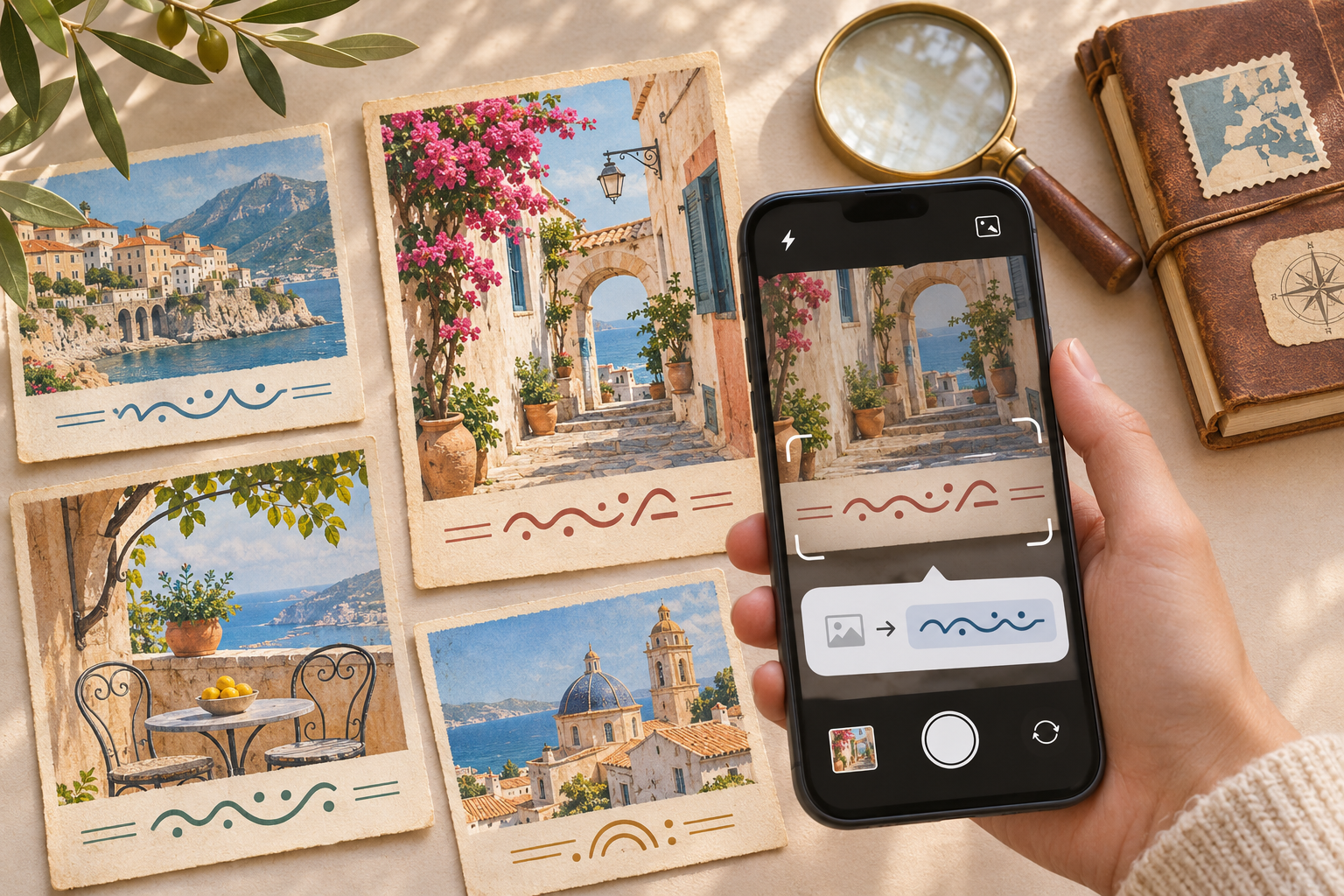
Distinguish the meeting point from the places visited along the route. A photograph of a famous building may illustrate the tour without identifying where it starts.
Confirm the precise meeting location with the organizer if the description is ambiguous. Ask whether the group meets outside an entrance, at a ticket desk, or in a nearby square.
Check duration and what is included
Read the full section about duration, language, reservations, and inclusions. Keep numbers connected to their labels so a departure time does not become confused with a tour length.
For example, a leaflet might describe a walk through several neighborhoods and separately mention an optional museum visit. Translate the note about that option before assuming it is included.
Ask the organizer about access needs, route conditions, or booking terms that affect your decision. Use the translation to prepare a specific question and confirm the answer directly.
Build a short comparison note
If you are choosing between two tours, record the original title, confirmed start time, meeting point, duration, and the feature that interests you most. Keep the source images with your notes.
Use a short question at a time when speaking through voice translation. Show the relevant printed line if it helps explain what you want to clarify. Short voice translation guide
Once you have chosen the tour, check the organizer's current instructions before departure. A translated brochure is a useful reading aid for the details you need to confirm.
Can I translate a brochure image from a friend?
The publisher lists uploaded image translation. Use a clear copy with complete headings and practical notes. Ask for another photo if the meeting point or an important condition is cut off.
What if a place name translates strangely?
Keep its original spelling and check it against the organizer's information or a map. Proper names can need context that a short brochure caption does not provide. Translate app feature overview