How to Translate Postcard Captions on iPhone
Read printed postcard captions from a photo and preserve original place names in your travel album.
Updated Nov 20, 2026
In this article
A postcard can show a familiar-looking street while its caption names a place you have never heard of. Translating that printed line can help you connect the picture to a town, a building, or a local tradition. With a clear photo, you can work through the caption before adding the card to a travel album.
Translate Photo Camera & Voice supports text recognition and translation from photos and uploaded images. You can use a picture of the printed caption as a starting point, then compare the result with the original card. Translate Photo Camera & Voice on the App Store
Alibox promotes this application.
Find the printed caption first
Look at both sides of the card. The front may carry a short place name, while the back has a longer description near the publisher's details. Begin with the printed description that explains the image.
Keep a town name together with the neighboring words. A short phrase may identify a district or viewpoint, and separating it into individual words can make the meaning harder to follow. Note any date printed beside the caption so you can keep it with your album entry.
Translate postcard captions on iPhone
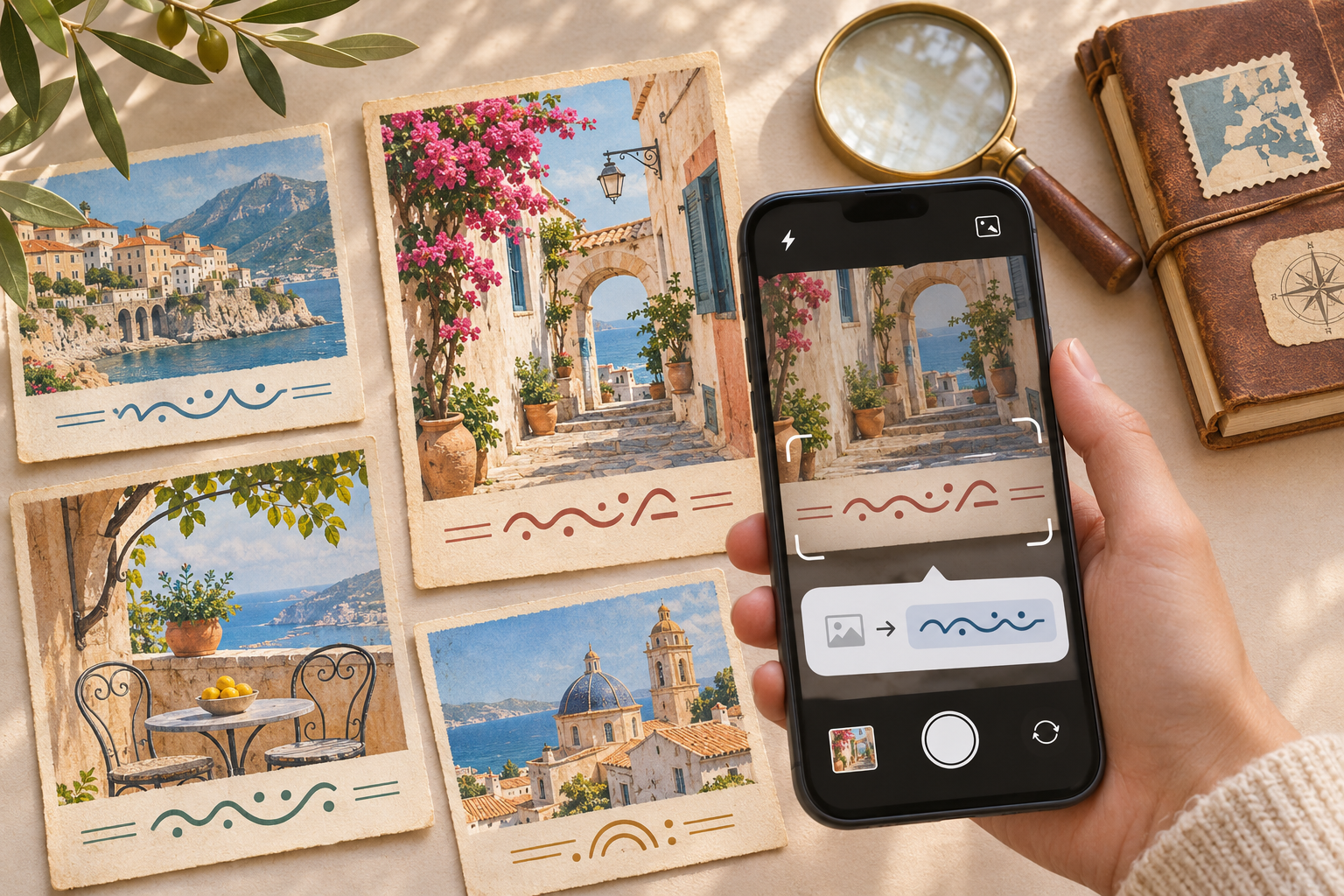
Lay the card flat in even light. Hold your phone parallel to the surface and take a photo with the full caption in focus. On glossy cards, change the angle of the light if a reflection crosses the letters.
Open the image in Translate Photo Camera & Voice and select the language you want to read. Review the result beside the original. If the printed text is small, take a closer image of that section while keeping the complete phrase visible.
For decorative lettering, inspect the recognized words carefully. A stylized letter can be mistaken for another character. If the result seems unrelated to the picture, compare the spelling against the card and try a sharper photo. Photo translation tips for printed instructions
Keep place names in their original form
The translated caption may explain that the scene shows an old market square, a harbor, or a mountain pass. Keep the original place name in your notes alongside that explanation. This makes it easier to look up the location later and compare it with other cards.
Suppose a card includes a town name followed by a phrase describing a bridge. Record the town name as printed, then add a short translated description. If you later find the bridge on a map, you can add that detail separately.
A translation can help you understand the words on the card. Confirm the location through a map or a reliable local source before treating a tentative identification as settled.
Add the translation to your travel album
Save a photo of the whole postcard and a closer image of its caption. In your album notes, keep the original wording, the translated meaning, and anything you still want to investigate. This preserves the connection between the text and the picture.
If the card has a personal message, photograph only the printed caption when that is the part you want to translate. Addresses and private correspondence can stay outside the image you use for this task.
For a related travel reading task, you can use the same care with light, focus, and complete phrases when photographing a display label. Museum label translation guide
Will the app read every handwritten message?
Handwriting varies widely, and the publisher's photo translation description does not guarantee recognition of every handwritten style. Start with clear printed captions. For a difficult message, check uncertain words with the writer or someone familiar with the language.
Why is a short caption translated strangely?
Short captions may provide little context. Include the full phrase, check the recognized spelling, and confirm that the source language is correct. Proper names and older wording may need additional research. Translate app feature overview