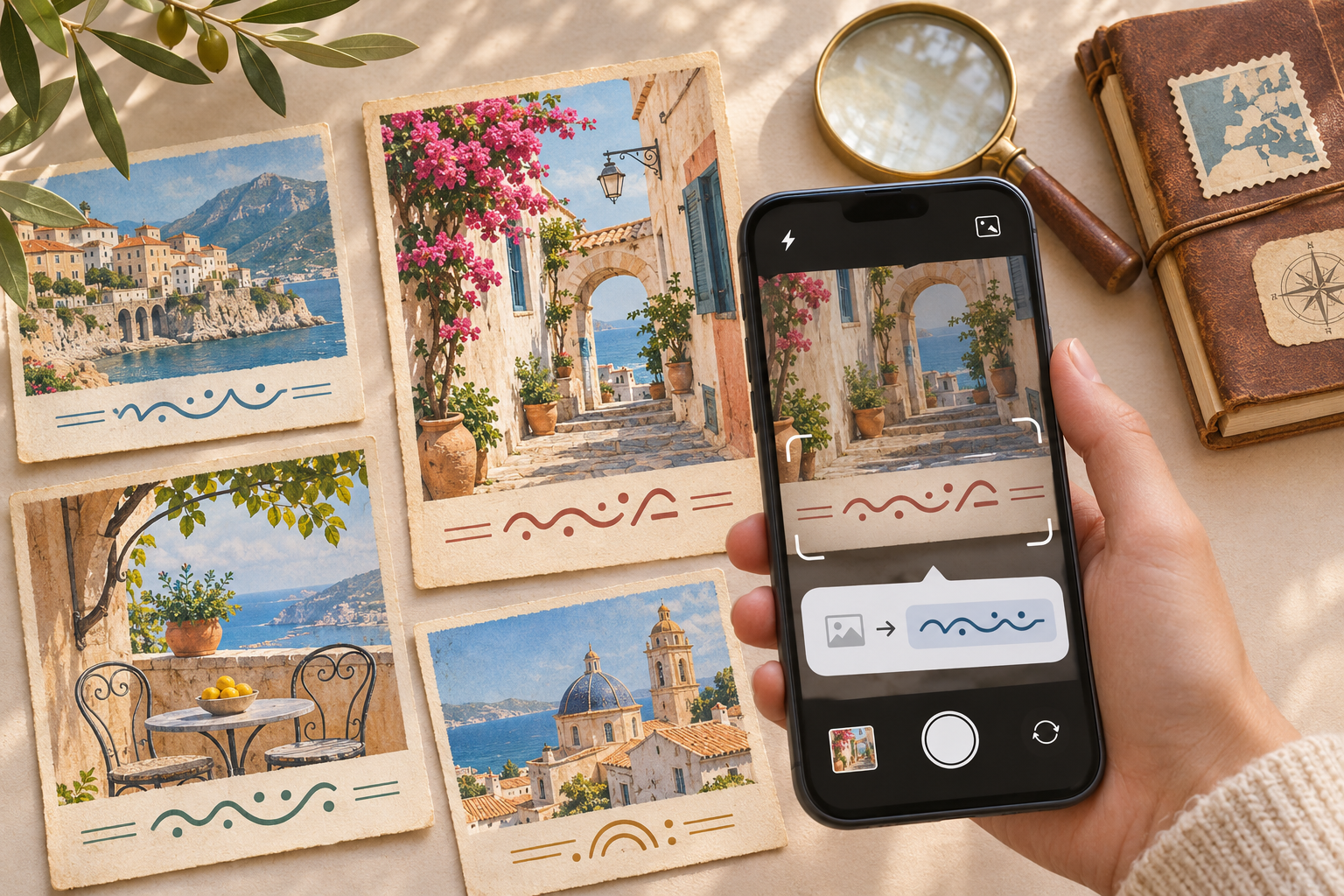
How to Translate Museum Labels on iPhone
Use Translate Photo Camera & Voice to read museum labels and check names, dates, and attribution against the original.
Updated Nov 11, 2026
In this article
- Start with the question you want the label to answer
- Capture the label and keep a reference to the exhibit
- Translate the section and compare it with the original
- Read dates and attribution in context
- Save a note you can understand after the visit
- Frequently asked questions
- Can I translate a label from a photo I took earlier?
- What if the label is bilingual?
- Can I cite the translated text as the museum’s wording?
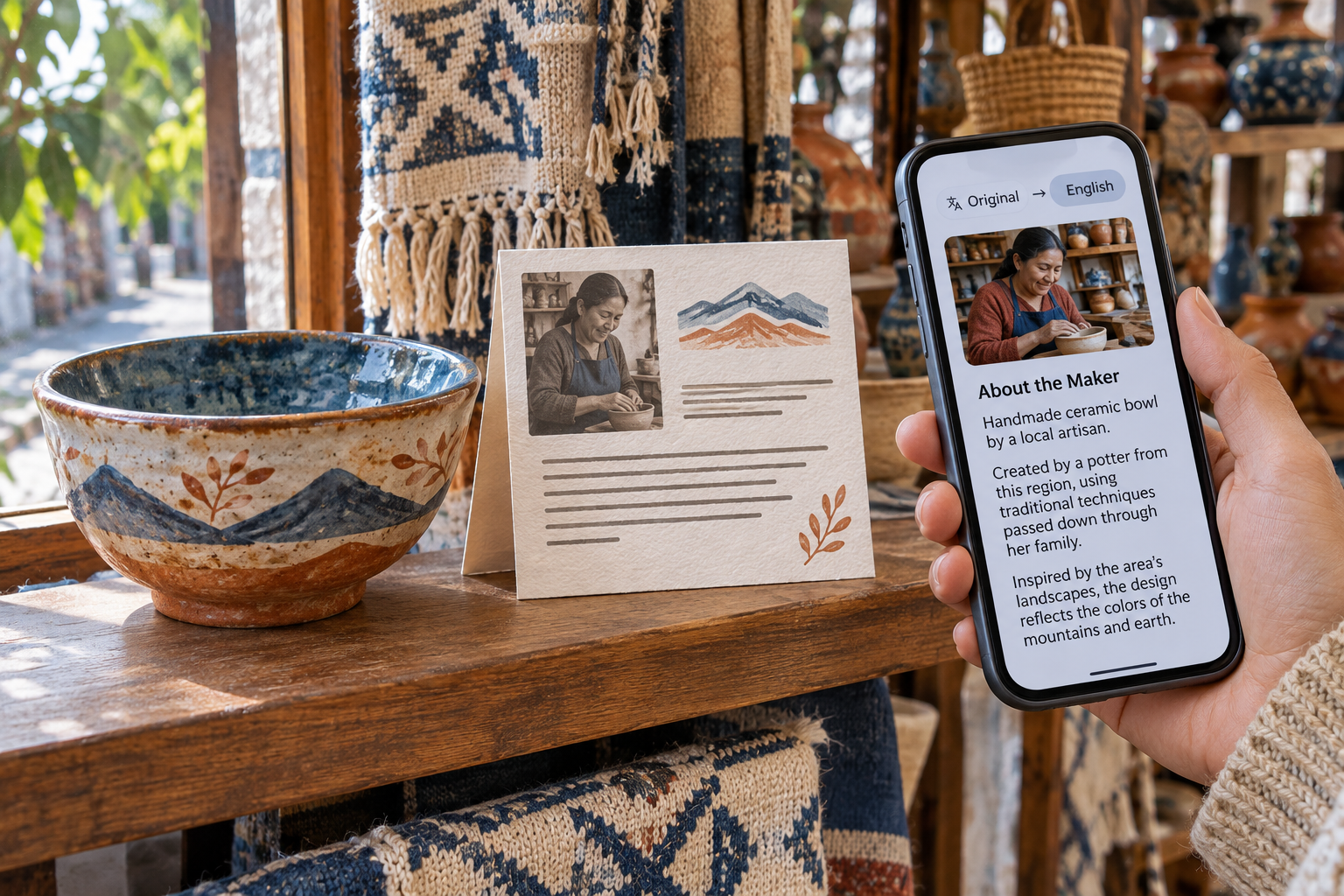
In a museum, the words beside an object often explain what makes it interesting. A short label might tell you where a bowl was made, why an artist chose a particular material, or how an object was used. When you cannot read the label, a photo translator can help you follow the exhibition at your own pace.
The publisher of Translate Photo Camera & Voice lists text recognition and translation from photos and imported images. This guide uses those tools to read museum labels on iPhone and keep each translation connected to the right object.
App to try · Translate Photo Camera & Voice on the App Store. Alibox promotes this application.
Start with the question you want the label to answer
You may only want to know what the object is, who made it, or when it was made. Start with the heading and the lines directly below it. If the label includes a longer explanation, read that paragraph separately after you have identified the object.
A museum may already offer a translated guide. Check the gallery signs or ask at the desk if you want an official account of the exhibition. If photography is restricted, use the museum’s guide or ask staff about available translations.
Capture the label and keep a reference to the exhibit
Where photography is permitted, frame the label so the text fills enough of the image to read. Keep the title and the complete lines you need. If reflections obscure the label, try a slightly different position from the public viewing area. Follow the museum’s rules about flash and keep clear of other visitors.
When several objects share a case, take a wider reference photo if permitted or note the object’s title or case number. The wider view helps you work out which label belongs to which piece later. Use a separate close photo for the text itself. Photo translation guide for menus and signs
Translate the section and compare it with the original
Open the app’s photo translation workflow, capture or import the image, and choose the language you want to read. Check the source language if it is shown. Some labels include a title in one language and a longer description in another. A photo of the relevant paragraph can make it easier to see what the app has recognized.
Where the app shows the recognized text, compare it with the original label before relying on the translation. Small type, glare, and decorative lettering can affect recognition. If an artist’s name or a date looks wrong, inspect the photo and try a clearer capture. The application overview lists the available types of translation described by the publisher.
Read dates and attribution in context
Museum labels often distinguish between things that can sound similar in translation. A date may refer to when an object was made, when it entered the collection, or the lifetime of its maker. Read the words next to the date before deciding which one you are looking at.
| Detail on the label | What to check | | --- | --- | | Artist or maker | Keep the original spelling when looking it up later | | Date or date range | Check what the date describes and whether it is approximate | | Place | See whether it refers to production, discovery, or the collection | | Attribution | Preserve words such as “possibly” or “attributed to” | | Object number | Match it to the exhibit if several items are nearby |
If you are quoting a label or using the information in a report, verify the wording with the museum’s catalogue or another official publication. For longer printed passages, the same method of keeping headings and captions together can help. Guide to translating printed instructions
Save a note you can understand after the visit
A line of translated text is easier to revisit if you know which object it describes. In your own notes, keep the museum, the object title or number, and the detail you wanted to remember. Keep any photos in accordance with the museum’s rules, especially if you plan to share them publicly.
Frequently asked questions
Can I translate a label from a photo I took earlier?
The publisher lists imported images as a supported input. Use the photo workflow available in your installed version and choose a picture where the label is readable.
What if the label is bilingual?
Start with the language you already understand if it provides enough detail. For another passage, capture the relevant language section and check the selected source language.
Can I cite the translated text as the museum’s wording?
Check the official label or catalogue before quoting. If you share your own translation, identify it as such and preserve any uncertainty in the original.