Turn Meeting Notes into an Agenda with AI Chat Agent Plus
Turn scattered notes into a timed meeting agenda with clear questions and decisions.
Updated Nov 18, 2026

In this article
You have a page of notes for a twenty-minute meeting. Some are updates, one is a question the team needs to answer, and two belong to a different project. AI Chat Agent Plus can help shape those notes into a draft agenda that makes the purpose of the meeting clear to everyone attending.
AI Chat Agent Plus on the App Store. Alibox promotes this application.
Start with the decision you need
Write down what you want people to leave the meeting knowing or having agreed. For a project check-in, that might be choosing which of two tasks to finish first. A specific outcome gives the chat a way to judge which notes belong in the agenda.
Give it the time available and a short description of who will attend. Use role names and generic project labels when the real names or details are unnecessary. Leave out material you do not have permission to share.
Draft a 20-minute agenda from these notes. The goal is to choose which of two tasks we should finish first. Put that discussion early. Identify any information we need to check before deciding. Keep the two unrelated notes in a parking list.
Turn broad topics into questions people can answer
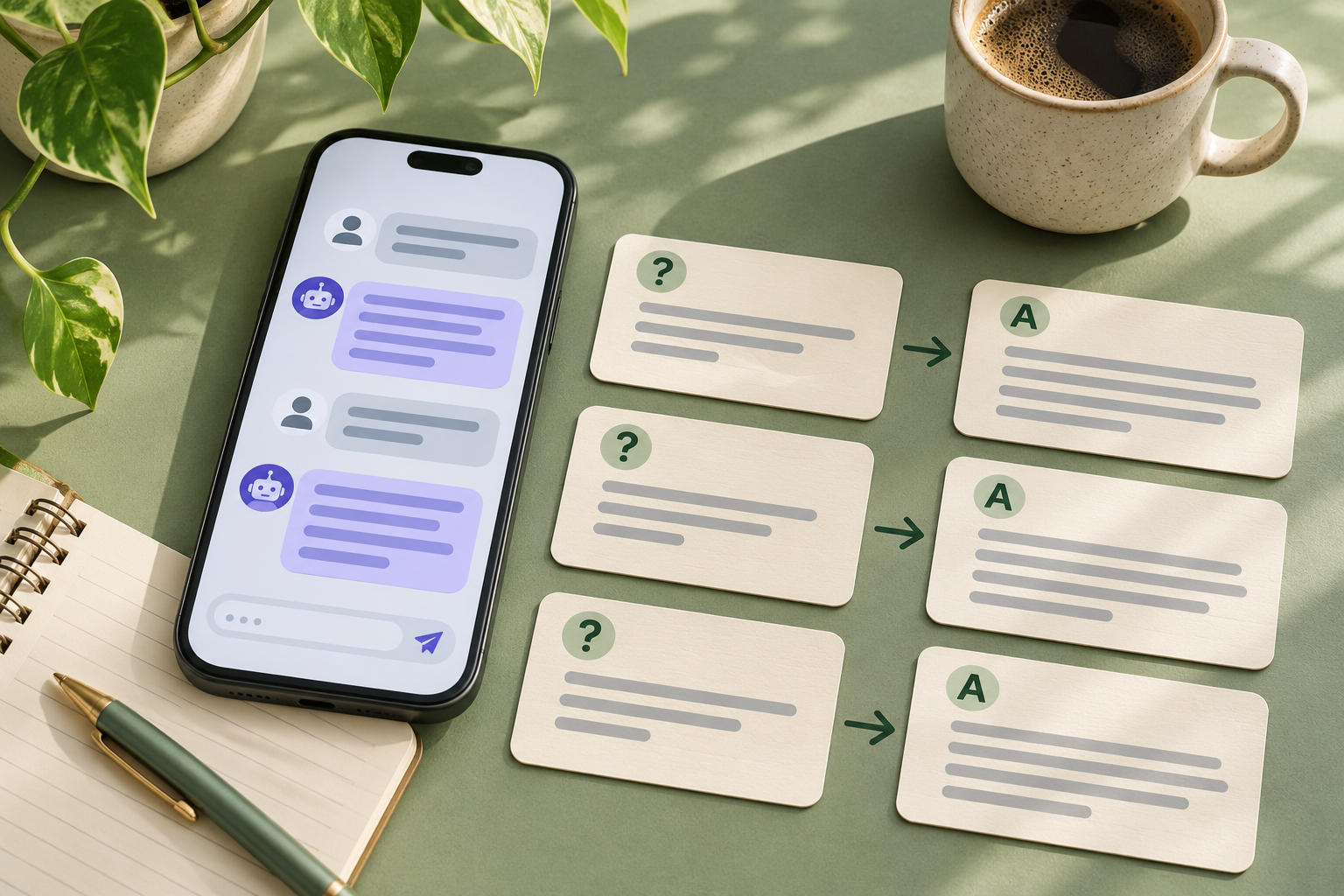
An item called “Launch update” could mean anything from a status report to a deadline change. Rewrite it as a question that tells participants what to prepare. For example, “Which tasks need a reviewer before Friday?” gives everyone a clear point of discussion. Check that Friday actually appears in your notes before keeping it.
Rewrite each discussion item as a question. Preserve the intended decision. If the notes do not name an owner, date, or dependency, leave that field blank.
For a meeting with several decisions, ask one follow-up about the one that matters most, then revise the rest around it. Guide to refining an AI chat conversation
Fit the draft to the available time
Here is one way to divide a 20-minute project meeting when the team needs to make a single decision.
| Time | Agenda item | | --- | --- | | 3 minutes | Confirm the decision and the constraints | | 10 minutes | Compare the two tasks and choose which comes first | | 5 minutes | Identify who will take the next action | | 2 minutes | Read back the decision and any open question |
Ask the chat to shorten or move an item if you could cover it in a written update. Read the timing yourself. A tidy table can still give an important decision too little room.
Check the agenda before sending it
Compare the draft with your notes. Verify dates, participant roles, and decisions that have already been made. If the chat assigned a task to a colleague or implied everyone has agreed, revise the wording to reflect the actual situation. “Choose a reviewer” works when the group still needs to decide.
End each decision item with what you intend to record, such as a selected option or a question to resolve. After the meeting, write down what participants actually agreed and use that record for your follow-up. Guide to writing email drafts with AI chat
Frequently asked questions
Can I use a very short set of notes?
Yes. Provide the goal and time limit, then ask for a draft that flags missing details. Supply any missing facts yourself before sharing it.
Can the chat turn my agenda into meeting minutes?
Provide your actual meeting notes and ask for a separate draft of the minutes. Check which items were discussed, decided, or left open against your record. Guide to summarizing text with AI chat
What if I only need to share updates?
Consider whether readers can use a short written update. If you are meeting anyway, give each essential update an owner or a question so participants know what to bring. AI Chat Agent Plus overview