Summarize Text with AI Chat: Keep the Meaning, Check the Details
Use AI Chat Agent Plus to prepare a focused summary, preserve qualifications, separate interpretation, and check the result against your original text.
Updated Nov 7, 2026
In this article
- Decide what the summary is for
- Prepare a source you can compare against
- Separate summary from interpretation
- Preserve who said what and how certain it was
- Handle longer material in identifiable sections
- Choose what must survive compression
- Use a source-check table for important points
- Turn the summary into questions when learning
- Check the app's role in your workflow
- Keep the final note connected to its source
- Frequently asked questions
- Can I ask AI Chat Agent Plus to summarize supplied text?
- Should I ask for only three bullet points?
- Can I trust quoted passages in a generated response?
- Does a summary verify the source's facts?
- Where can I try the app?
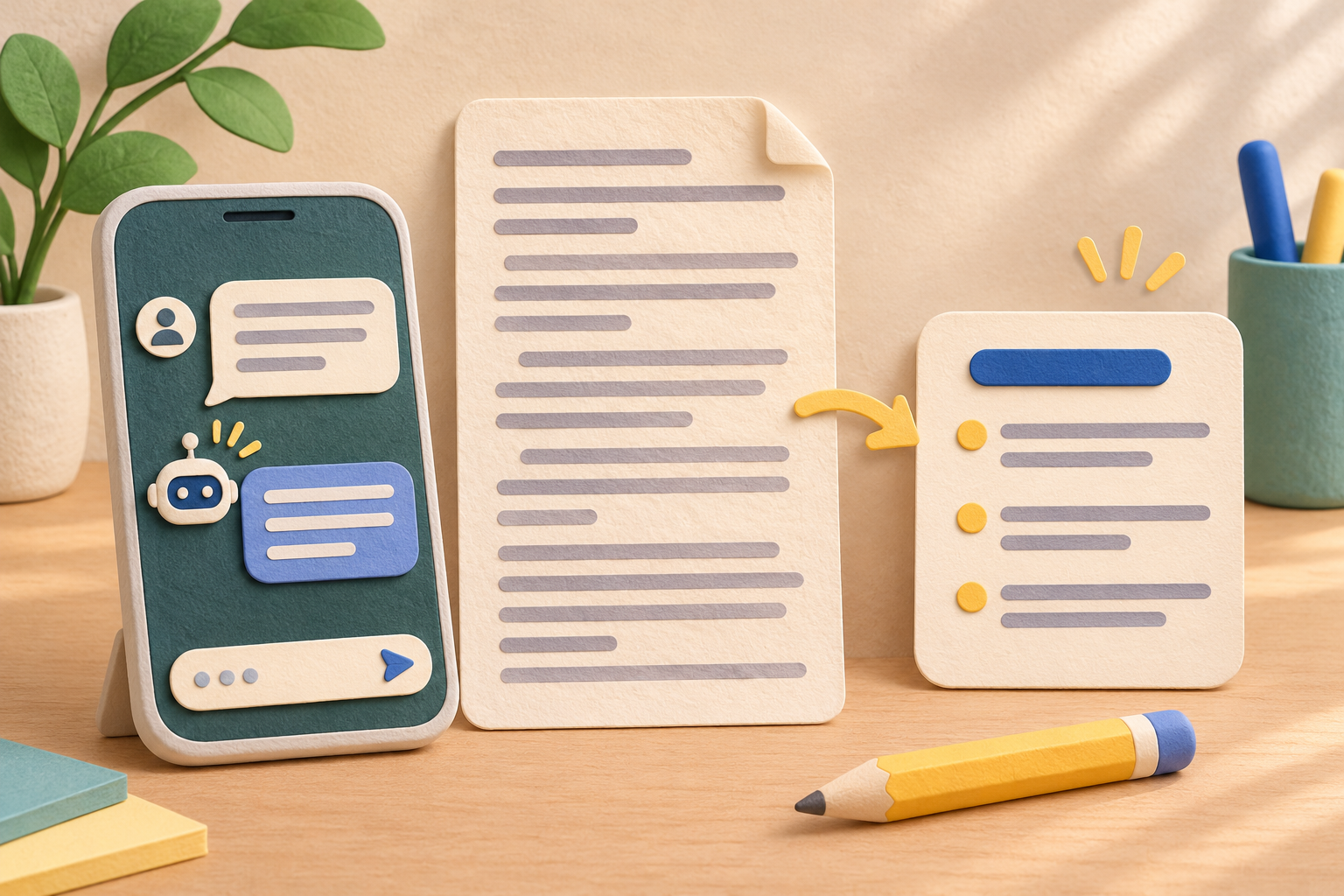
A shorter version of a text is useful only if it keeps the meaning you need. A summary can look tidy while leaving out an important condition, changing a tentative suggestion into a decision, or adding an explanation that never appeared in the source.
This guide explains a practical way to summarize text with AI chat in AI Chat Agent Plus. You provide material you are allowed to share, define the purpose of the summary, and compare the result with the original before using it. The suggested prompts are a conversation workflow rather than a claim about a dedicated document-processing feature.
App to try: View AI Chat Agent Plus on the App Store. Alibox promotes this application.
Decide what the summary is for
A quick reminder for yourself and a briefing for someone unfamiliar with the topic need different levels of detail. State who will read the summary and what they should understand after reading it.
Choose a format that fits the purpose: a short paragraph, a few bullet points, or a small outline. Avoid asking for the shortest possible response if you still need conditions, exceptions, or disagreements preserved.
Try this starting prompt:
Summarize the text I provide for [reader and purpose]. Use [format]. Keep important conditions and uncertainty. Use only the supplied material, and do not add background facts or recommendations.
Replace the placeholders before providing the text. Clear instructions make the task easier to assess, but they do not guarantee that every detail will be handled correctly.
Prepare a source you can compare against
Keep the original available while you work. A summary is easier to verify when you can return to the passage behind a claim instead of relying on memory.
Provide text you have permission to share and leave out unnecessary personal or confidential information. Review the app's current privacy information and any requirements that apply to your material before pasting it into a chat.
Do not assume the assistant can see a full website, inbox, attachment, or earlier conversation merely because you mention it. This guide uses text supplied through the supported chat workflow. Check available inputs and limits in your installed app before planning a task around a particular file or external source.
Separate summary from interpretation
A source summary describes what the supplied material says. An interpretation explains what it might mean, while a recommendation proposes what to do. Combining all three without labels can make it difficult to tell which statements came from the original.
Ask for the summary first. If you also want questions or possible implications, request them separately and make the distinction explicit.
For example:
First summarize the source. In a separate section, list questions the text leaves unanswered. Do not fill those gaps with guesses, and do not present your interpretation as a statement from the source.
Check the separation yourself. An assistant can still introduce a plausible inference into a supposedly source-based section. The label is a review aid, not independent evidence of accuracy.
Preserve who said what and how certain it was
Look for distinctions between a proposal, a decision, an observation, and a prediction. A sentence saying that a team might try an approach should not become a summary claiming the approach was approved.
Names, dates, quantities, and responsibilities need direct comparison. If the source contains several viewpoints, ask the summary to preserve the disagreement rather than blending them into a false consensus.
A useful follow-up prompt is:
Review your summary for changes in certainty or attribution. Check whether any suggestion became a commitment, any possibility became a fact, or any person's view became a shared conclusion. Show the source wording that supports each correction.
Verify any quoted source wording against your original. Do not assume a generated quotation is exact simply because it appears inside quotation marks.
Handle longer material in identifiable sections
If the text is too long for the current workflow or becomes difficult to review, divide it into labeled sections. Keep the labels in your own reference so you know which material each response is based on.
Ask for a section summary that preserves terms and open questions. When combining those summaries later, provide the relevant material again if needed. Do not assume unlimited context or perfect recall across a long conversation.
A combined summary should not create connections that the sections do not establish. If one section describes a problem and another discusses an unrelated proposal, check whether the final outline incorrectly presents the proposal as the agreed solution.
Our guide to improving AI chat conversations explains targeted follow-ups when a response drifts from your instructions.
Choose what must survive compression
Before shortening the first draft further, identify the details you cannot lose. These may include an exception, a deadline, a limitation, or a distinction between two terms.
Ask for a revision with those constraints:
Shorten this summary while keeping [essential details]. Remove repetition before removing qualifications. If the requested length would hide an important distinction, explain the tradeoff instead of silently dropping it.
Then read it from the perspective of someone who has not seen the original. Can they understand the main point without being misled by what was omitted? A concise version is not automatically the most useful version.
Use a source-check table for important points
For material you intend to rely on, compare the main statements with the original. A simple table can make that review manageable:
| Summary statement | Source passage | Review question | | --- | --- | --- | | Main conclusion | Relevant paragraph or section | Does the source actually reach this conclusion? | | Date or quantity | Exact source wording | Are the value and context preserved? | | Proposed next step | Passage describing the proposal | Is it a suggestion or an agreed action? | | Limitation | Exception or condition | Did the summary keep the qualification? |
You can ask the chat to help prepare the table, but you still need to check the references. Generated section labels and excerpts should not be treated as verified citations without comparison.
Turn the summary into questions when learning
Once you have checked a summary, you can use it as a starting point for a different exercise. Ask what remains unclear or which concepts you should explain in your own words.
Keep that exercise separate from the source summary. An unanswered question is not permission to invent the missing answer, and a practice question should not imply that the source contained information it did not provide.
Our AI chat study practice guide covers turning notes into a practice session. Use the original material to check explanations when accuracy matters to your learning.
Check the app's role in your workflow
The publisher lists questions and explanations, writing assistance, and idea generation in AI Chat Agent Plus. The application overview summarizes those capabilities. This article describes how to request and review a summary through a conversation; it does not establish a particular upload format, context size, or automatic source-checking integration.
Review current feature access and purchase terms in the app. Do not assume a specific model, unlimited processing, offline operation, or access to external sources that you have not verified.
If your summary becomes part of an email, check the final message separately. Our email writing guide explains reviewing facts and commitments before sending a draft.
Keep the final note connected to its source
Save the summary in a way that makes its source and purpose understandable to you. A private note about the document title or section can prevent confusion when you return to similar material later.
Check the actual text you keep or share. Confirm that important qualifications remain and that no placeholder or unsupported detail survived the revision. Avoid presenting an unverified generated summary as an official statement from the source author.
The useful result is a shorter account you can explain and check, with a clear path back to the original when a detail needs more attention.
Frequently asked questions
Can I ask AI Chat Agent Plus to summarize supplied text?
Its listed chat and writing assistance capabilities provide a basis for requesting a summary. Test the supported input workflow and review the actual output; do not assume a dedicated document tool or guaranteed accuracy.
Should I ask for only three bullet points?
Choose a length that fits the material. A very short format may hide exceptions or disagreements. State which details must remain and review what was omitted.
Can I trust quoted passages in a generated response?
Compare them with the original. A quotation format does not prove that the words were copied accurately or attributed correctly.
Does a summary verify the source's facts?
No. Summarizing what a text says is different from establishing whether its claims are true or current. Check important factual claims through appropriate sources when needed.
Where can I try the app?
Find AI Chat Agent Plus on the App Store. Start with a short, non-sensitive passage you can verify, define the summary's purpose, and compare the result with the original.