Nov 28, 2026 · 4 min read
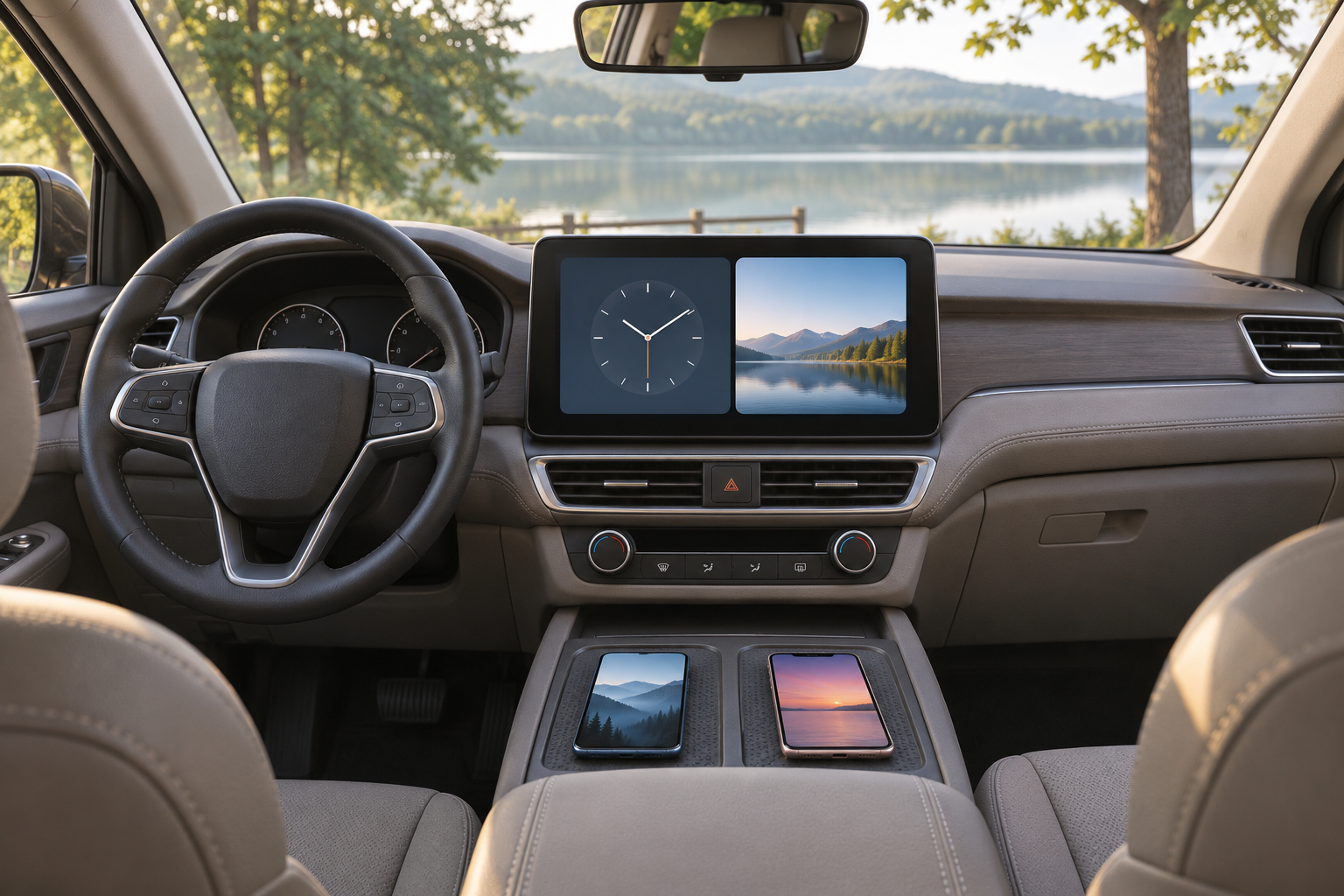
Set Up Car Connect for a Shared Family Car
Check each driver’s phone, choose shared-friendly designs, and test the dashboard while parked.
Read story ↗
Custom widgets, welcome sounds, and trip tracking
Personalize compatible CarPlay displays with widgets, set up connection sounds with Shortcuts, and review GPS trip summaries.
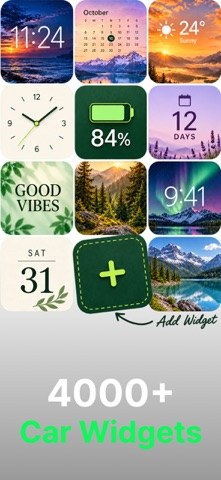
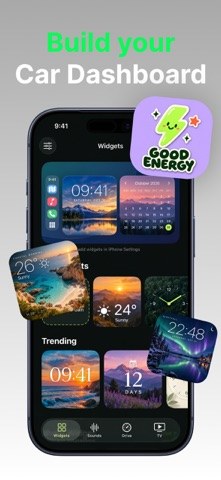
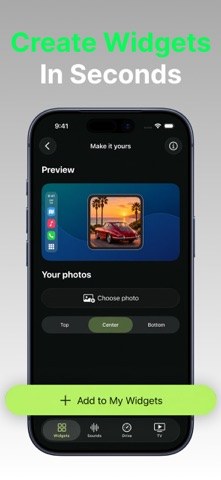
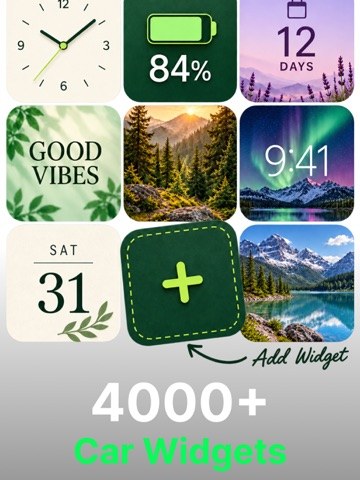
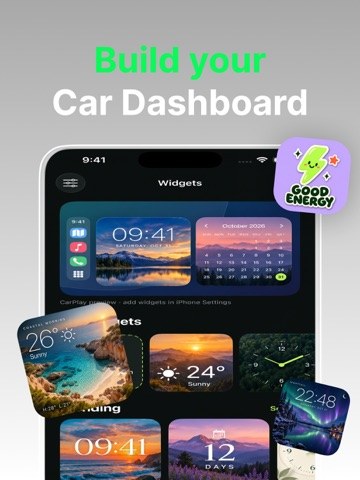
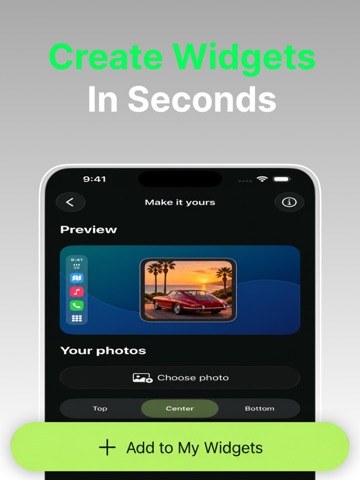
CarPlay Widgets: Car Connect lets you create photo, clock, countdown, and text widgets with supported colors and layouts. The publisher describes saving designs and adding them to compatible CarPlay displays.
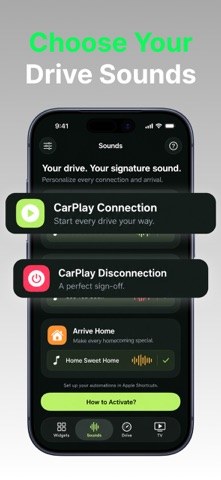
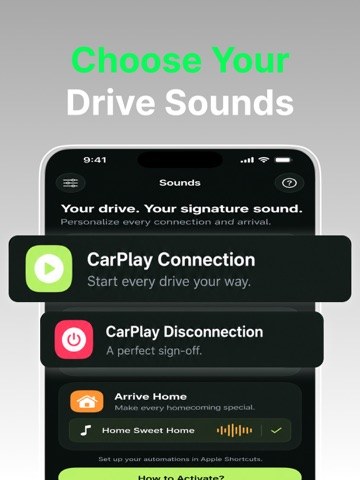
Preview library sounds, import audio, or record your own selection. Follow the setup guide to configure a CarPlay connection or disconnection automation in Apple Shortcuts. Sound automations require this separate setup.
Start a trip to view estimated GPS speed, distance, and duration. Review saved summaries and choose miles or kilometers. Active trips use location and may continue tracking in the background, which can affect battery life.
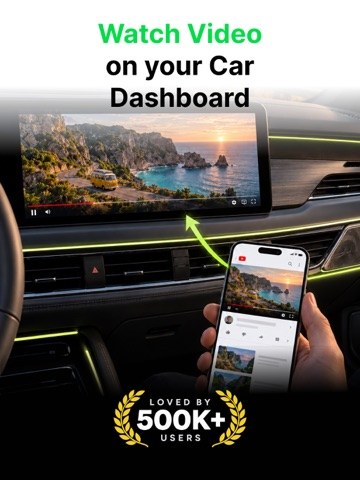
The listing includes M3U and M3U8 IPTV playlist support and supported stream playback with compatible AirPlay video displays. Car Connect does not provide channels or streaming subscriptions. A standard CarPlay connection does not guarantee video playback. Use only content you have permission to access, and configure the app and watch video only while safely parked.
Apple metadata lists minimum iOS 26.0. CarPlay widgets require iOS 26 or later and a compatible vehicle or head unit. Check your actual device, display, and current app access before relying on a particular feature.
Product information is based on the publisher's App Store listing and Apple metadata; feature behavior has not been independently tested.
iOS 26.0+

The publisher specifies iOS 26 or later and a compatible vehicle or head unit.
The listing requires configuring a connection or disconnection automation in Apple Shortcuts using the setup guide.
No. You supply your own supported playlists and must have permission to access the content. Channels and streaming subscriptions are not provided.
No. A standard CarPlay connection does not guarantee video playback. A compatible display and supported content are required; watch only while safely parked.
The publisher describes GPS speed and trip statistics as estimates. Background location during active trips can affect battery life.
Check each driver’s phone, choose shared-friendly designs, and test the dashboard while parked.
Read story ↗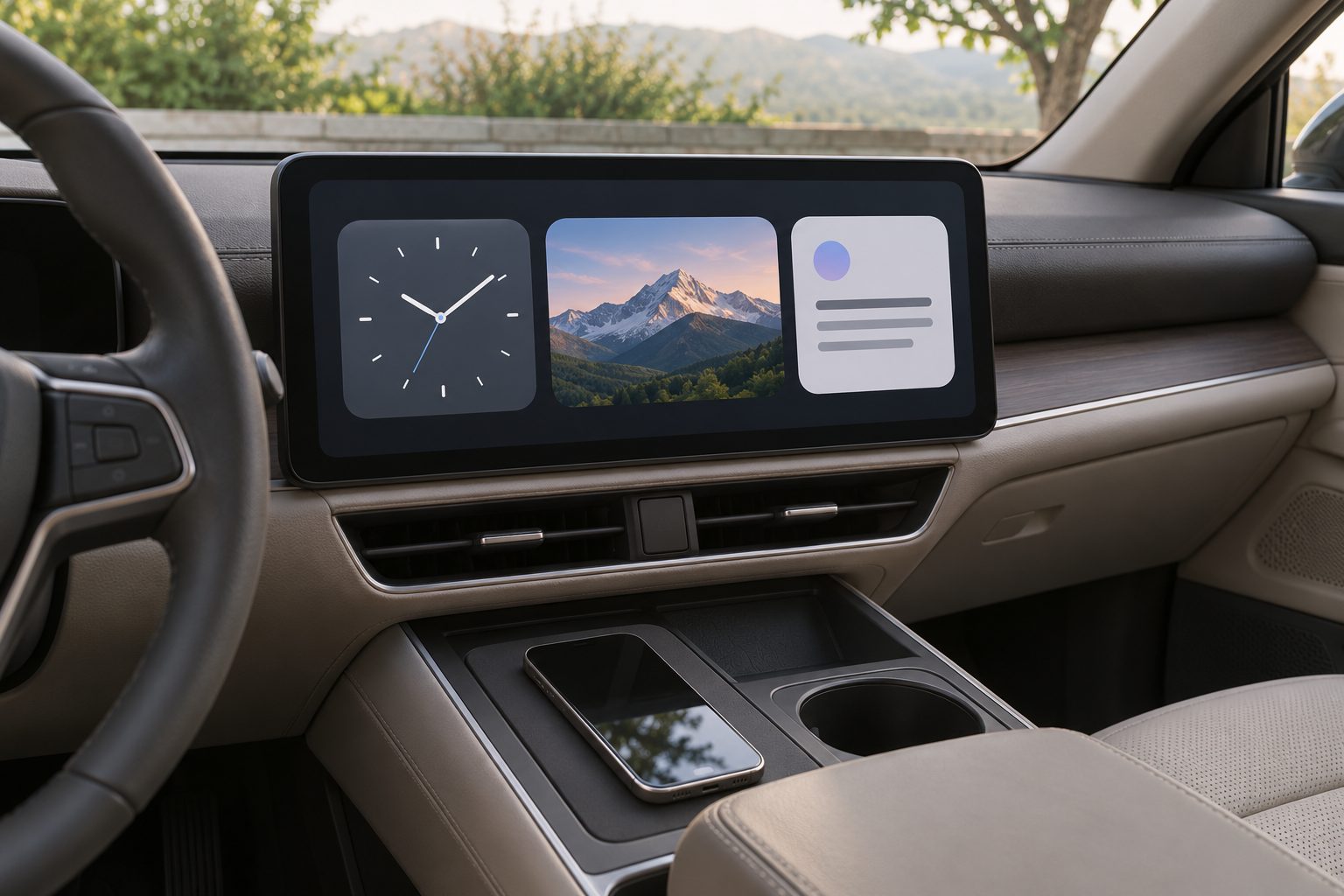
Review a saved widget design on your phone and car display, checking crops, text, and contrast.
Read story ↗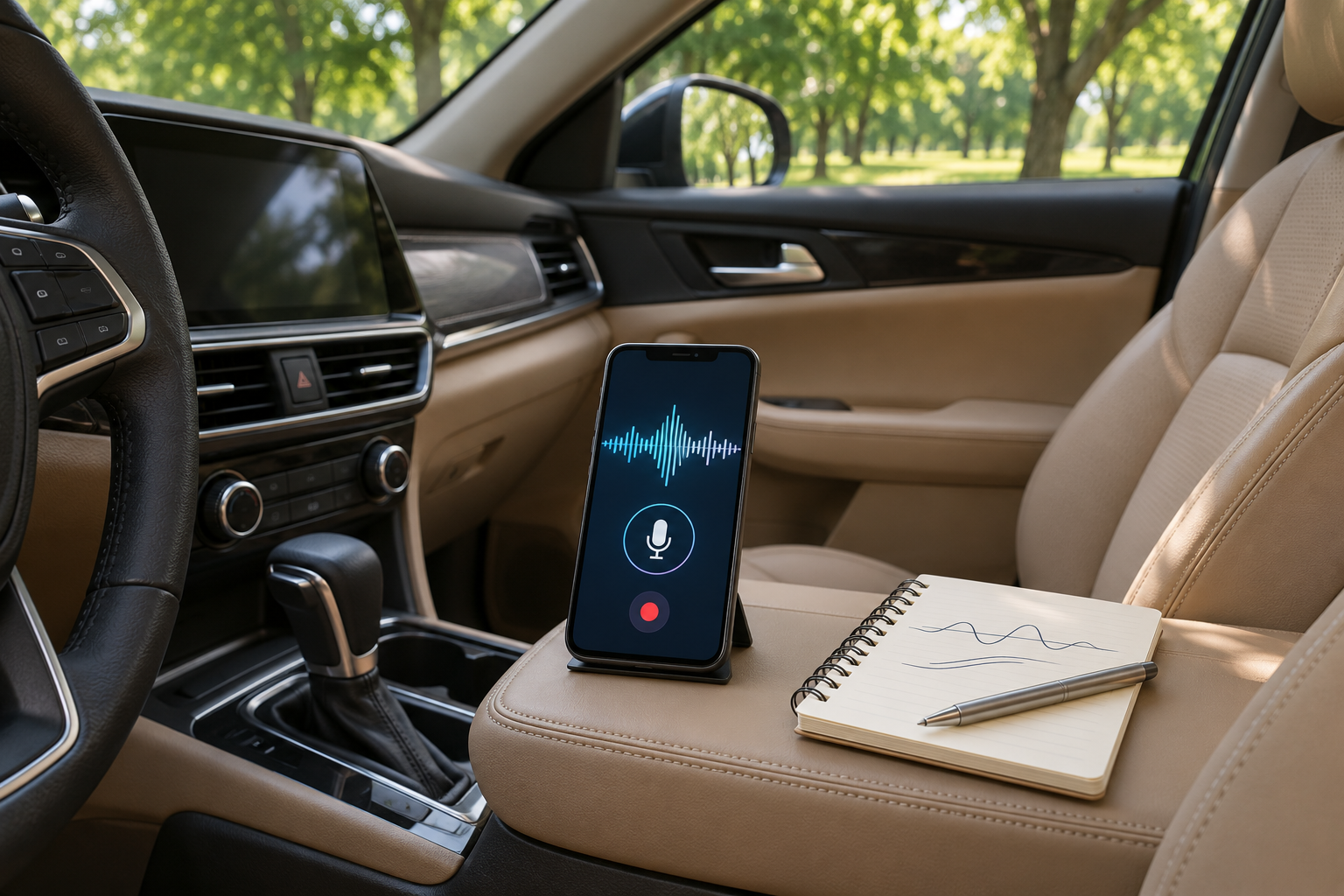
Prepare a short voice greeting, preview the sound, and test your CarPlay automation while parked.
Read story ↗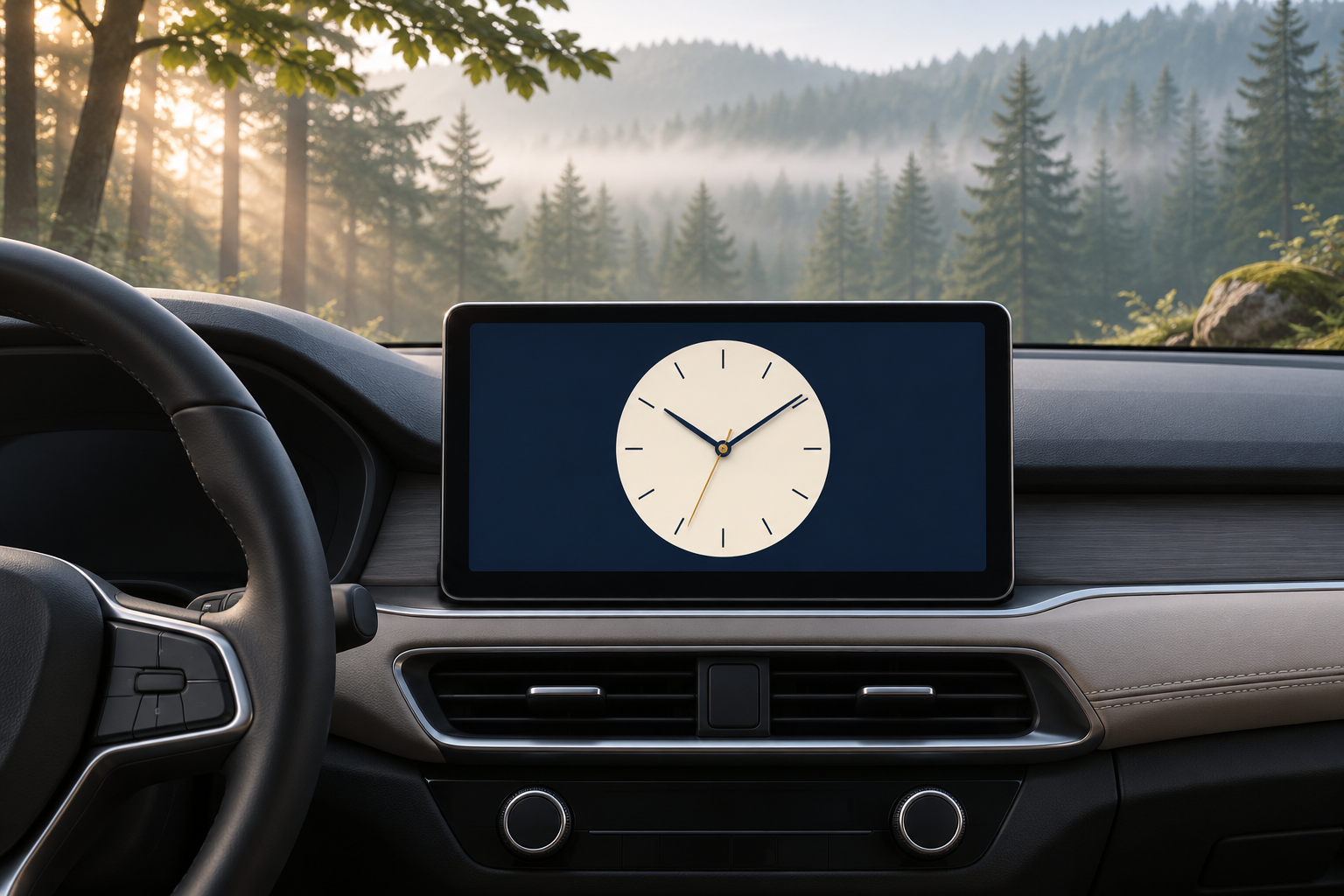
Compare clock designs, check contrast, and preview your saved widget on a compatible vehicle display.
Read story ↗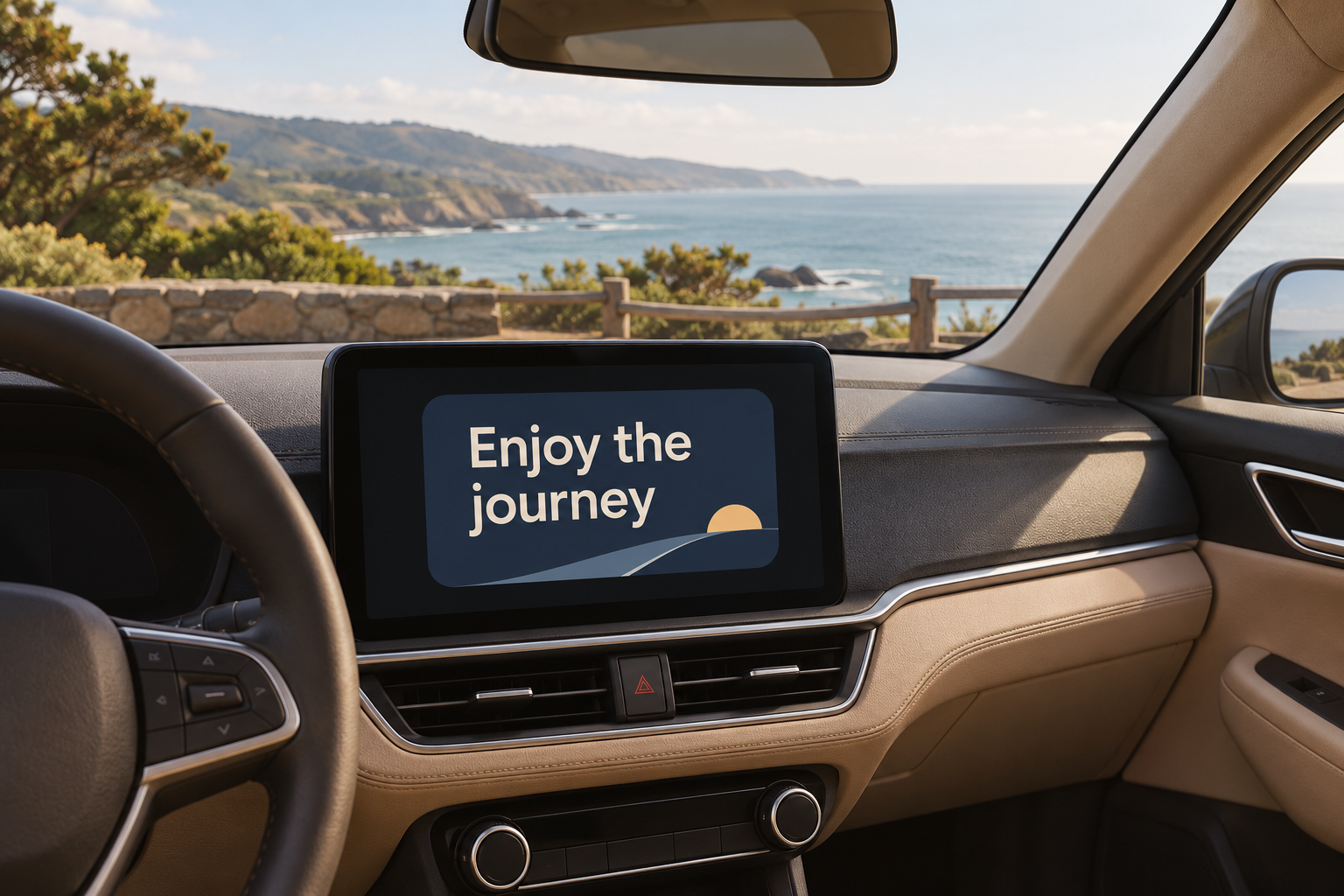
Choose a short dashboard message, preview its layout, and check the saved text widget in your parked car.
Read story ↗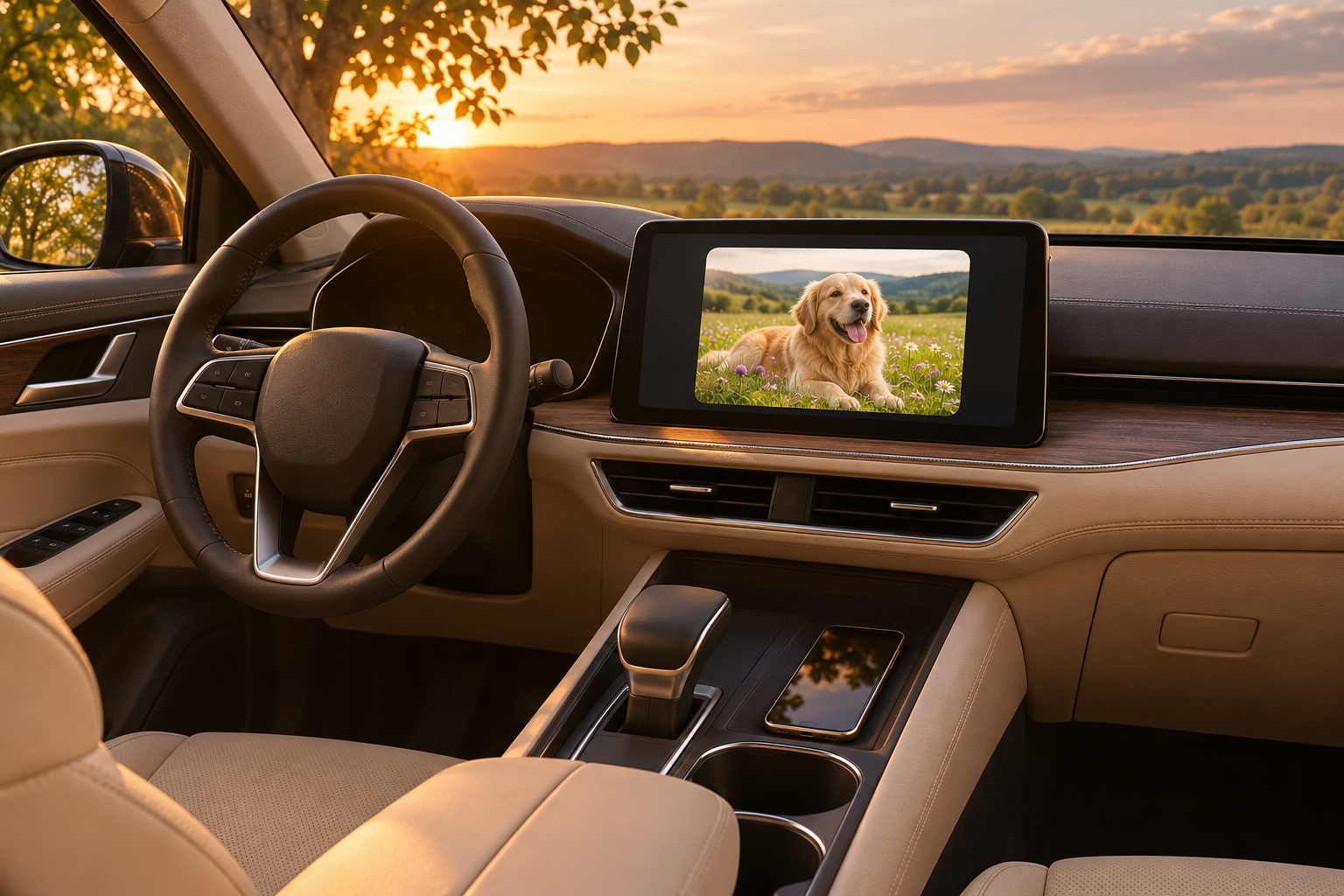
Choose a clear photo, preview the crop, and check your saved Car Connect design on a compatible dashboard.
Read story ↗