Nov 18, 2026 · 3 min read
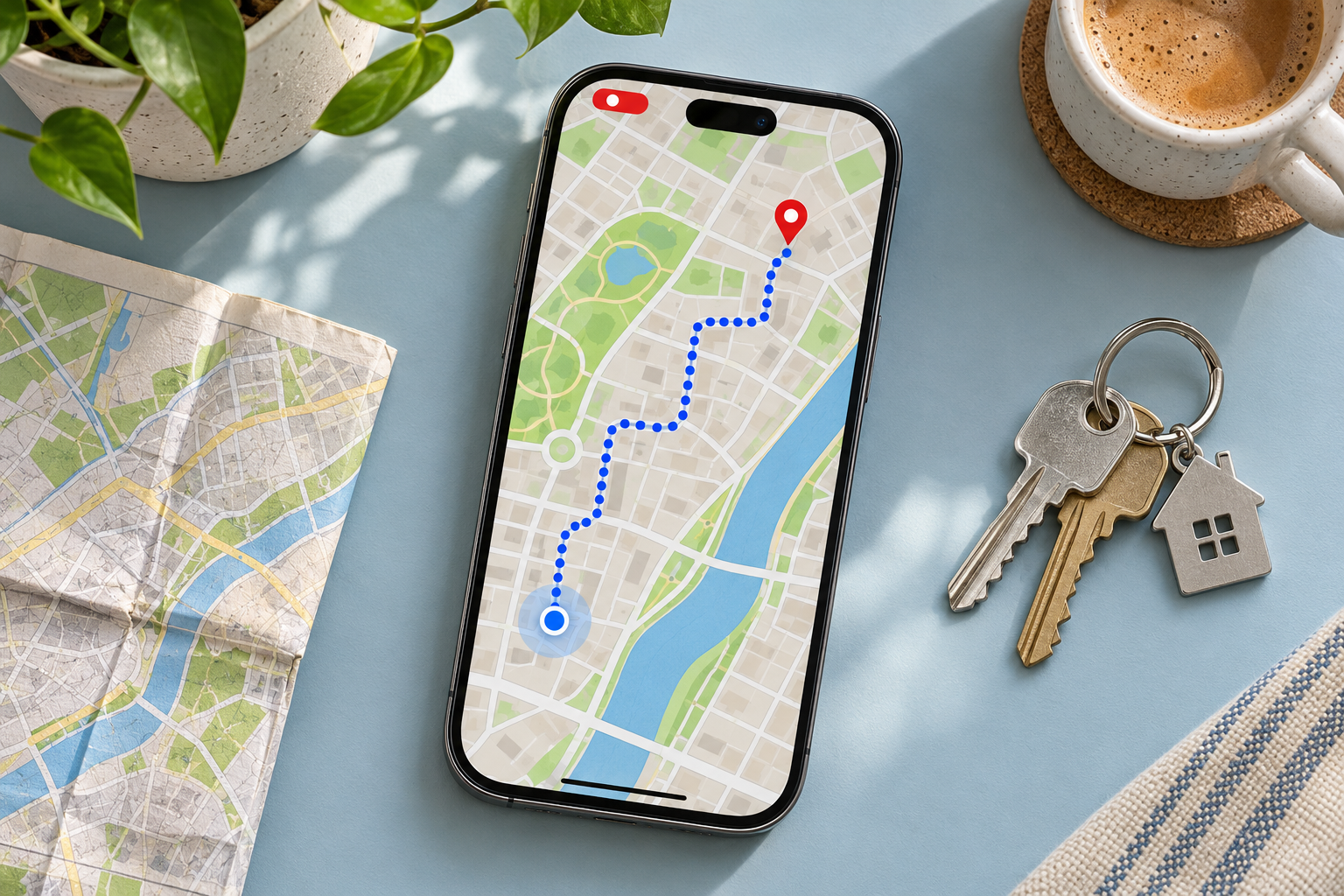
How to Record Walking Directions on iPhone
Turn a walking route into a short screen recording that shows the starting point, tricky turns, and the right entrance.
Read story ↗85 results
Turn a walking route into a short screen recording that shows the starting point, tricky turns, and the right entrance.
Read story ↗
Use Translate Photo Camera & Voice to read setup instructions, check turn order, and try a sample turn.
Read story ↗
Choose how to add an authenticator account and confirm enrollment with Auth Code.
Read story ↗
Compare settings for a PhotoPic portrait and check lighting, edges, and framing.
Read story ↗
Turn scattered notes into a timed meeting agenda with clear questions and decisions.
Read story ↗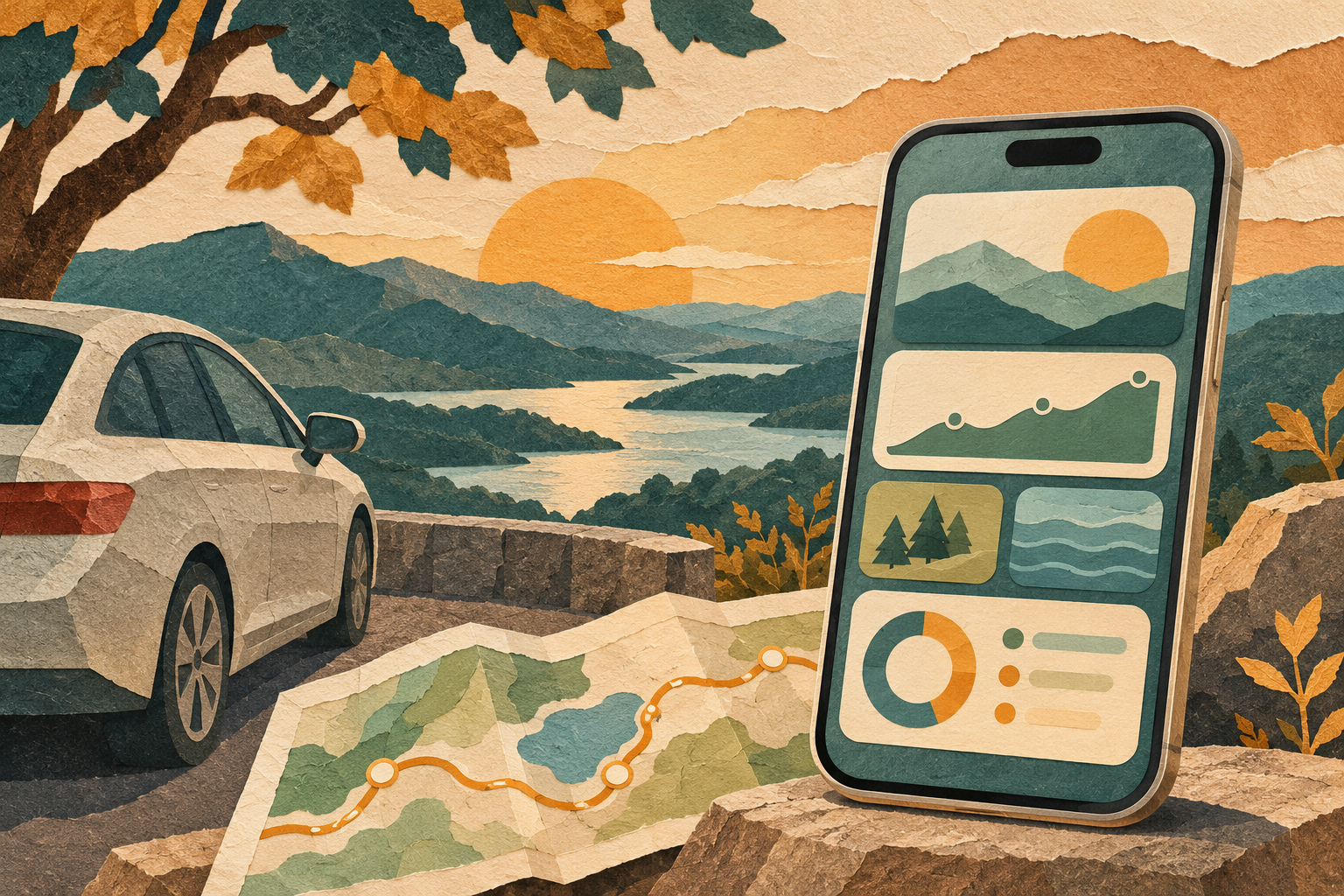
Start a GPS trip on iPhone and review estimated distance and duration in Car Connect.
Read story ↗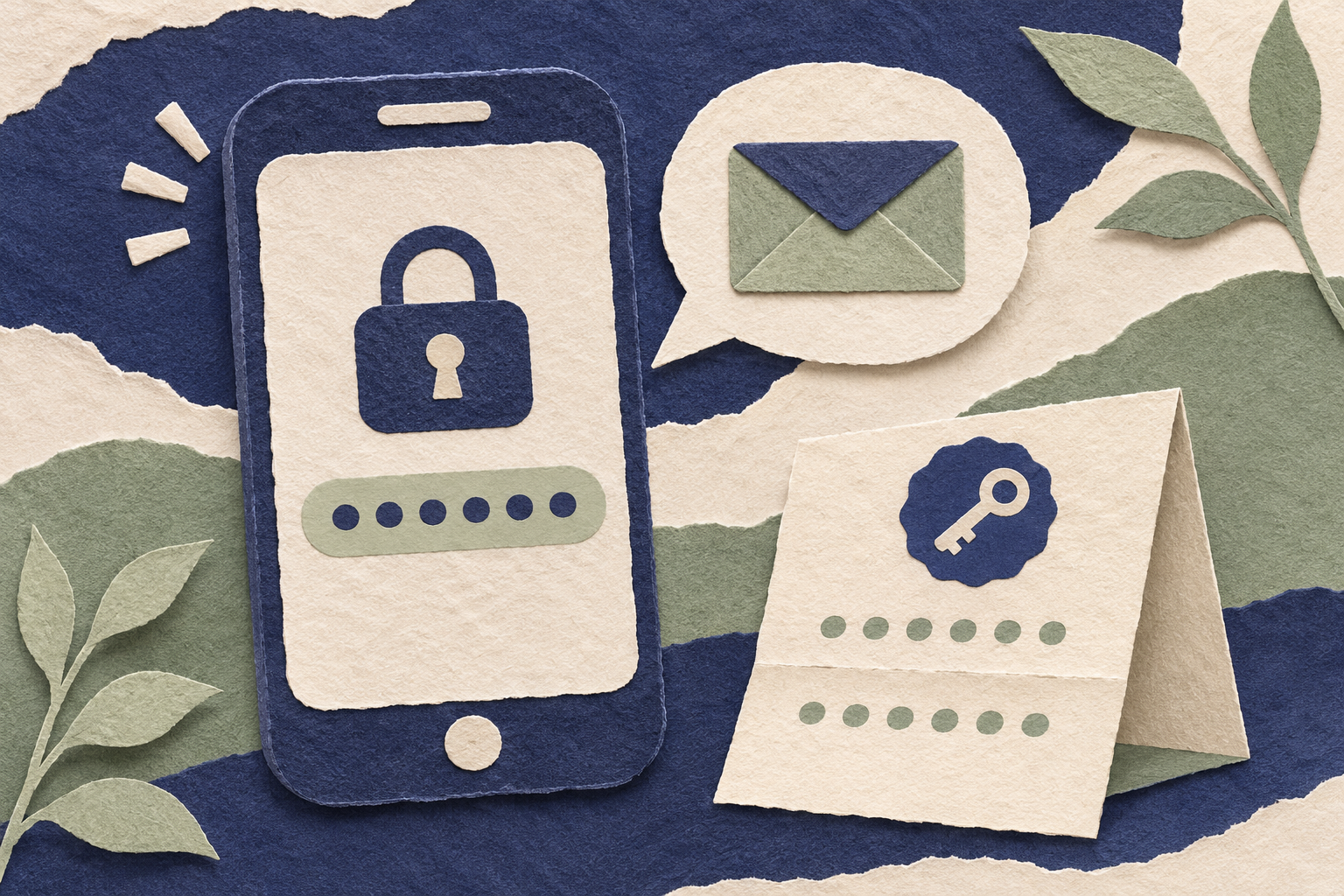
Find the right code for your sign-in prompt and see where Auth Code fits alongside SMS and service-issued recovery codes.
Read story ↗
Choose a costume photo and portrait, create a playful face swap, and lay out a card for print or a private message.
Read story ↗
Use Translate Photo Camera & Voice to read station notices and check train numbers, platforms, and times.
Read story ↗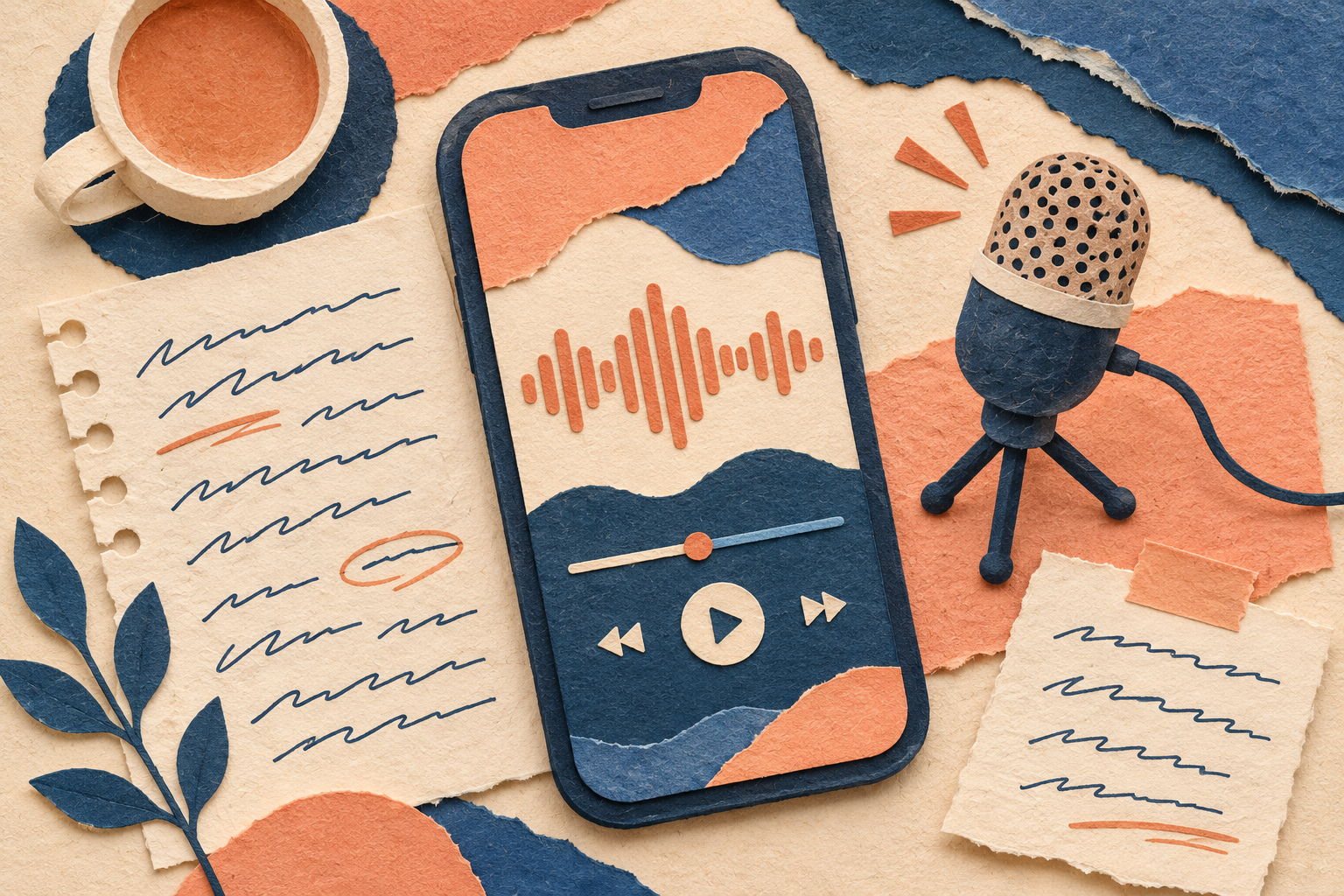
Record a short voice note, review your delivery, and prepare a spoken outline for your next screen recording.
Read story ↗
Run a written mock interview, practice real examples, and revise your answers before rehearsing aloud.
Read story ↗
Frame a short demonstration using the front and rear cameras, test the layout and audio, and review the saved video.
Read story ↗