Nov 11, 2026 · 4 min read
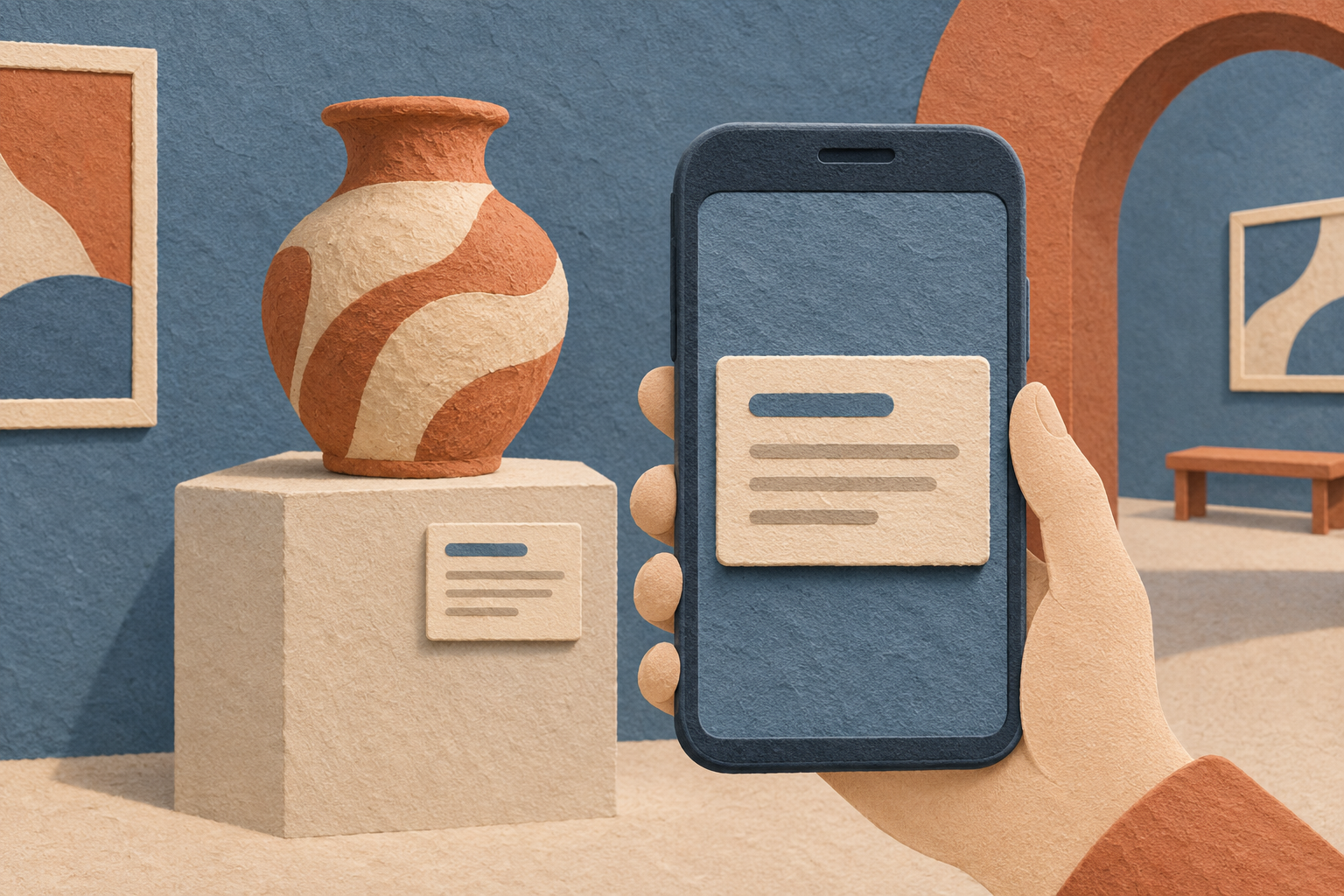
How to Translate Museum Labels on iPhone
Use Translate Photo Camera & Voice to read museum labels and check names, dates, and attribution against the original.
Read story ↗85 results
Use Translate Photo Camera & Voice to read museum labels and check names, dates, and attribution against the original.
Read story ↗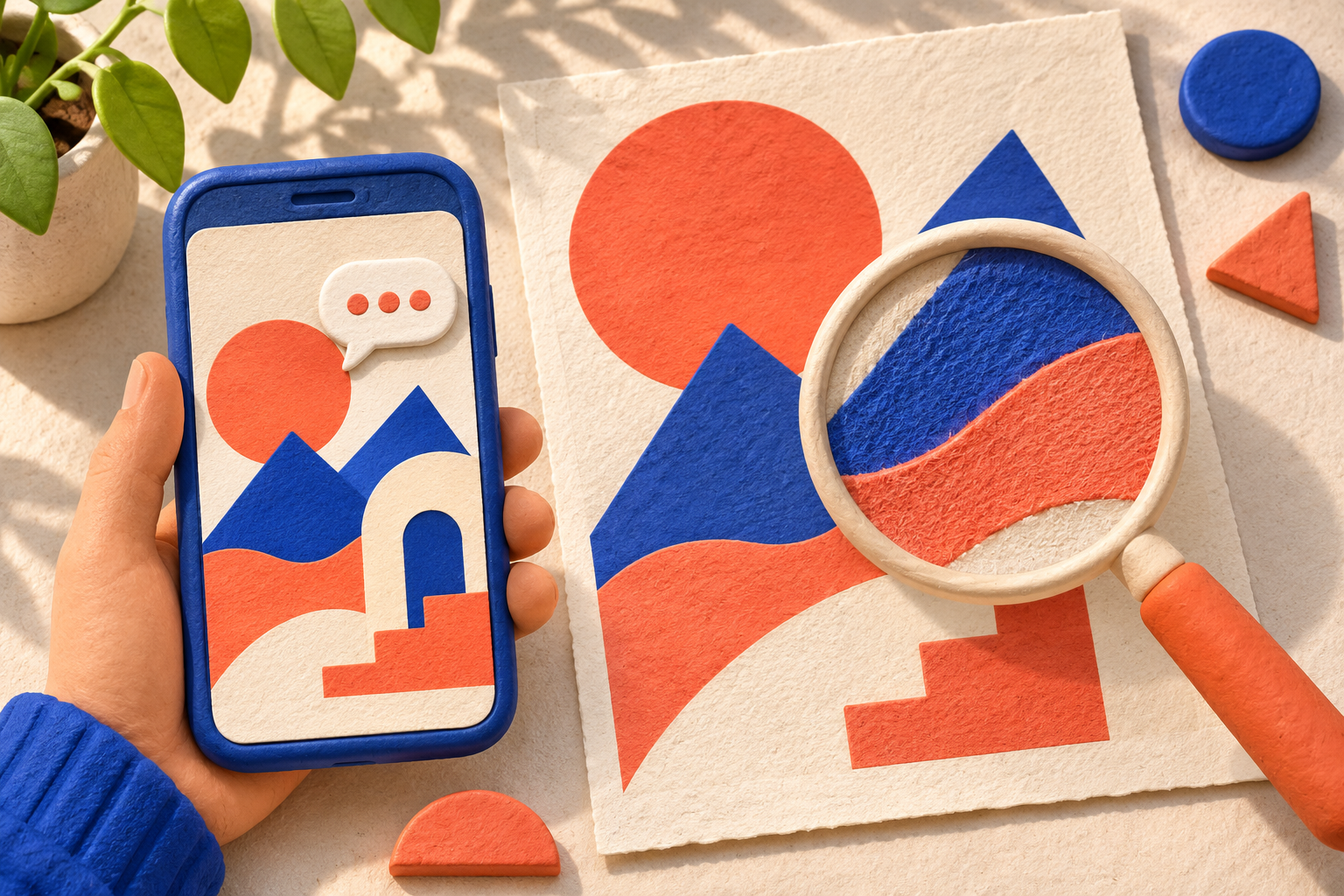
Ask focused questions about screenshots, posters, and charts with AI Chat Agent Plus, then verify the reply against the image.
Read story ↗
Choose a photo of two people, use the same-image Face Swap workflow, and review both faces before sharing your edit.
Read story ↗
Check code visibility, app locking, and the Home Screen widget before sharing or recording your iPhone screen.
Read story ↗
Choose a sound, link it to the CarPlay connection trigger in Apple Shortcuts, and test playback while parked.
Read story ↗
Create a clear Car Connect widget, check iOS and vehicle compatibility, follow the setup guide, and review your design on the display while parked.
Read story ↗
Understand time-based and counter-based authenticator codes, follow the service enrollment, and review practical checks for Auth Code accounts.
Read story ↗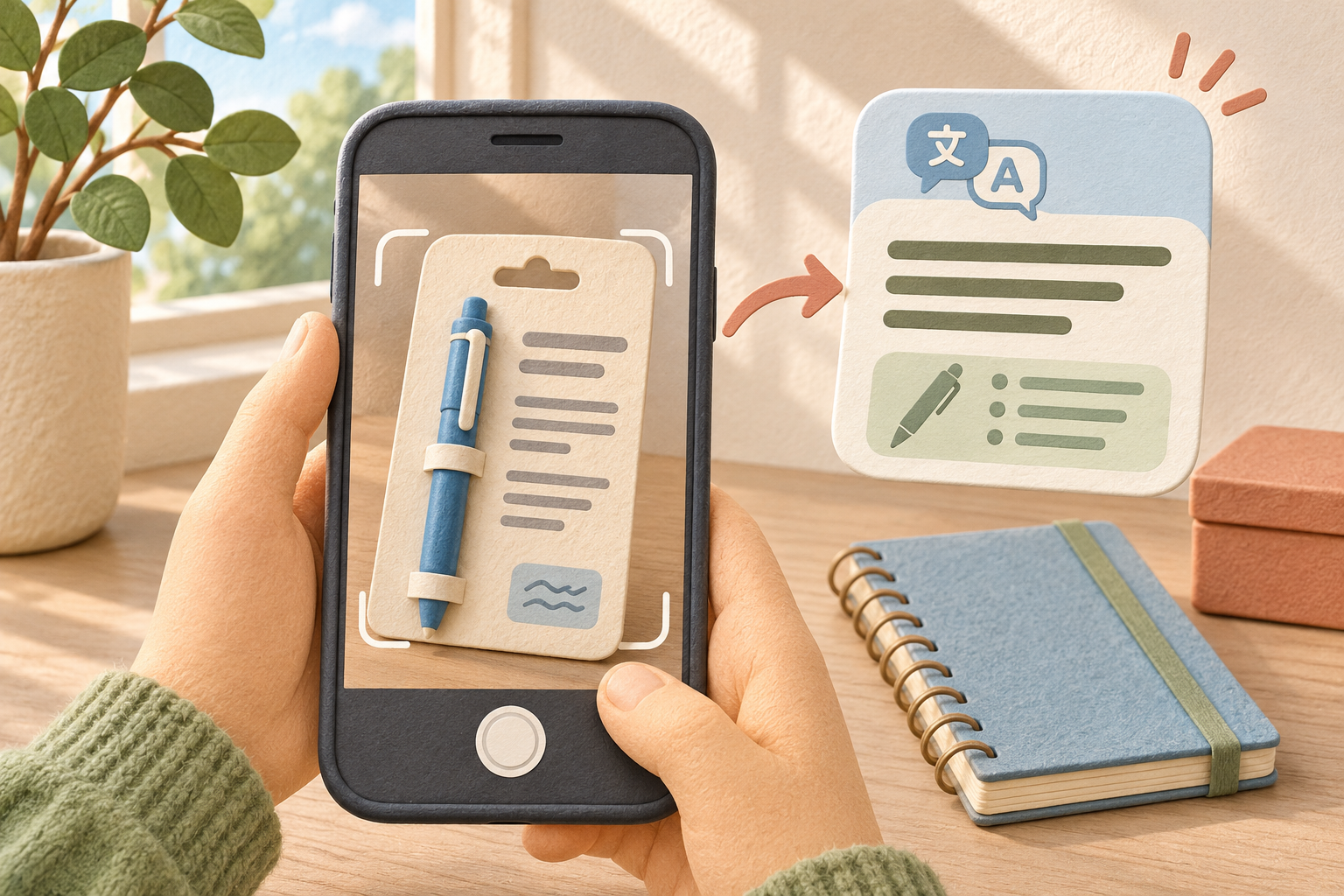
Read ordinary product descriptions with photo translation: keep labels and numbers together, compare variants, and identify questions for the seller.
Read story ↗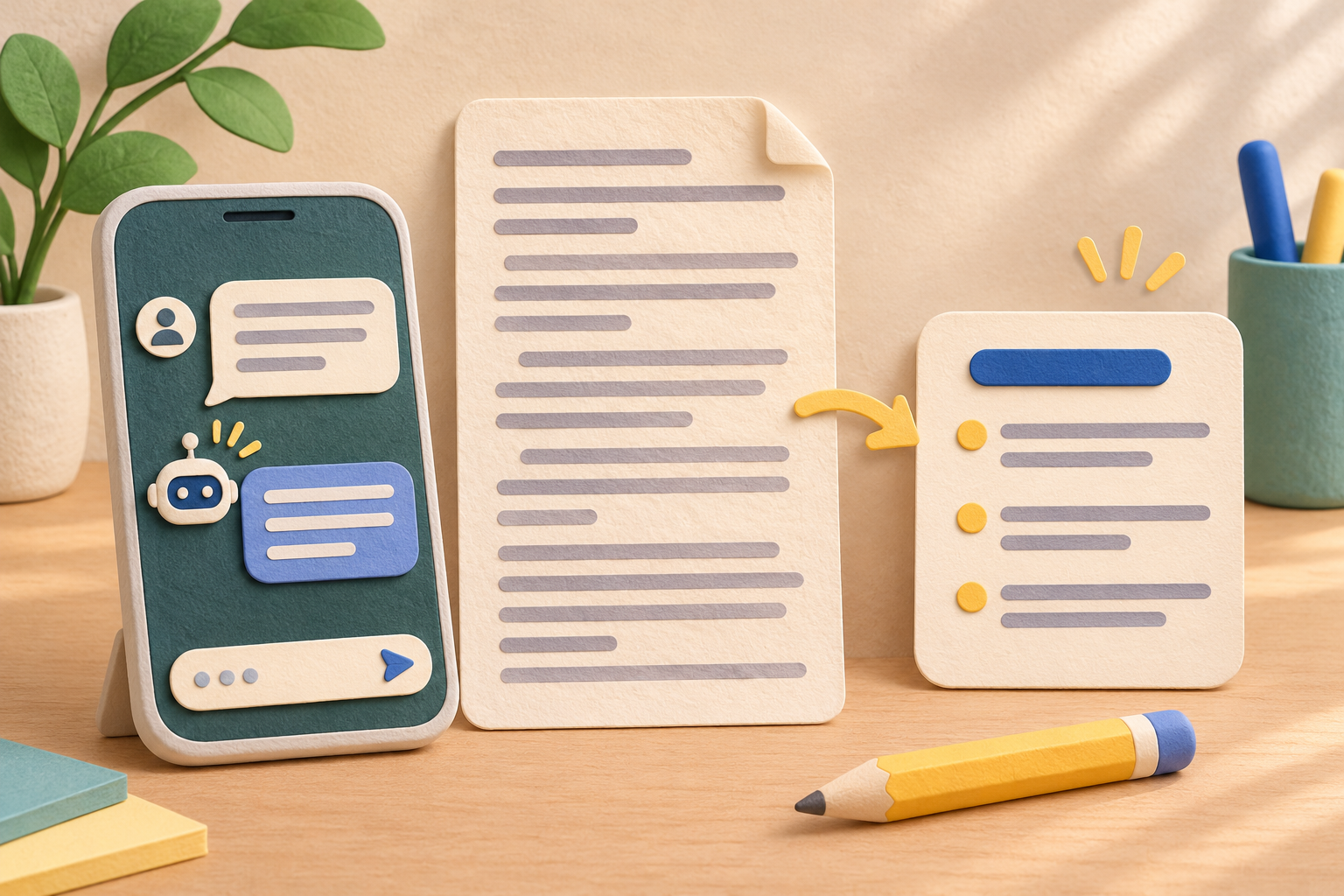
Use AI Chat Agent Plus to prepare a focused summary, preserve qualifications, separate interpretation, and check the result against your original text.
Read story ↗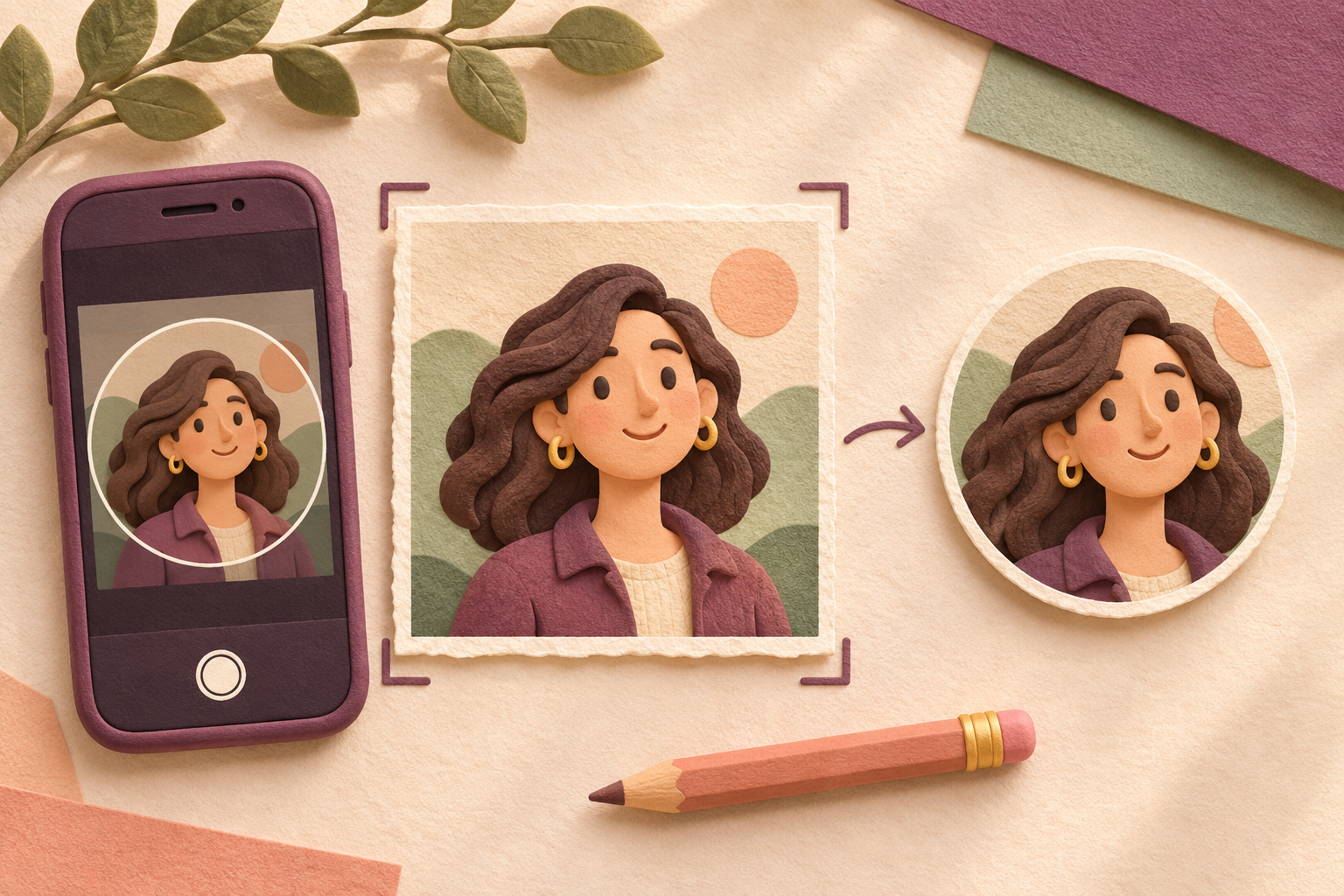
Prepare a creative PhotoPic portrait for a profile image: choose clear framing, test square and circular previews, and review context before uploading.
Read story ↗
Capture gameplay highlights with Screen Recorder: test the game and sound setup, retain useful context, trim the clip, and review your export.
Read story ↗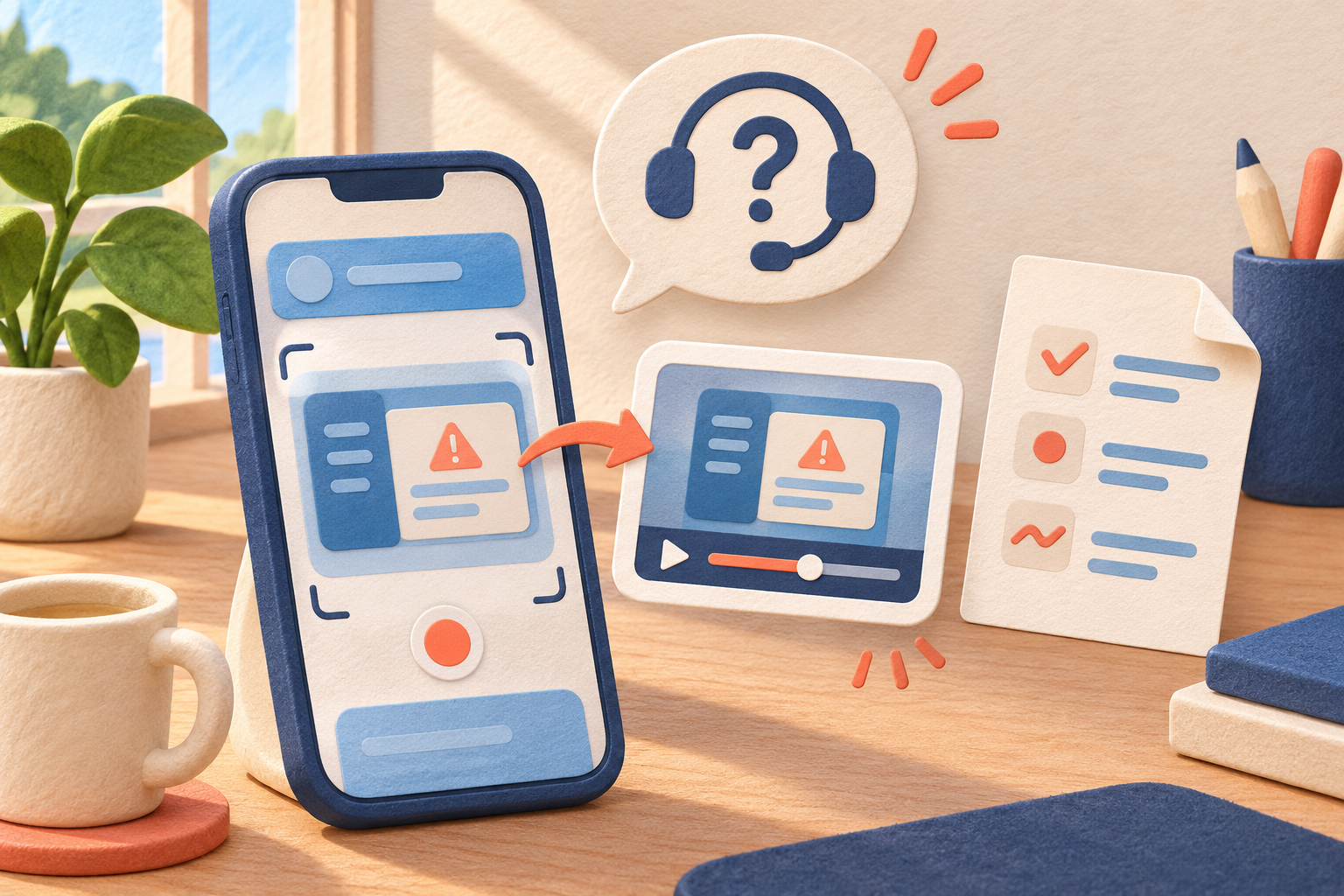
Create a focused support recording with Screen Recorder: show the steps and actual result, preserve useful context, and review the export for private details.
Read story ↗