Nov 3, 2026 · 7 min read
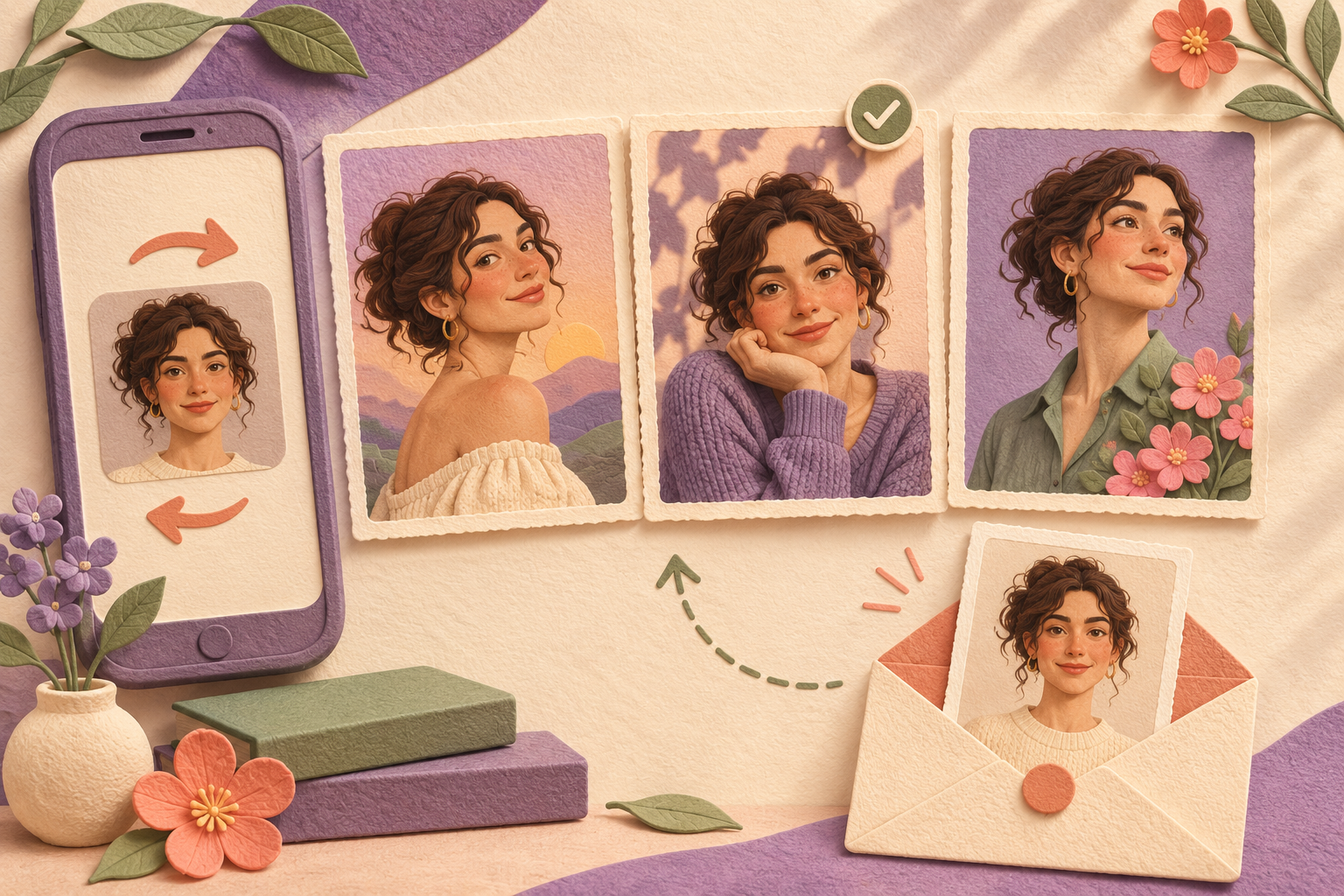
Compare Face Swap Versions in PhotoPic: Choose the Edit Worth Keeping
Compare PhotoPic face swap versions with a clear purpose, consistent viewing size, useful review criteria, and a saved original reference.
Read story ↗85 results
Compare PhotoPic face swap versions with a clear purpose, consistent viewing size, useful review criteria, and a saved original reference.
Read story ↗
Choose photo or voice translation for everyday travel: match the source, check languages, and confirm names and numbers with the original context.
Read story ↗
Check rejected authenticator codes with a practical routine: confirm the account and method, review time-based codes, and preserve recovery access.
Read story ↗
Prepare for a new iPhone with an Auth Code backup plan: understand export, sync, service recovery methods, and account checks before retiring your old device.
Read story ↗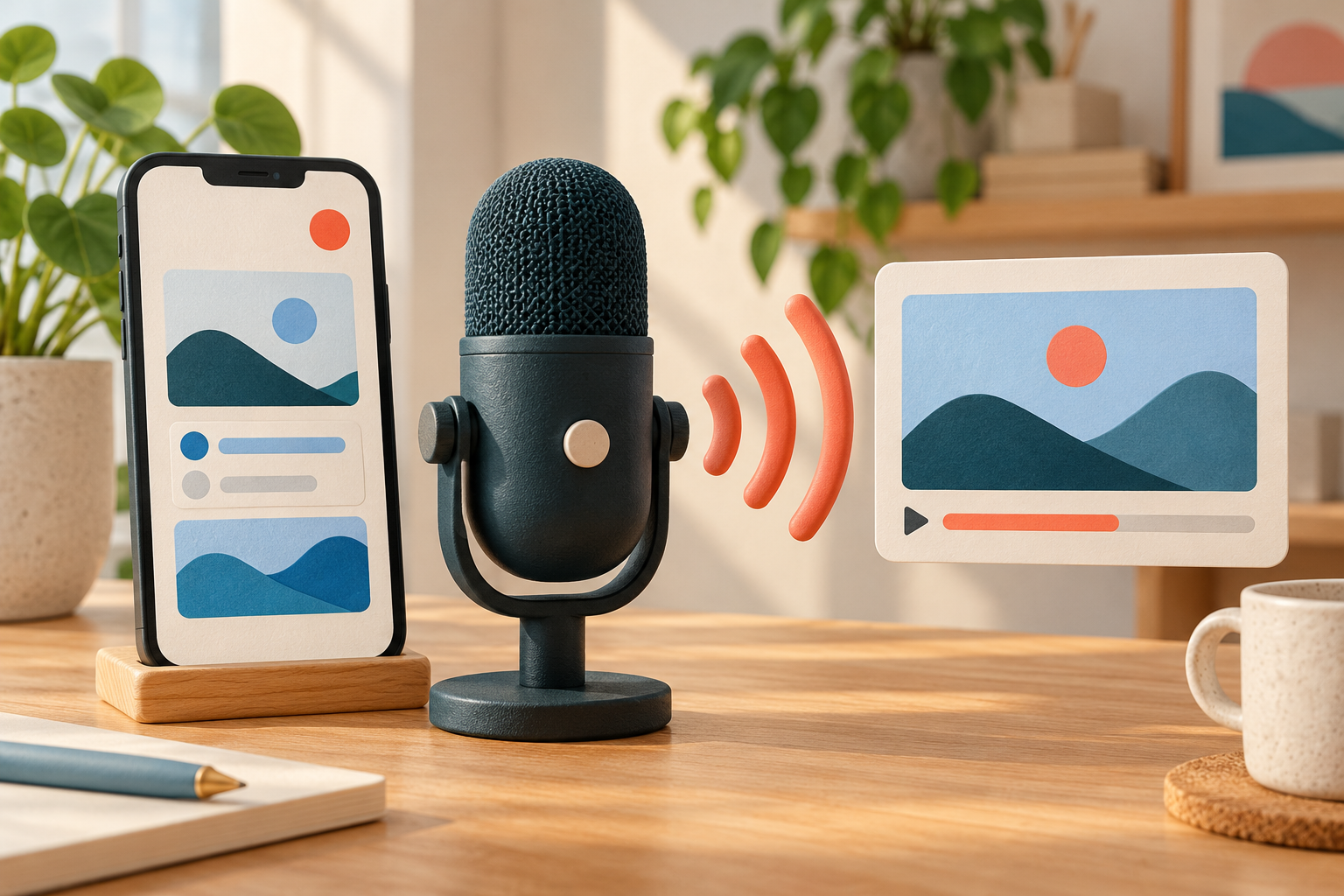
Prepare clear microphone commentary with Screen Recorder: choose the right workflow, test sound sources, record a focused explanation, and review the export.
Read story ↗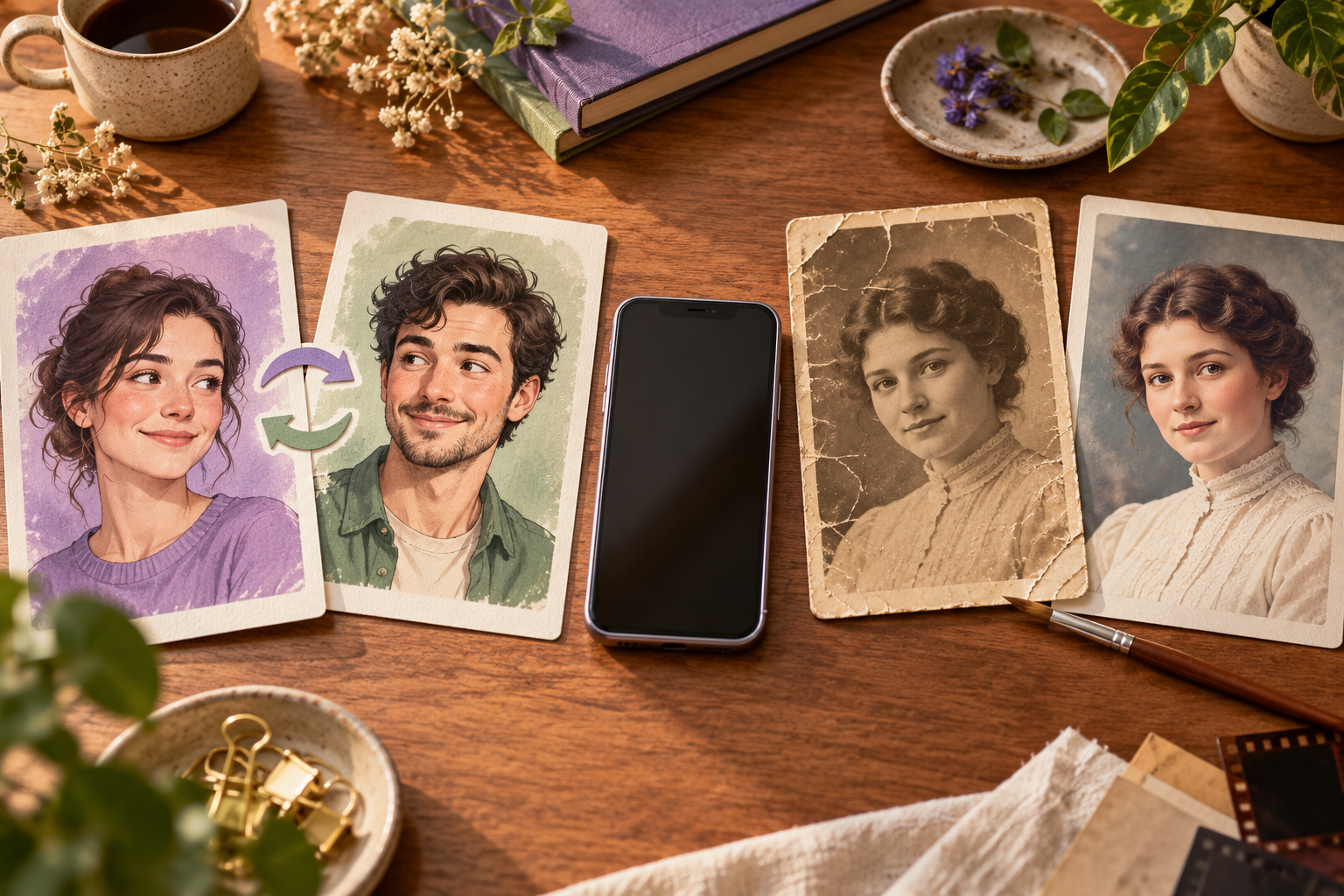
Compare face swapping, restoration, colorization, and upscaling in PhotoPic, then choose the right workflow and review the result against your purpose.
Read story ↗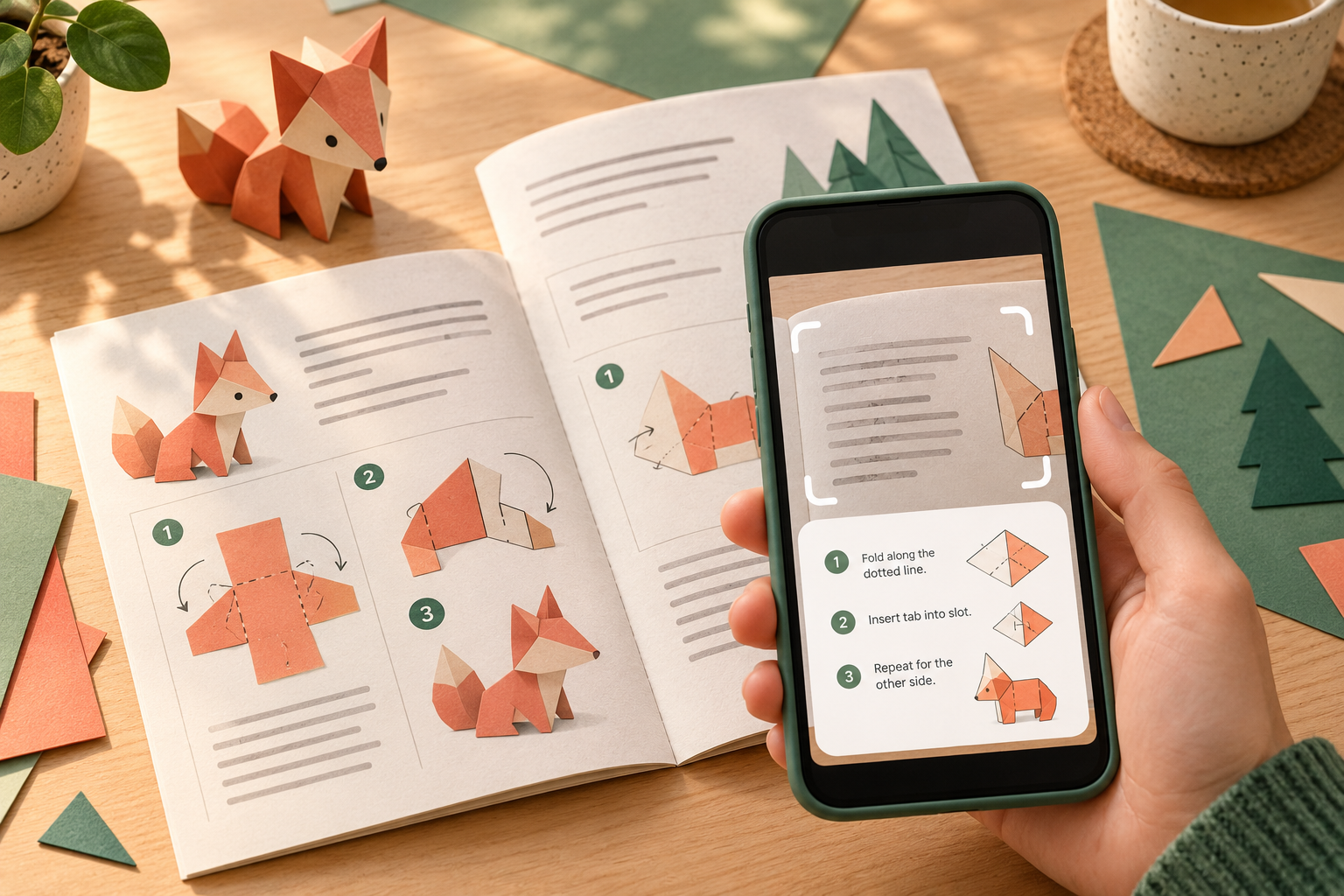
Read ordinary printed booklets with a photo translation workflow: capture a complete section, compare captions and diagrams, and check recognized text.
Read story ↗
Practice written conversations with AI Chat Agent Plus: choose a scenario, request focused feedback, try variations, and keep a small review list.
Read story ↗
Use AI Chat Agent Plus to explore distinct ideas, compare them with your own criteria, check assumptions, and choose a small practical experiment.
Read story ↗
Prepare a focused screen recording with Screen Recorder: choose useful start and end points, review playback speed, and check the exported video.
Read story ↗
Troubleshoot a creative face swap by checking angles, lighting, expressions, and overlapping objects, then changing one photo input at a time.
Read story ↗
Translate text in saved screenshots with a practical image workflow: prepare the passage, check languages, review OCR, and compare important details.
Read story ↗